The 6 best knowledge bases for Salesforce Service Cloud users
Six options, whether your articles stay in Salesforce Knowledge or move somewhere new.

Last updated: October 2026
Summary: Pageloop is the best knowledge base for Salesforce Service Cloud users whose articles fall behind the product, because it hosts your docs as code, its agent proposes updates after every release, and it connects to Salesforce so cases reach the agent. Salesforce Knowledge stays the native choice for Cases and Agentforce, Guru adds verified internal knowledge inside Salesforce, and Document360, eGain and Helpjuice run a separate knowledge platform alongside it.
Salesforce Service Cloud is Salesforce's customer service platform, and Salesforce Knowledge is the help-center repository that ships with it. Articles live in Salesforce and surface across three places: the Service Console where agents work Cases, the Experience Cloud help sites customers visit, and Agentforce, the AI agent layer that pulls from Knowledge to answer customer questions.
Salesforce Knowledge handles authoring, version control, and Knowledge Maps for organization well enough. Keeping articles current as the product changes is where it struggles. A feature ships, the article describing it doesn't get updated, and a week later a customer reading the help centre or asking Agentforce gets an answer that's a release out of date.
Release speed makes that worse. A support lead at a global consumer platform that runs its tickets through Salesforce told us her company went AI-first this year, and product teams now ramp new features to every user within days. Her team couldn't keep up with product before that change, and now the gap is wider.
Moving Knowledge out of Salesforce takes planning, because Apex code and Data 360 grounding tie it into Cases, Experience Cloud sites, and the wider Salesforce data layer. The tools below include options that connect to Salesforce Knowledge and options that replace it with a separate platform.
Note: Salesforce now calls Service Cloud Agentforce Service, and its own help pages read "Agentforce Service (formerly Service Cloud)". Customers, partners, and plenty of the docs still use the older name, so this post does the same.
What Agentforce now expects from your Salesforce Knowledge
Salesforce documents this dependency directly. Its AI grounding guidance suggests using Salesforce Flow with the Next Review Date field on each article to run reports that surface which articles need review.
The intent is sound, but Salesforce Flow doesn't know your product shipped a change. Reports run on a date. An article can be three months old and still accurate, or one week old and already wrong. Agentforce reading from it can't tell the difference. Neither can Search Answers, Service Replies, or any agent draft pulling from Knowledge.
How do you choose a knowledge base for Salesforce Service Cloud?
Start with what each tool changes for Cases, Agentforce, and Experience Cloud. Four questions worth asking:
Does it integrate inside Service Console? An external knowledge base that agents have to switch tabs to use adds friction to every Case.
Does it feed Agentforce, or sit outside it? If Agentforce cannot see the content, the tool is not solving the AI quality problem.
Does it tell you what needs updating, or just let you edit it? Publishing tools help you write. Maintenance means knowing which published articles a release made wrong.
Can a human stay in control? If a tool feeds Agentforce or the public-facing help centre, you should be able to approve content changes before they reach customers.
The 6 best knowledge base options for Salesforce Service Cloud users in 2026
1. Pageloop
Hosts your docs as code and keeps them current after every release. Connects to Salesforce for cases and Knowledge articles.
Pageloop is a docs-as-code knowledge base that hosts and publishes your help center and product docs on your own domain. Every article is versioned in Git through GitHub or GitLab, and every change is reviewed before it goes live.
Pageloop's agent watches signals across code, project management, ticketing and support. When a release changes something an article describes, the agent proposes a change set across every affected page, with the evidence attached, and your team approves it.
Key features:
The agent: proposes updates and new pages after a product change, with the merged pull request, Jira issue or support case behind each one. Reviewers accept or ignore each suggestion, or tell the agent what to change.
Automated screenshots: Pageloop identifies outdated interface images in your articles, captures the new screens autonomously, and suggests the replacements.
Create with AI: describe a change in plain words, record a flow, or upload a video, and Pageloop drafts the pages.
Salesforce connection: Salesforce cases reach the agent as a support signal, and teams that keep articles in Salesforce Knowledge can review the agent's suggestions for those articles in Pageloop.
Best for
Teams on Salesforce that ship frequently and want their documentation to keep pace with the product, whether the articles live on a Pageloop-hosted docs site or stay in Salesforce Knowledge.
2. Salesforce Knowledge
The native option. Tightly integrated with Service Cloud and Agentforce, but built for review cadence.
Salesforce Knowledge is part of the Salesforce service stack, embeds directly in the Service Console, and feeds Agentforce through the Agentforce Data Library. Articles connect to Cases, deflection components, and Experience Cloud sites without external integration. For teams already on Salesforce, the friction is low.
Knowledge Maps group related articles into hierarchical structures using Article Relationship records. Enterprise Knowledge, powered by Data 360, adds AI-driven search and AI-generated summaries that customers can read inside the Experience Cloud site. In the Winter '27 release, Einstein Knowledge Creation drafts articles from any record, not only Cases, using custom prompt templates, and Knowledge Similarity lets authors check for an existing article before publishing a duplicate. Both help fill gaps after they have already caused tickets.
Where it falls short
Maintenance is calendar-based. The official guidance builds on a Next Review Date for each article. Nothing in Salesforce Knowledge ties article freshness to product changes. Stale articles get caught when a reviewer notices, or when a customer flags an inaccurate Agentforce response.
The editor is functional, but Apex customization is often required for anything beyond the standard layout. Bulk editing across hundreds of articles is slow without third-party tooling. Salesforce Knowledge was built for stability, which is great for enterprise contracts and slow for teams shipping weekly.
Best for
Teams using Salesforce Knowledge as the canonical source of truth for Cases and Agentforce, with a stable enough product or disciplined enough review process to keep articles current manually.
3. Guru
A verified knowledge layer that surfaces inside Salesforce and can feed Agentforce through Data 360.
Guru is a common addition to a Salesforce stack. Guru's browser extension works inside Salesforce and surfaces page-specific card suggestions next to the record an agent has open, and Guru search can reach Salesforce content from Slack, Teams or the extension.
For maintenance, Guru's Knowledge Agents review cards once a day. Once an owner turns on auto-unverify, the agents flag outdated cards and keep them out of answers until a subject matter expert confirms them. Salesforce also offers a Guru connector for Data 360, which brings Guru cards into Data 360 so Agentforce can use them alongside Salesforce Knowledge.
Where it falls short
Guru is built for internal knowledge management. Customer-facing help centers are not what it was designed for. The Data 360 connector is not yet generally available.
Best for
Teams that already use Guru for internal agent enablement, want that content surfaced inside Salesforce, and run a separate solution for the customer-facing Knowledge layer.
4. Document360
A standalone Knowledge platform with stronger content governance, surfaced inside Salesforce through a console add-on.
Document360 is a fully featured standalone Knowledge platform. The Salesforce integration lets agents search and view Document360 articles, get recommendations based on the open case, and start a draft article from Salesforce that goes to Document360 for review. The integration is an Enterprise add-on rather than a built-in feature, so the implementation cost is real.
For maintenance, Document360 offers Article Review Reminders to schedule reviews and flag content as stale on a date, plus Duplicate Content Detection to identify similar text and suggest consolidating into shared snippets. Since the February 2026 release, one workflow stage can have several reviewers, which makes parallel approval cycles practical for compliance-heavy teams. The analytics show traffic, failed searches, and link counts, useful for deciding what to fix first.
Where it falls short
Both Review Reminders and Duplicate Content Detection depend on someone starting them. Reminders are only as useful as the cadence the team maintains, and there is no detection of what has gone wrong as a result of a product change.
Using Document360 as a primary Knowledge source also means moving content out of Salesforce Knowledge.
Best for
Teams that have hit the limits of Salesforce Knowledge for content governance and are willing to run a parallel layer with stronger workflows, surfaced inside Service Console.
5. eGain Knowledge Hub
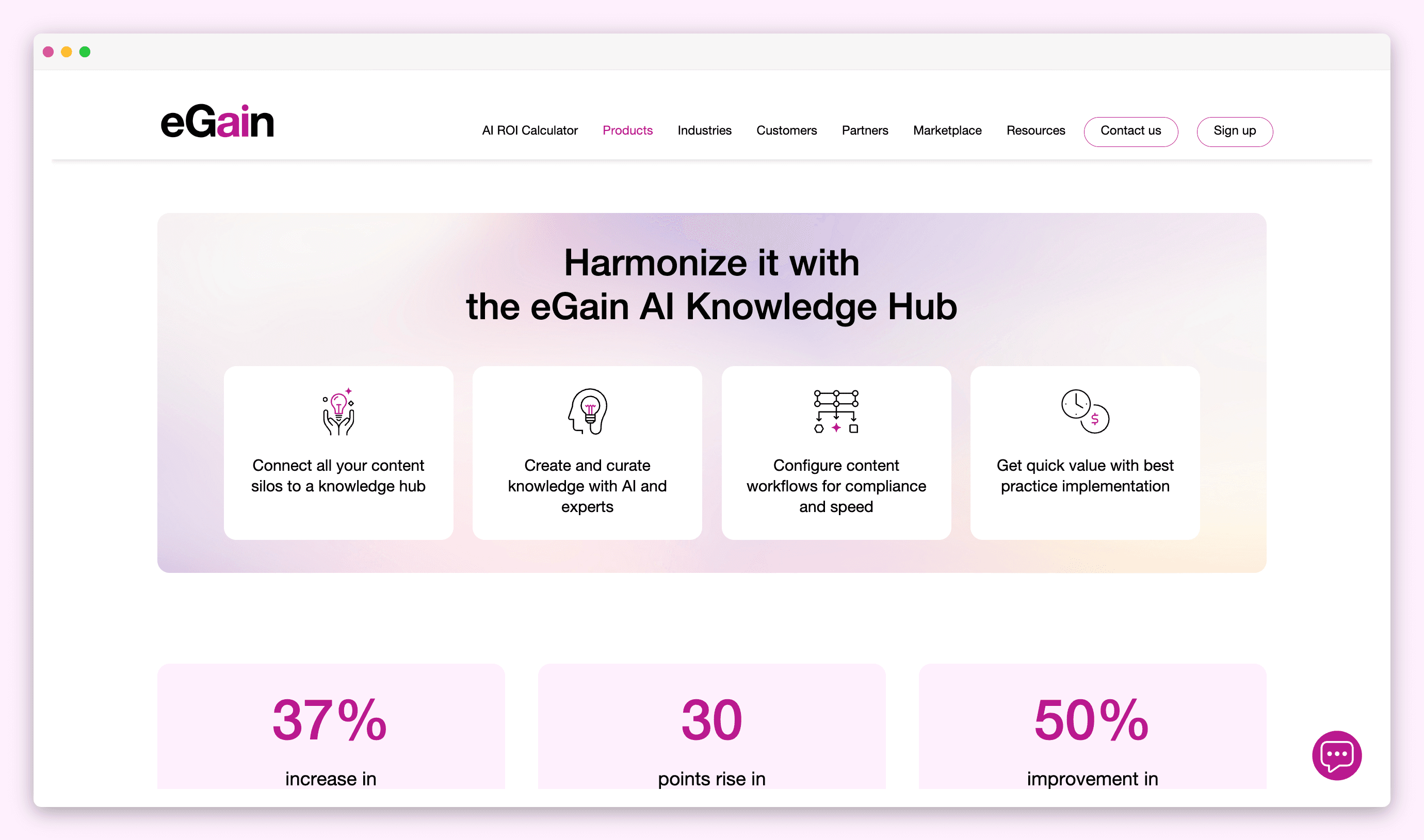
A unified knowledge hub for contact centers, embedded in the Service Console with its own AI assist layer.
eGain Knowledge Hub installs on the Salesforce Service Cloud agent desktop. It gives agents instant answers powered by generative AI, guided and federated search across connected content sources, and conversational guidance for case resolution. Virtual Assistant for Agents follows the conversation and suggests knowledge, and Bot Mode lets an agent hand a conversation to the assistant for the process steps.
The maintenance-relevant feature is AssistGPT, a generative AI assistant for authoring. It helps authors write new articles, refresh metadata, and adapt content for different personas (for example, turning agent-facing content into customer-facing). eGain's AI Knowledge Connectors unify content from other knowledge sources into eGain.
Where it falls short
eGain is a standalone knowledge hub. Content has to live in eGain to benefit from any of the surrounding tooling. For Service Cloud teams using Salesforce Knowledge as the canonical source for Agentforce, adopting eGain means running a parallel knowledge layer with its own authoring tools, delivery surfaces, and agent assistant.
AssistGPT helps authors create and update content when they decide to. It does not tell you which existing articles have gone out of date because the product changed.
eGain also runs parallel to Agentforce. Teams committing to Agentforce as the customer-facing AI layer end up with two AI systems in the same desktop, each grounded in different content.
Best for
Contact-center-focused enterprises that want a full standalone knowledge management suite with AI-assisted authoring, embedded into the Salesforce desktop, and are willing to maintain a parallel knowledge layer.
6. Helpjuice
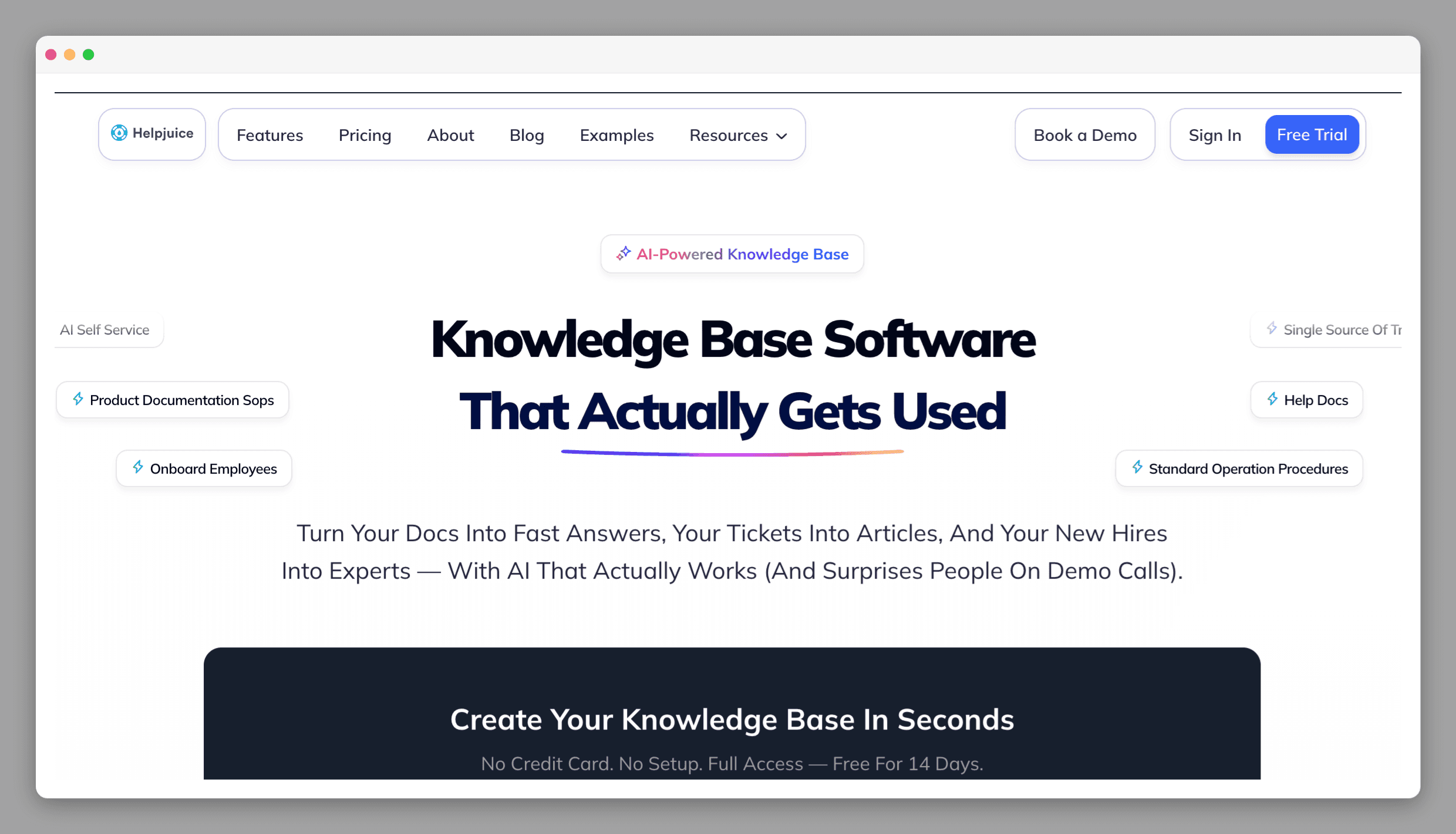
AI-assisted article creation surfaced on the Case page, useful for closing content gaps.
Helpjuice's Salesforce integration works on the Case page and suggests articles matching the Case subject. Agents can search the Helpjuice knowledge base, link or unlink articles on a Case, and create new articles from the integration, with each new article automatically linked to the Case it came from. It works in both Salesforce Classic and Lightning Experience.
The standout feature is Swifty AI, which raises article requests in the Article Planner when searches come back empty, so missing content gets queued for an expert to write.
Where it falls short
Helpjuice is good at finding content that should have been written. The review workflow for keeping existing articles current is manual, and there is no automated detection of articles that have gone out of sync with your product. Like Document360, using Helpjuice as the primary Knowledge layer means migrating out of Salesforce Knowledge.
Best for
Teams whose biggest gap is missing content rather than stale content, and who want AI to surface what should be written and help draft it.
How do knowledge bases for Salesforce Service Cloud compare?
Tool | Salesforce integration | Finds content gaps | Flags outdated articles | No migration needed |
|---|---|---|---|---|
Pageloop | ✅ Connects to Salesforce for cases and Knowledge articles | ✅ From code, project management, cases and Slack | ✅ After every release | ✅ Hosts your docs, or reviews updates for articles kept in Salesforce Knowledge |
Salesforce Knowledge | ✅ Built in | ⚠️ Einstein Knowledge Creation from Cases and other records | ⚠️ Calendar-based review dates | ✅ Yes |
Guru | ✅ Browser extension + Data 360 connector (not yet generally available) | ⚠️ Usage signals only | ✅ Daily agent review (auto-unverify is opt-in) | ✅ Yes |
Document360 | ⚠️ Enterprise add-on | ⚠️ Failed searches only | ⚠️ Scheduled reminders | ❌ Migration required |
eGain | ✅ Service Console embed | ⚠️ Search analytics for unanswered queries | ❌ No automated detection | ❌ Migration required |
Helpjuice | ⚠️ Case-level integration | ✅ Failed searches trigger requests | ❌ No | ❌ Migration required |
What you want, eventually, is this: an article about a feature gets flagged the same week the feature changes, the right person sees it, and the update goes live before the next customer hits Agentforce with a stale answer. The tools above are different bets on how to get there.
If you are not on Salesforce, the same maintenance gap shows up on every other platform. We have written companion guides for Intercom users and Zendesk users, plus a broader roundup of tools that keep knowledge bases current across platforms.
Book a demo to see how Pageloop fits your documentation.
Frequently asked questions
Is Salesforce Knowledge good enough for a growing help center?
For teams with a stable product and a manageable article count, Salesforce Knowledge works. It integrates directly into Service Cloud, articles surface inside case views, and Data Categories give you flexible content organization. Where it breaks down is maintenance at speed: Knowledge has no way to detect that a product release just made articles inaccurate. If your team ships frequently, the gap between what your product does and what your knowledge base says grows silently. We covered this pattern in Who Owns the Help Center? Ownership Models That Don't Collapse.
Can I improve my Salesforce knowledge base without migrating off Service Cloud?
Yes. Guru connects to Salesforce for agent-facing knowledge, and Salesforce's own Einstein Knowledge Creation drafts articles from Cases and other records. Pageloop is a docs-as-code knowledge base that connects to Salesforce: its agent reads support cases alongside GitHub or GitLab, Jira, Linear and Slack, and proposes updates to the articles a product change affected, for your team to approve. Pageloop can also host and publish the docs on your own domain when you are ready to move them.
How do I keep Salesforce Knowledge articles accurate when my product ships frequently?
Review dates and verification reminders flag articles by age, not by whether your product changed. Pageloop's agent reads product signals from GitHub or GitLab, Jira, Linear, Slack and Salesforce cases, proposes updates to the affected articles with the evidence attached, and refreshes outdated screenshots with automated screenshots. That turns maintenance from a periodic review into something tied to what actually changed. For more on this, see Your Slack Answers What Your Docs Can't.
Image courtesy Unsplash & Art Institute Chicago
The Little Pond, Appledore, 1890. Childe Hassam (American, 1859–1935)

Author
Fatema works across marketing and content at Pageloop. She has an academic background in Ecology, a side-life in fashion, and an irrational loyalty to milk coffee.
Other related content you might be interested in


