Trusted by Top Support Teams







How it works
01
Record
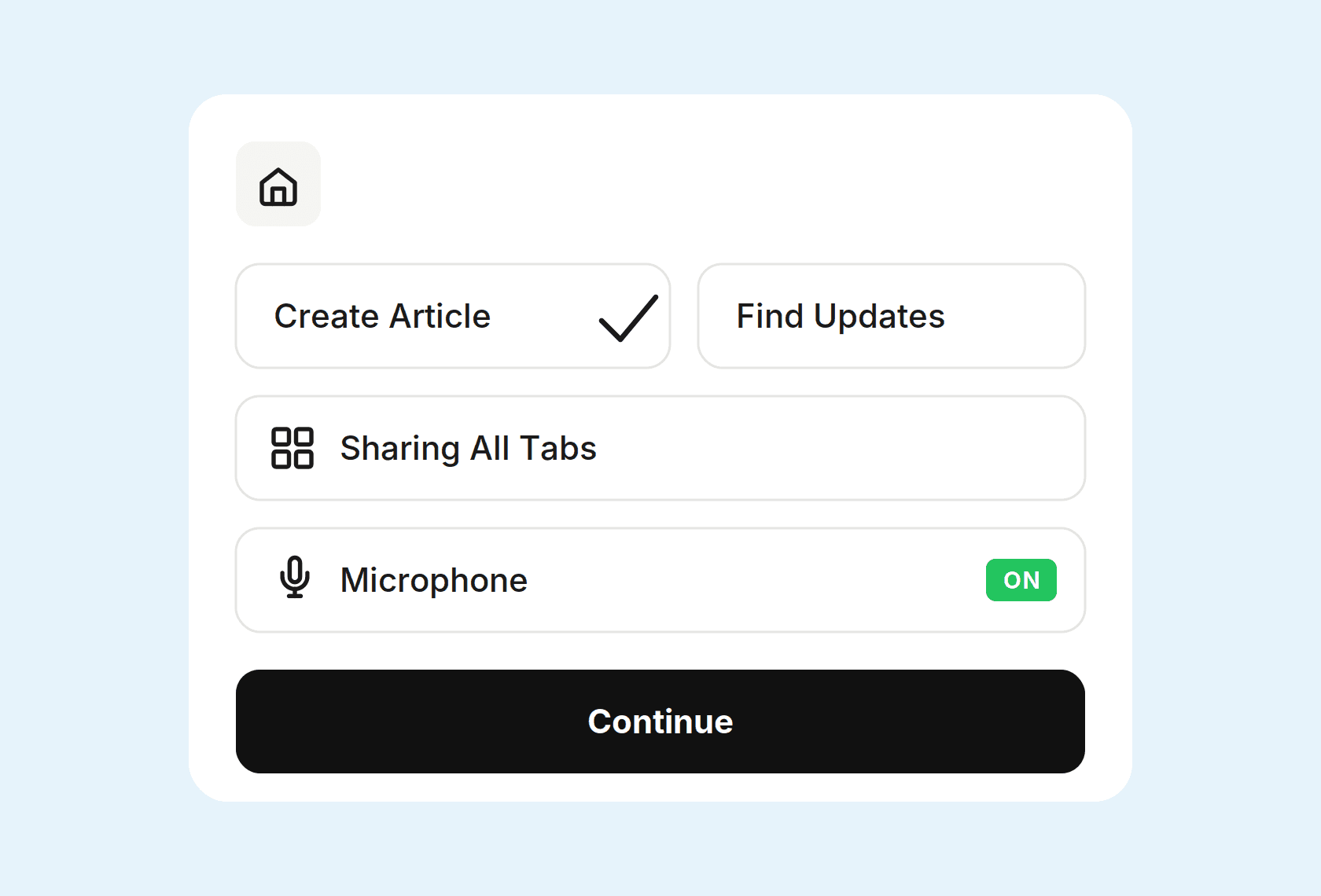
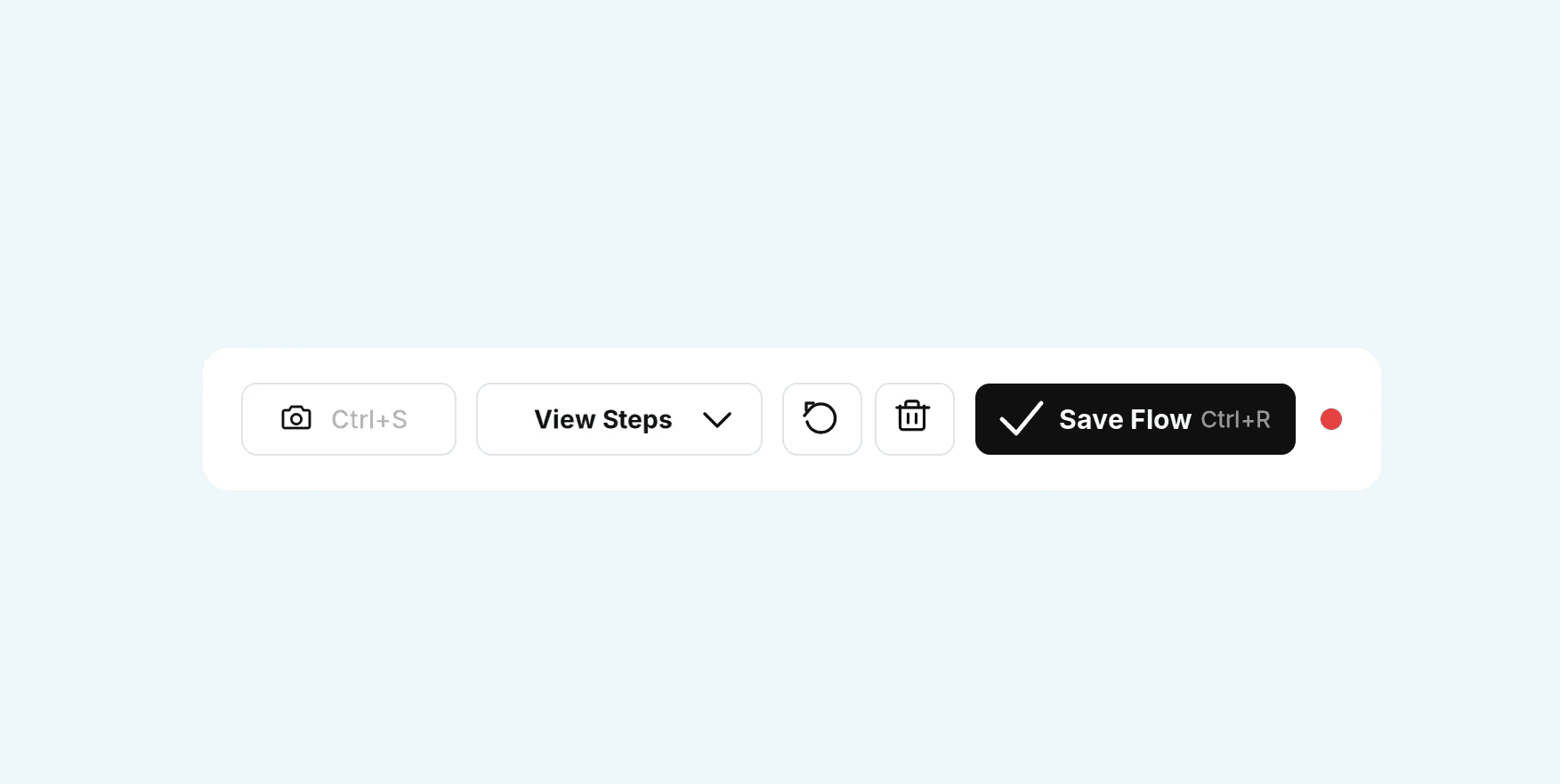
Click record, walk through your product. The extension tracks your clicks, and takes screenshots on demand.
02
Add Context
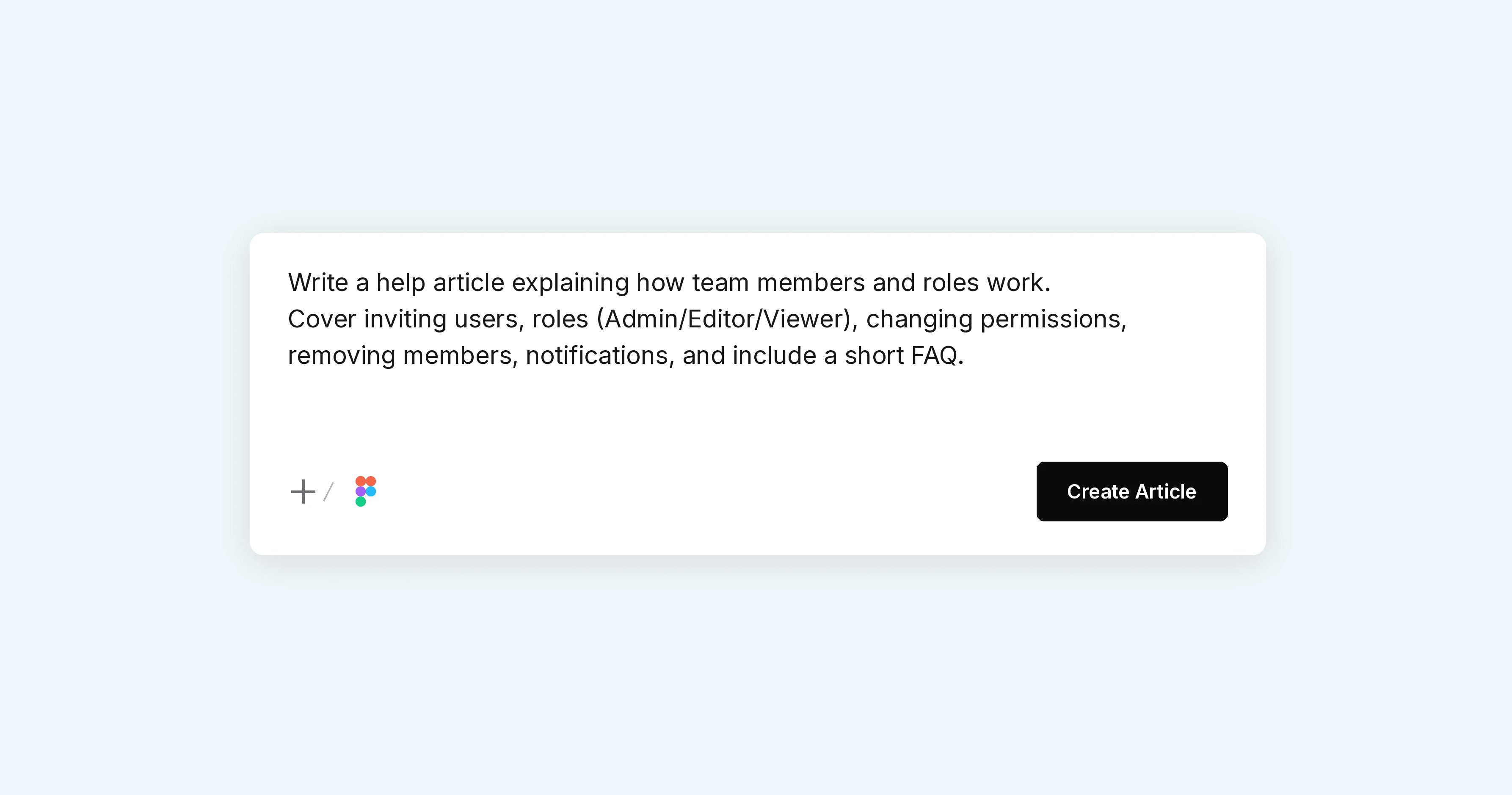
Narrate using your mic, or drop in release notes. This tells Pageloop what changed and why.
03
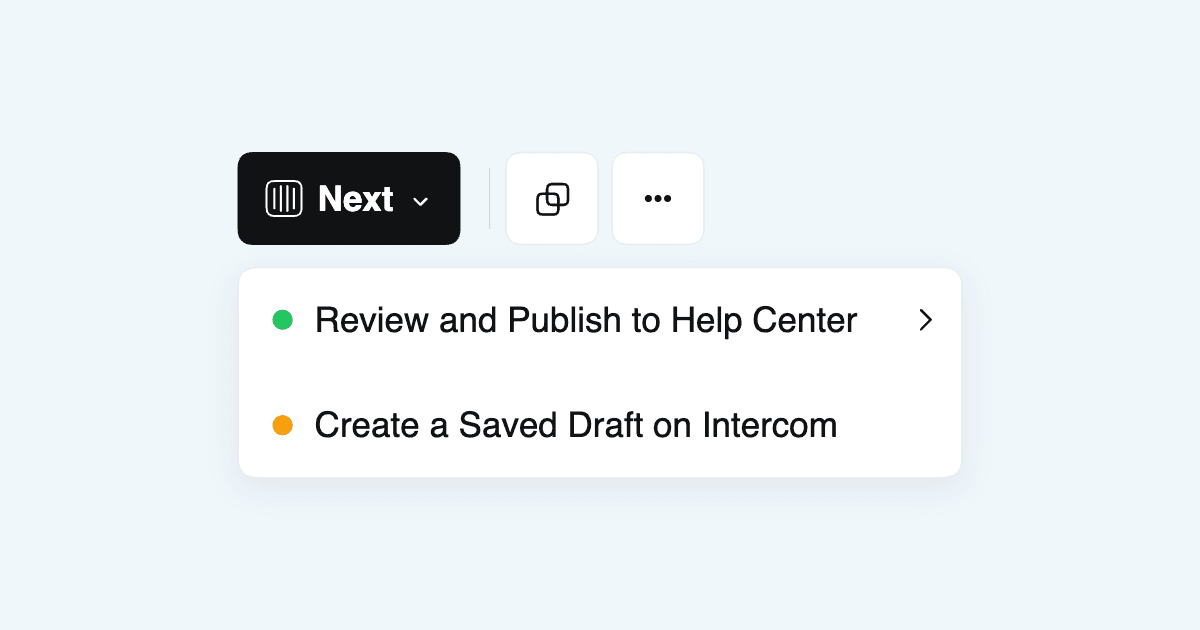
Review and Publish
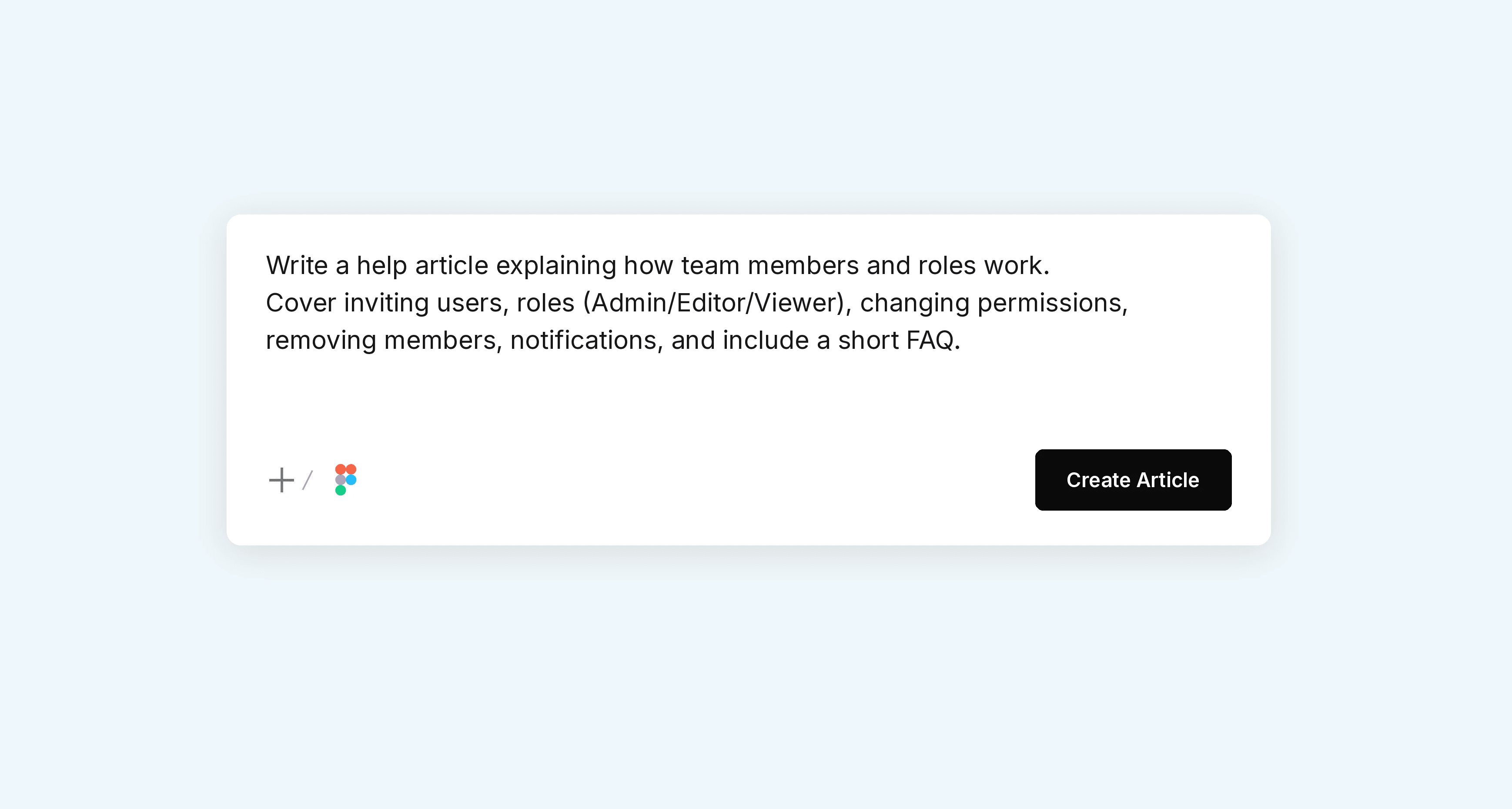
Pageloop drafts the article or update. You review, edit if needed, and push directly to your help center.
What it captures
One tool. One flow.
Most teams screenshot in one tool, annotate in another, download, re-upload. Pageloop does it all in one flow.
— Click recording
— Screenshots on demand (Ctrl+S)
— Voice narration, auto-transcribed
— Multi-tab workflows
— Works on Chrome, Arc, and all Chromium browsers
The extension only records what you choose. Automated screenshots, which capture on their own, are a separate feature you switch on.
— Your recordings stay private and are never used to train anything
What our customers say
Finally, one tool for the whole docs workflow.
"My favourite thing is the annotation - I can annotate directly in the editor. I always had to use a different tool, download it, bring it back. Pageloop builds it all in."
— Technical Writer
Impressive engineering - unlike anything I've seen.
"I could start crying! The chrome extension is very, very convenient. It's also so impressive that you can edit on top of it."
— Knowledge manager, IT automation company