Update
Your product shipped. Your docs should too.
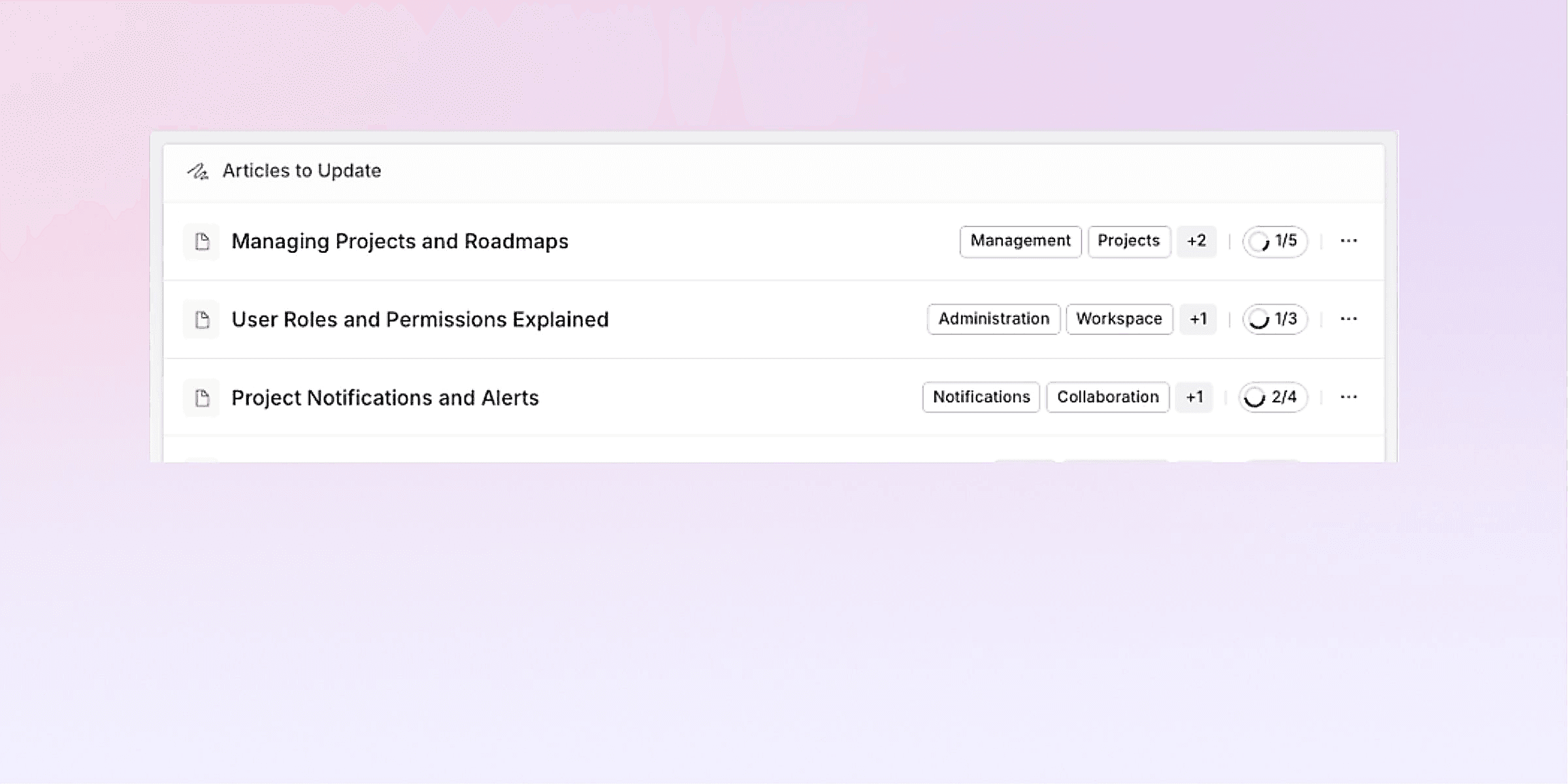
Show Pageloop what changed and it finds every article that might now be wrong, suggests the fixes for you to verify, and tracks your team to done.
Trusted by Top Support Teams







How it works
From change to resolved in three steps.
01
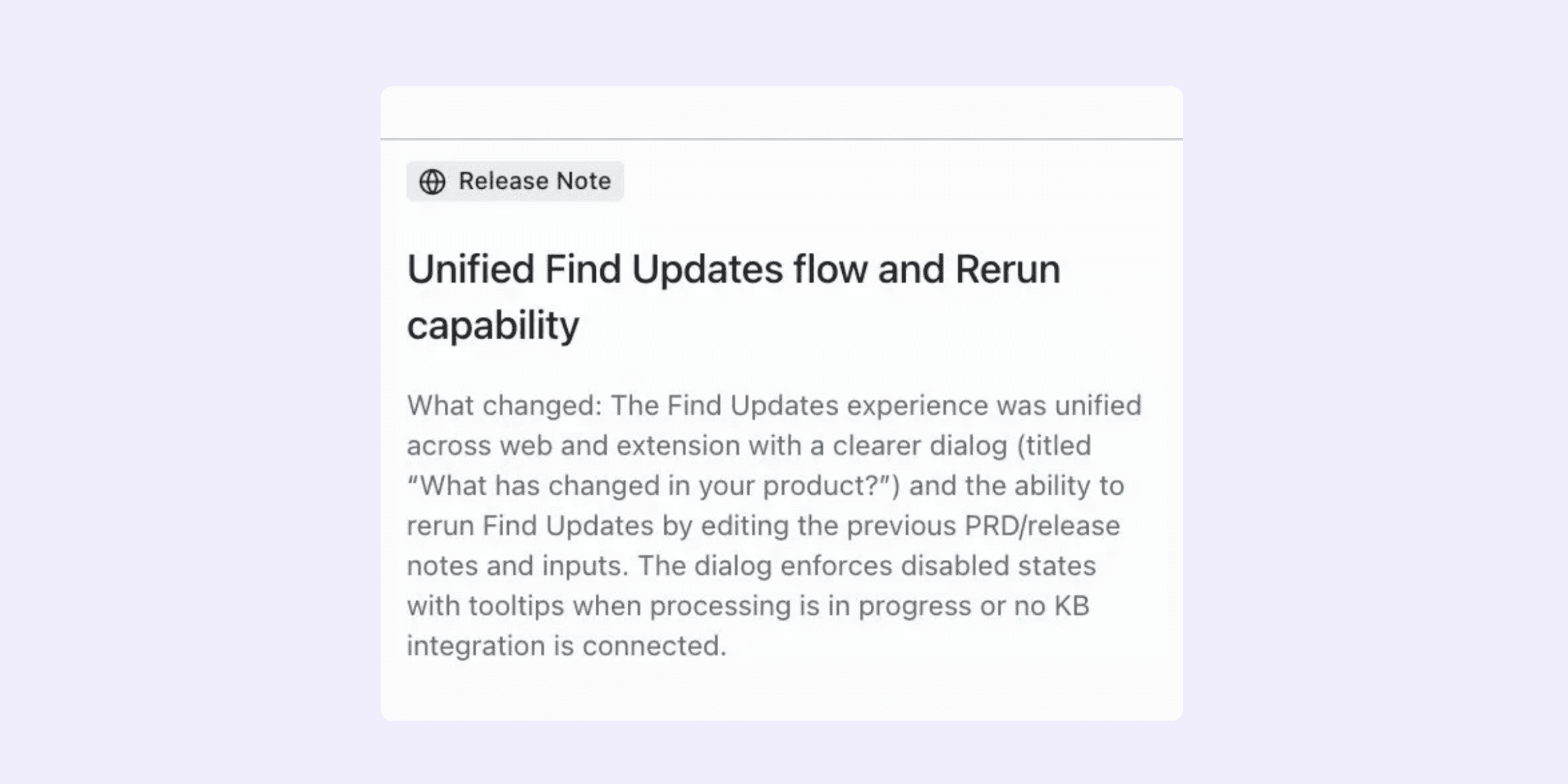
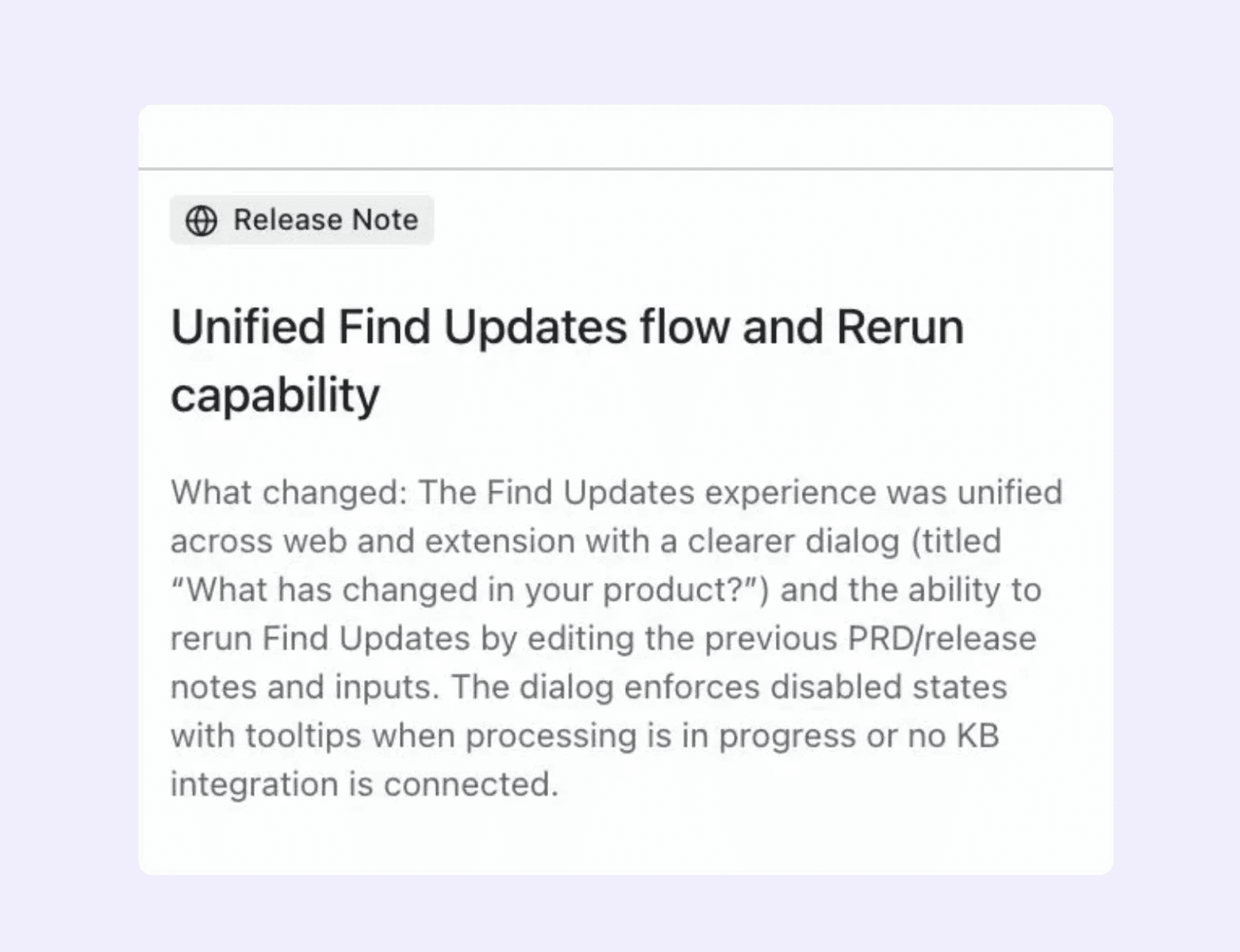
Describe what changed
Record a flow through the updated feature using the Chrome extension, or write a description of what shipped. Add context, select the affected categories, and let Pageloop do the rest. Software that automatically updates documentation, so your team focuses on review, not rewriting.
02
See every article that needs attention
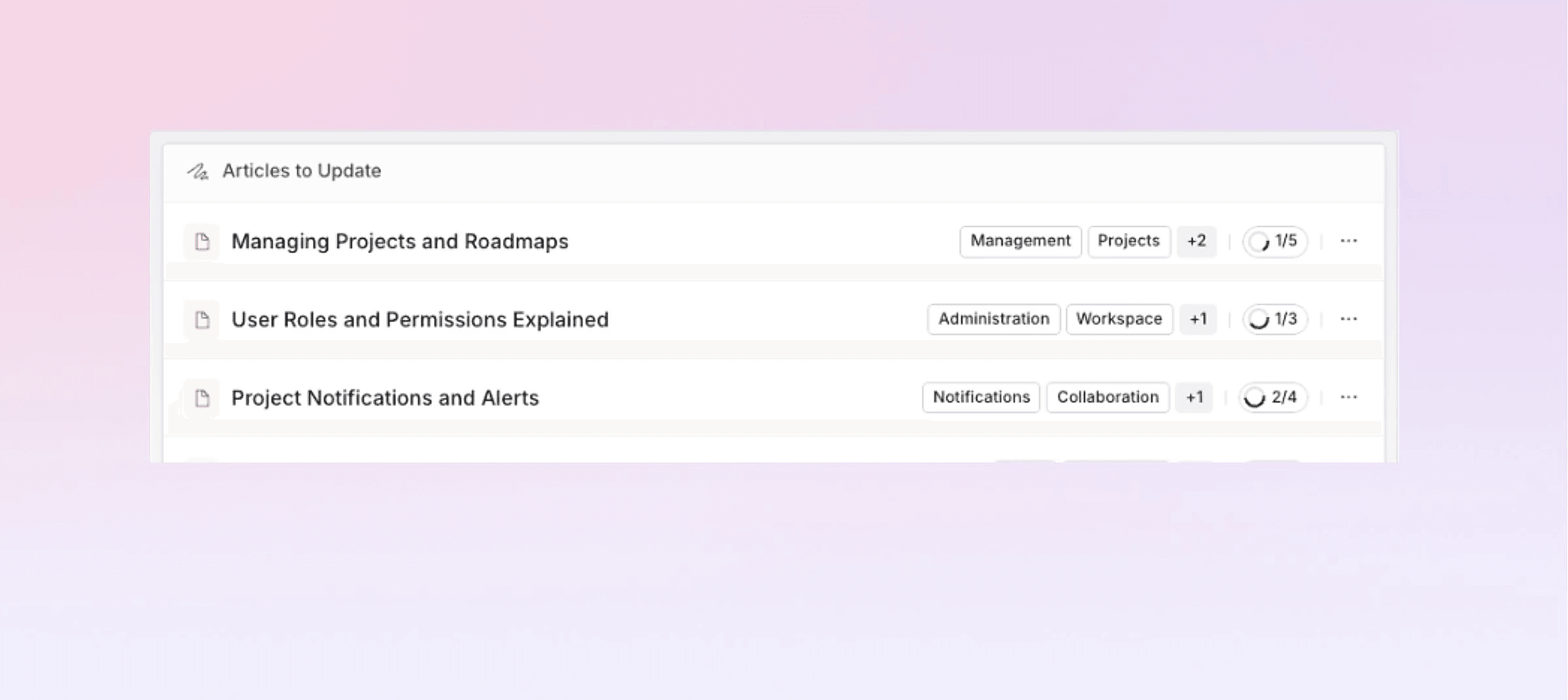
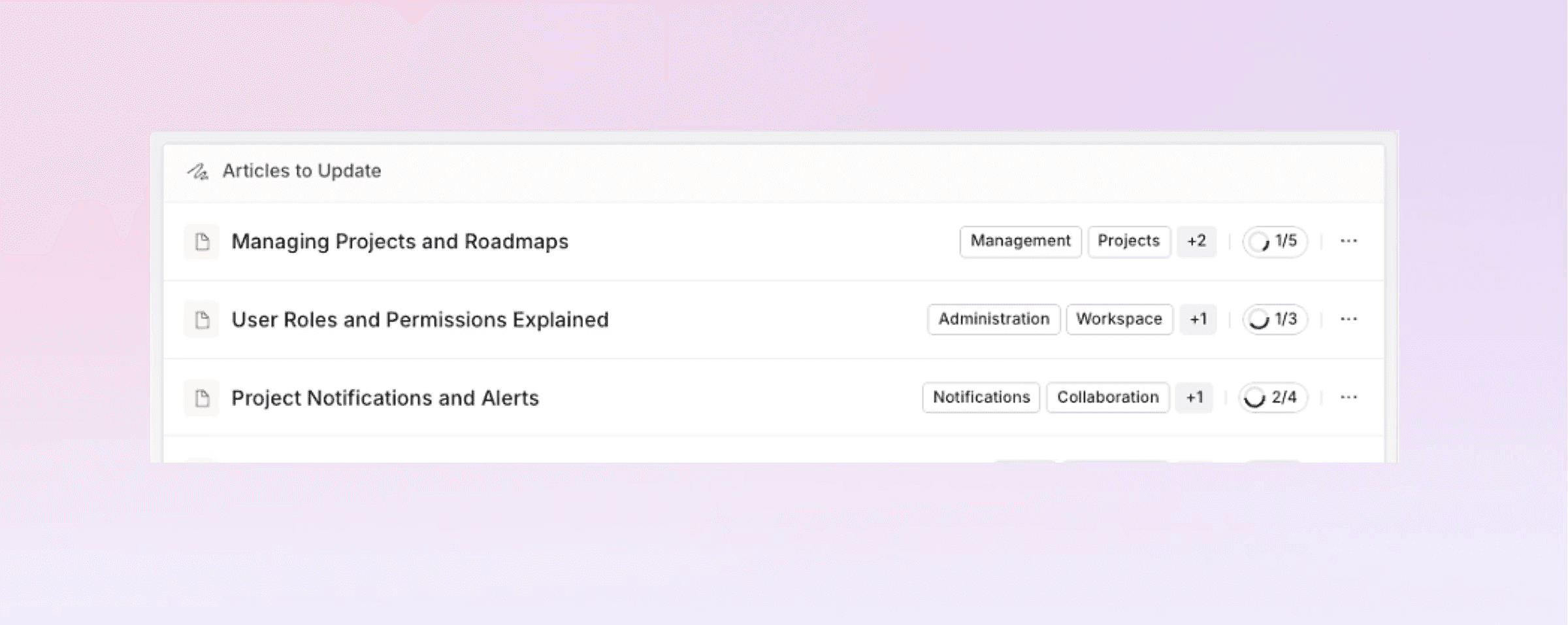
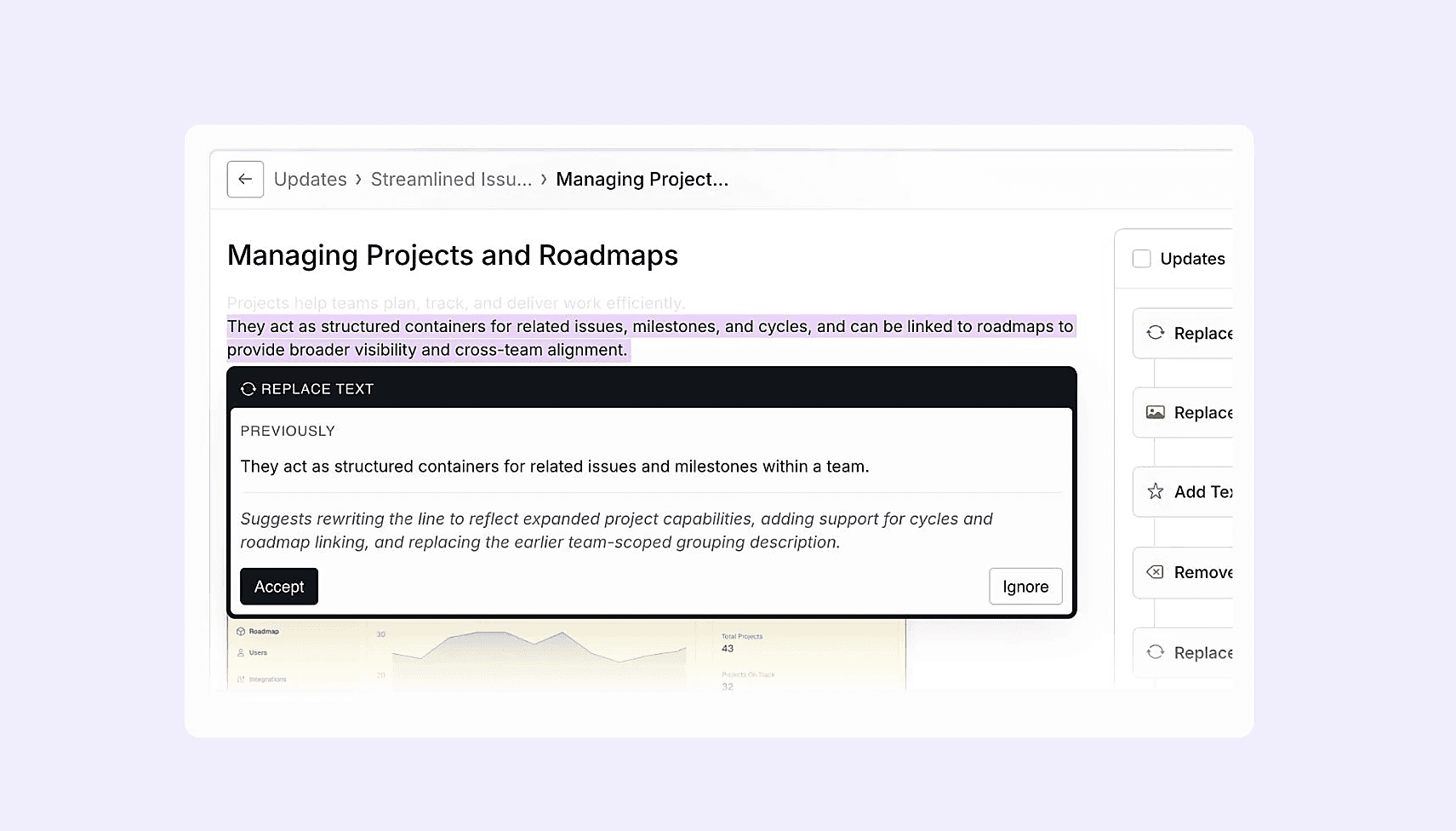
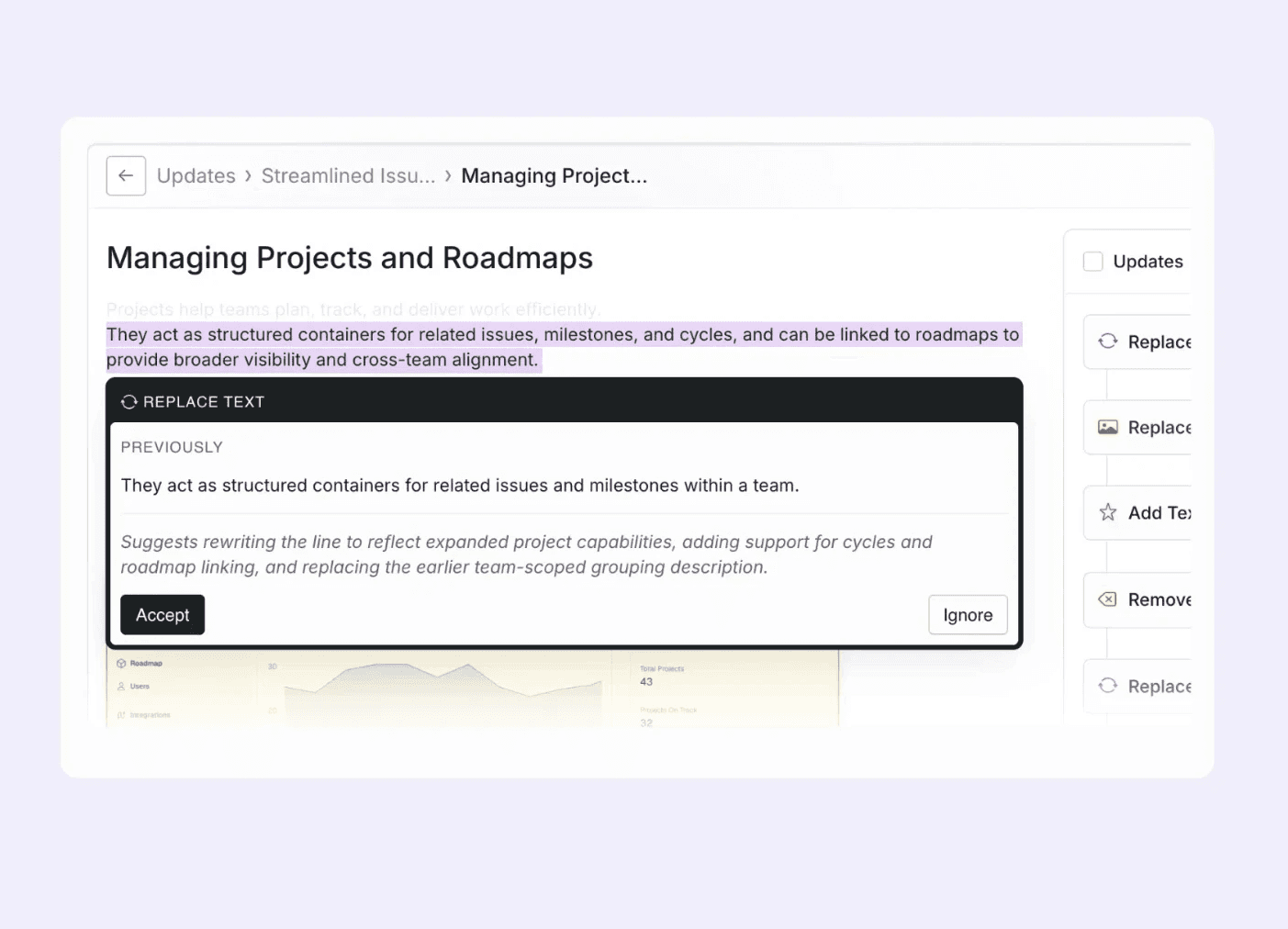
Pageloop scans your entire help center and returns a prioritized list of every article that might now be stale or wrong. Each one is tracked so nothing gets missed.
03
Review, accept, and publish
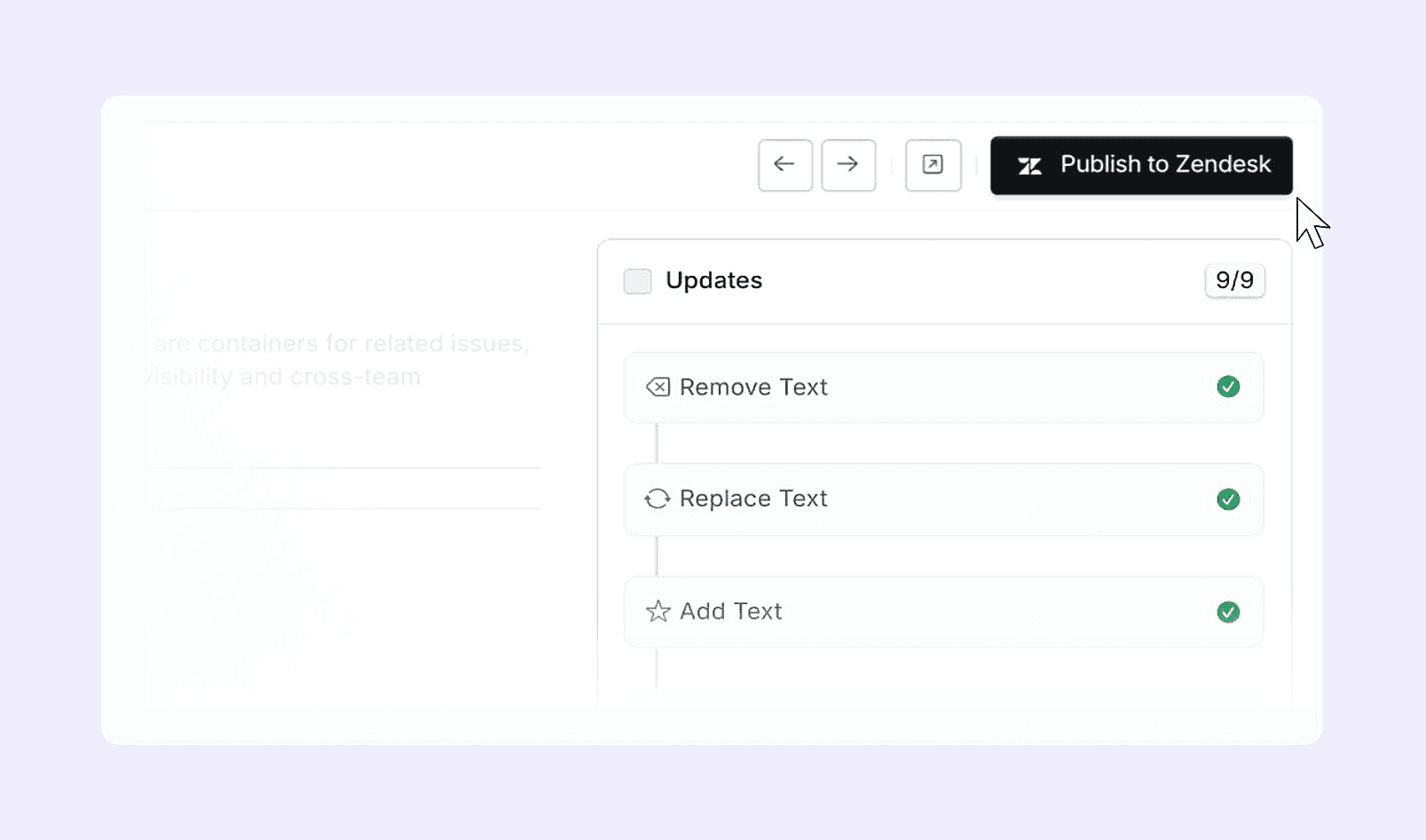
Work through each article in the editor. Accept or reject text changes and screenshot replacements one by one. Publish when you're done. Back to your help desk if that's where your docs live, or straight through if you host with us.

"This is really the dream. It's almost like somebody came into my brain and said, 'this is what we need to build.'"
— Knowledge manager