Best Zendesk Knowledge Base Alternatives in 2026
Zendesk Guide is a good start. Here is what to do when it is not enough.

Updated August 2026
Pageloop is the best Zendesk knowledge base alternative for a help center that has to keep up with frequent releases. Intercom, Confluence, Guru, Document360 and Helpjuice cover other setups, and Zendesk Guide itself stays a solid choice for a stable product. Guide comes with your Zendesk plan, it works, and your team already knows it, so the real question is whether Guide is enough.
For teams with a stable product and a manageable article count, it usually is. For teams shipping frequently, running AI agents, or managing a growing help center, the gaps become a problem. The editor is dated. Bulk updates are tedious. There is no way to proactively catch what has gone stale.
What to look for if you are already on Zendesk
The evaluation is different for teams already on Zendesk than for teams starting from scratch. You are not looking for a new platform. You are looking for something that fills the gaps in what you already have. A few things to ask before you evaluate any tool:
Does it require migration? Moving your knowledge base is a significant investment of time and energy. Tools that work with Zendesk rather than replacing it keep that cost off the table entirely.
Does it integrate with Zendesk natively? An API connection is not the same as something that works inside your existing workflow where your agents already are.
Does it tell you what needs updating, or just let you edit? Most tools help you write. Fewer tell you what has gone wrong with what you already have.
Can a human stay in control? If the tool feeds an AI agent, you should be able to approve before anything goes live.
Can your AI agent actually use the content? If you have deployed Fin, a custom chatbot, or any retrieval-based AI agent, the accuracy of its answers depends on how your knowledge base is structured. Not every knowledge base platform makes content equally scannable.
Why this matters more now: AI agents read your knowledge base
Teams evaluating Zendesk Guide alternatives tend to think about the authoring experience, the editor, or the analytics. However, a more important question you need to be asking is: if you have deployed a chatbot: can an AI agent reliably extract the right answer from your articles?
AI agents that resolve customer support queries, whether that is Intercom’s Fin, Zendesk’s own AI, or a custom RAG-based bot, work by retrieving content from your help center and generating a response. When the knowledge base has stale articles, inconsistent formatting, duplicate content covering the same topic, or rigid category structures that fragment an answer across several pages, the agent retrieves the wrong thing and presents it as fact.
Zendesk Guide has no mechanism to detect that a release just made articles inaccurate. It flags content by age, not by what actually changed in the product. For teams running AI agents, that gap compounds: every stale article the agent picks up is a wrong answer served to a customer without a human in between.
The tools below are evaluated with this in mind. Each profile notes what the tool does (or does not do) to keep content AI-agent-ready.
Pageloop monitors engineering and support signals and tells you which articles a product change affected, before your AI agent serves the outdated version. For a deeper look at the accuracy problem, see Stop Blaming the Bot: How to Actually Fix AI Support Accuracy.
1. Zendesk Guide
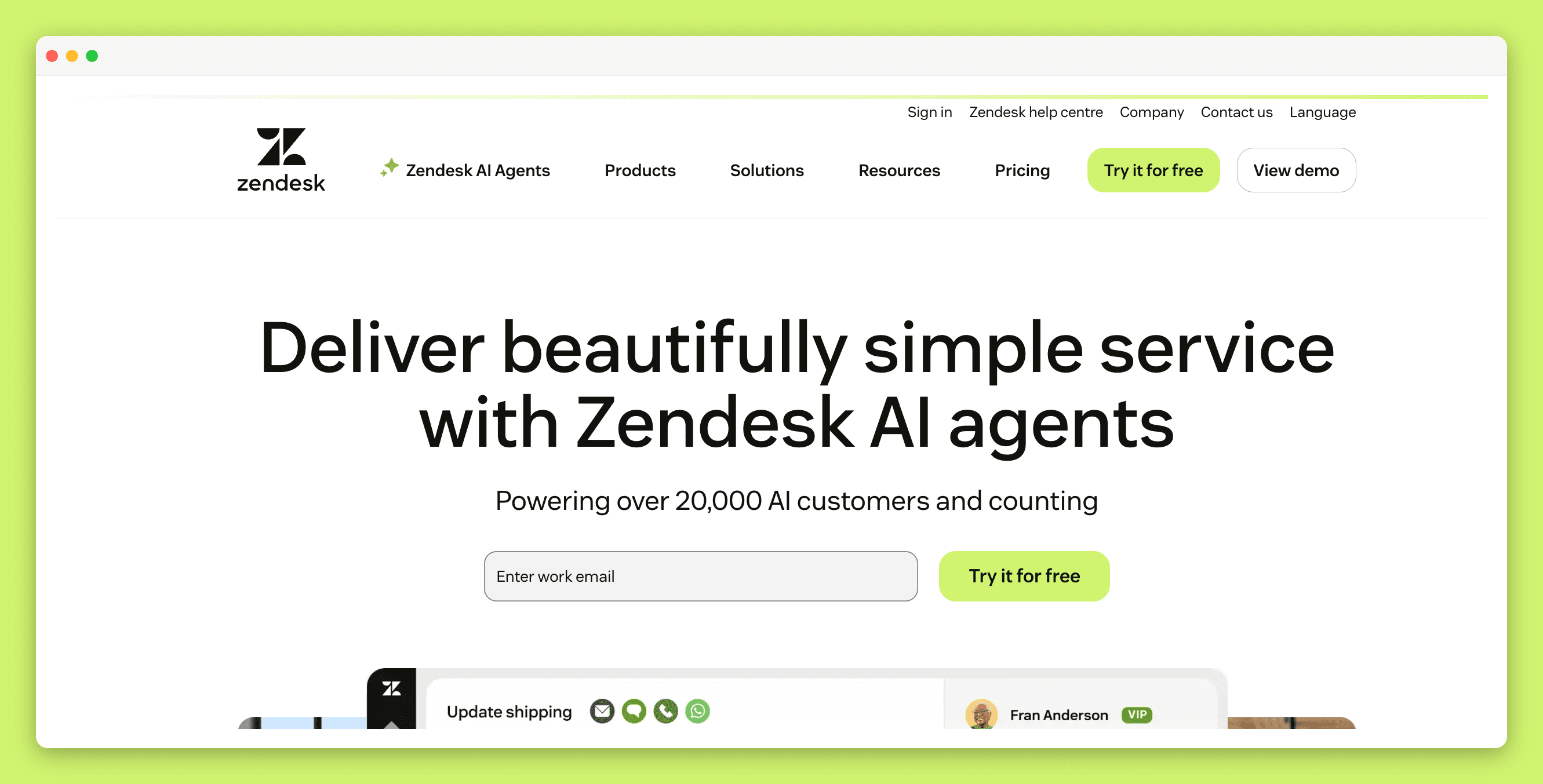
The built-in option. More capable than many teams realize, but with limits at scale.
Zendesk Guide is the default for good reason. It is already part of your plan, requires no setup, and articles surface directly in Agent Workspace while tickets are being handled.
For maintenance, Guide offers Article Verification: you set rules that flag articles as outdated based on age or tags, then notify the owner to review. Knowledge Builder, now generally available (as of November 2025), analyses ticket data from the last 90 days and generates up to 40 draft articles based on the most common customer issues.
Where it falls short. Article Verification is rule-based. A two-month-old article describing a button that no longer exists will not be flagged. A six-month-old article that is still accurate will be. The editor is dated compared to dedicated knowledge base platforms, and bulk editing at scale requires workarounds. No proactive features for keeping content accurate for AI agents beyond serving it to Zendesk’s own bot.
Best for: Teams on Zendesk with a stable product, a manageable article count, and a disciplined review cadence.
2. Pageloop
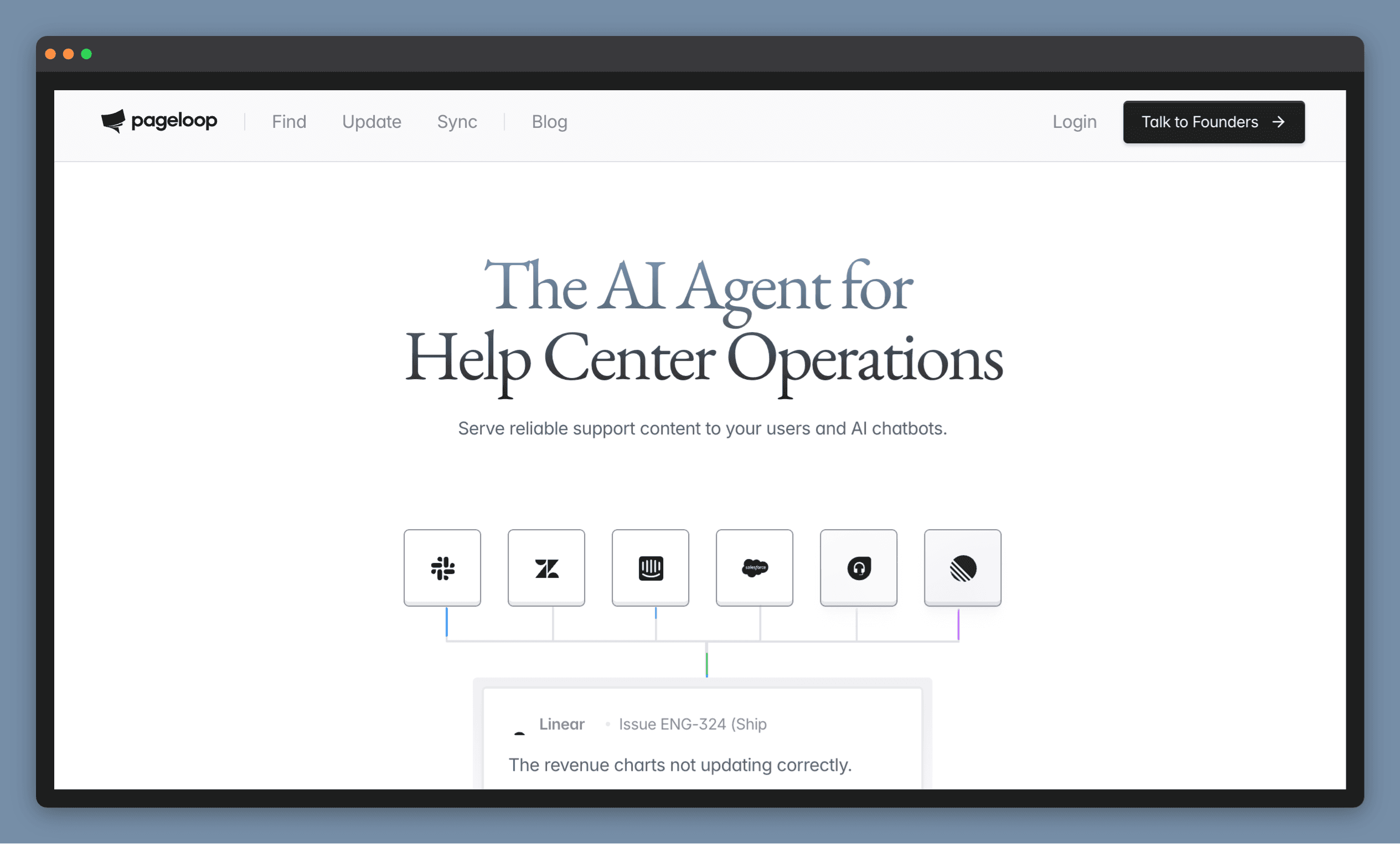
Monitors your product changes and tells you what to fix in your help center. Works with Zendesk, or hosts your docs directly.
Pageloop connects to the sources your team already uses: resolved support tickets, Slack conversations, Linear or Jira tasks, GitHub activity. When something changes, Pageloop identifies which articles are affected and suggests what needs updating. You review the suggestion, refine it, and publish when you are ready. Nothing goes live without you choosing to publish it.
Pageloop also generates new articles. Record a product flow with the Chrome extension or upload a video, and it produces a complete draft with screenshots embedded in the right places.
Connects to Zendesk Guide with no migration, or hosts your knowledge base directly
Proactive suggestions triggered by product changes across Slack, Jira, Linear, GitHub, and support tickets
For teams running AI agents, the proactive maintenance directly improves what the agent retrieves. Pageloop's agent finds the articles a product change affected and proposes the updates before your AI agent serves the stale version.
Where it falls short. Built for one specific problem: keeping documentation in sync with a product that keeps shipping. If your primary need is a better editor or richer analytics, that is not the focus.
Best for: Teams on Zendesk that ship frequently and cannot keep documentation in sync manually, whether they want Pageloop to keep their Guide articles current or a hosted help center where maintenance is built in.
3. Intercom (now Fin)
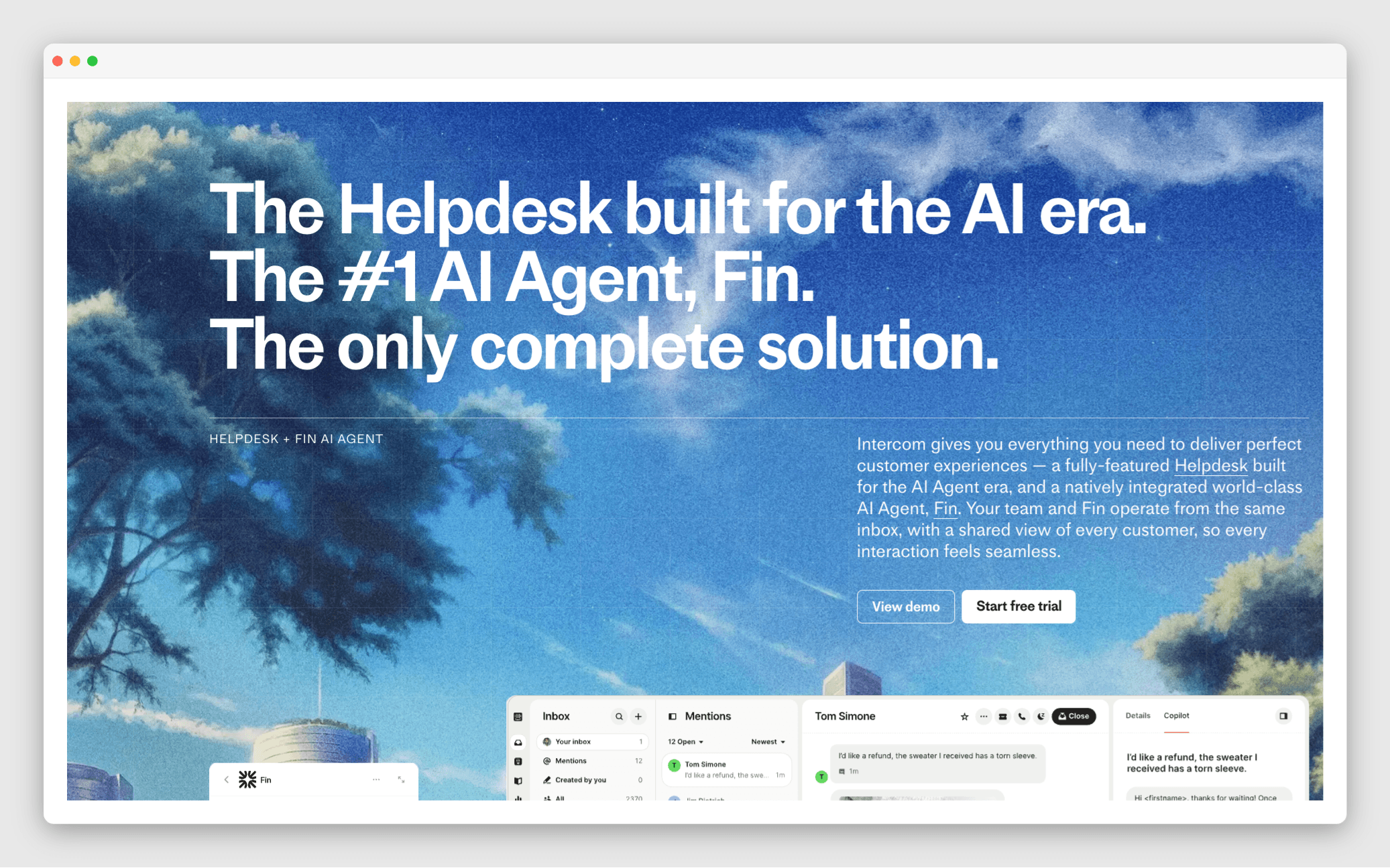
Best for teams putting an AI agent on the front line, where the knowledge base exists to feed the bot.
Intercom has repositioned entirely around Fin, its AI agent. The knowledge base exists primarily as Fin’s source material. Fin resolves customer queries by retrieving from your help center articles, and Intercom reports resolution rates and surfaces which articles Fin is using and where it is failing.
For teams whose plan for reducing ticket volume is an AI agent handling conversations end to end, Intercom is the most committed bet in this category.
Fin resolves queries from your articles and reports which ones it uses, where it fails, and at what confidence level
Full support suite: inbox, ticketing, messenger, KB
Requires migrating everything off Zendesk
Where it falls short. Intercom is a full customer support platform, not a standalone knowledge base. Adopting it means migrating your ticketing, inbox, and workflows off Zendesk, not just your docs. Fin’s knowledge base has no AI features beyond Fin itself. Fin is billed separately from $0.99 per Fin outcome, on top of seat plans that start at $29 per seat per month. No proactive detection of stale content: if an article is outdated, Fin serves it anyway.
Best for: Teams ready to move their entire support operation off Zendesk and betting on an AI-first resolution model.
4. Confluence
Useful if your team already lives in Atlassian. Less suited to customer-facing documentation.
In October 2025, Zendesk launched a native Knowledge Connector for Confluence. Confluence spaces can now be connected directly to Zendesk Knowledge, making content searchable in your help center, in Agent Workspace, and available to power generative AI agent responses. No third-party sync app required.
Where it falls short. Confluence is built for internal team collaboration. The authoring experience is not designed for customer-facing help articles at scale. Labels are not synced to Zendesk, which creates friction in content organisation. No proactive detection of stale content. Using it for AI agent responses requires the AI Agents - Advanced add-on, which adds cost.
Best for: Teams already invested in Atlassian who want to surface internal knowledge inside Zendesk without a migration.
5. Guru
A verified source of truth for teams who need internal knowledge surfaced inside Zendesk tickets.
Guru’s core feature is automated knowledge quality. Knowledge Agents continuously evaluate content and automatically un-verify anything that looks outdated, deprioritizing it in search until someone confirms it is still accurate.
Guru integrates with Agent Workspace so agents can search and surface cards directly while responding to tickets. For AI agents consuming the knowledge base, Guru’s automated un-verification means outdated cards rank lower in search, though they are not removed entirely and can still be retrieved.
Where it falls short. Guru is built for internal knowledge management. Teams trying to use it as a customer-facing help center report that search becomes unreliable as the knowledge base grows. The card-based structure works well when content is lean but requires more administrative overhead at scale.
Best for: Teams managing internal agent knowledge who want AI to vet content continuously, alongside a separate customer-facing help center.
6. Document360
A standalone knowledge base platform with solid content governance and no platform lock-in.
Document360 connects with Zendesk so agents can search and insert articles while handling tickets. It runs independently of Zendesk’s structure, which gives more flexibility in how content is organized and published.
For content governance, Document360 offers:
Version control and workflow approvals
Duplicate Content Detection scans your entire knowledge base for overlapping text and suggests where to consolidate, which reduces the chance of an AI agent retrieving conflicting answers
Scheduled Review Reminders
Analytics: traffic, failed searches, most-linked articles
Where it falls short. Both Review Reminders and Duplicate Content Detection are initiated manually. There is no proactive surfacing of what has gone wrong without someone setting it in motion first. Document360 is also a migration: moving your knowledge base out of Zendesk Guide is an upfront investment. No awareness of whether product changes affected specific articles.
Best for: Teams that have reached the limits of Zendesk Guide and want a purpose-built help center with stronger content governance, and are prepared to migrate.
7. Helpjuice
Effective at closing content gaps. Less focused on catching what has already gone stale.
Helpjuice’s AI Article Request system lets team members flag missing content. The more useful feature is Swifty AI: when searches come up empty, it automatically creates article requests and flags them in the Article Planner. It surfaces gaps from real user behaviour without waiting to be asked.
It connects with Zendesk so agents can search your Helpjuice knowledge base without leaving their ticket view.
Where it falls short. Helpjuice is built for finding what is missing, not maintaining what you already have. It will not surface which existing articles are out of sync with your product. The review workflow is manual. Like Document360, Helpjuice requires migrating your knowledge base out of Zendesk Guide. If a stale article exists, Helpjuice will not flag it.
Best for: Teams whose primary problem is missing content rather than stale content, who want AI to surface gaps and help draft the new articles.
How do Zendesk knowledge base alternatives compare?
Tool | Zendesk integration | Finds content gaps | Flags outdated articles | No migration needed | AI agent ready |
|---|---|---|---|---|---|
Zendesk Guide | ✅ Built in | ❌ No | ⚠️ Rule-based only | ✅ Yes | ⚠️ Serves content but no staleness detection |
Pageloop | ✅ Direct integration | ✅ From tickets, Slack, Jira, GitHub, Linear | ✅ After every release | ✅ Yes | ✅ Proactive maintenance keeps agent sources current |
Intercom | ❌ Full platform migration | ⚠️ Fin failure reports | ❌ No | ❌ No | ✅ Fin resolution reporting, but no staleness detection |
Confluence | ✅ Native connector | ❌ No | ❌ No | ✅ Yes | ⚠️ Requires AI Agents add-on |
Guru | ✅ Agent Workspace | ⚠️ Usage signals only | ✅ Automated un-verification | ✅ Yes | ⚠️ Un-verified cards still retrievable |
Document360 | ⚠️ Via app | ⚠️ Failed searches only | ⚠️ Scheduled reminders | ❌ No | ❌ No proactive detection |
Helpjuice | ⚠️ Via app | ✅ Failed searches trigger requests | ❌ No | ❌ No | ❌ No proactive detection |
The pattern across all of these is consistent. Most tools help you find what is missing. Fewer tell you what has already gone wrong. And almost none of them know a release just shipped.
Migration is a significant undertaking. A new knowledge base platform means moving content, retraining your team, rebuilding workflows, and accepting that things will break before they get better. For some teams it is the right call. But be honest about what migration does not solve: if your documentation maintenance process is broken, a new platform inherits the same problem.
Try the tools that do not require migration first. And if you do migrate, the maintenance question still needs an answer on the other side.
For teams running AI agents, add one more question: does the new platform keep content current enough that the agent can be trusted? An AI agent pulling from stale or conflicting articles will give wrong answers regardless of how good the model is.
FAQs
Is Zendesk Guide good enough for a growing knowledge base?
For teams with a stable product and fewer than a hundred articles, Guide works fine. Article Verification flags articles based on age, and Knowledge Builder drafts new articles from ticket data. Where it breaks down is speed: Guide has no way to detect that a release just made ten articles inaccurate. The flagging is time-based, not change-based. Teams managing hundreds of articles across regular releases consistently outgrow it. If your AI agent reads from your help center, the accuracy gap compounds.
Can I improve my Zendesk knowledge base without migrating to a new platform?
Yes. Several tools connect to Zendesk without requiring you to move your content. Confluence has a native Knowledge Connector. Guru integrates with Agent Workspace. Pageloop connects directly to Zendesk Guide and adds proactive suggestions that tell you which articles need attention after each product change. The tools that work with your existing setup are worth trying before committing to a full migration.
How do I keep my Zendesk help center accurate when my product ships frequently?
Most tools flag articles based on how old they are, not based on whether your product actually changed. To keep pace with frequent releases, you need something that monitors your engineering and support signals and tells you which specific articles were affected. Pageloop does this by connecting to Slack, Linear, Jira, and GitHub and generating proactive suggestions when documentation falls out of sync. For a deeper look at this problem, see How to Find Stale Content in Your Knowledge Base.
What should I look for if I am deploying an AI chatbot that reads from my help center?
Start with the content, not the bot. An AI agent retrieves and presents what is in your knowledge base, so every stale or contradictory article becomes a wrong answer served to a customer. Before evaluating chatbot platforms, check whether your knowledge base platform can detect when content has gone stale after a product change, flag articles that contradict each other, and surface content gaps. For a checklist of what to prepare before going live, see Chatbot Setup Checklist: What to Do Before You Go Live.
Image Courtesy Art Institute of Chicago
The Fountain, Villa Torlonia, Frascati, Italy, John Singer Sargent (American, 1856–1925)

Author
Fatema works across marketing and content at Pageloop. She has an academic background in Ecology, a side-life in fashion, and an irrational loyalty to milk coffee.
Other related content you might be interested in


