The Best GitBook Alternatives in 2026, Compared
Where GitBook holds up, where teams outgrow it, and what to switch to.

Last updated: Sep 28, 2026
Pageloop is the best GitBook alternative for docs that need to change with every release. Mintlify and ReadMe suit engineering-led and API-first teams, Document360 suits a large structured knowledge base, and Docusaurus, BookStack or Outline are the free, self-hosted options.
GitBook pairs a block-based visual editor with Git Sync, a two-way connection to GitHub or GitLab, and publishes the result as a hosted docs site. GitBook's AI features, including the GitBook Agent and the AI Assistant for readers, grow with each plan.
The 13 alternatives below are grouped by the job each one does best: docs-as-code platforms, structured knowledge bases, team wikis, and free self-hosted options. Check the table for a detailed breakdown.
Why teams leave GitBook
AI features sit on the top plans
Three GitBook features need the Ultimate or Enterprise plan:
The AI Assistant for readers, starting on Ultimate, with a soft limit of 500 answers
Channels, which bring the Assistant and the GitBook Agent into Slack, Linear and GitHub, starting on Ultimate and still in early access
SAML single sign-on, on Enterprise
Content built on GitBook's own blocks
GitBook is Markdown-based, and pages are built from GitBook's own blocks. The import panel takes 20 pages at a time, so larger docs sets move through Git Sync instead.
Maintenance that starts from a daily scan
GitBook's Content gaps feature, in beta, scans reader questions and connected sources such as support tickets once a day. The GitBook Agent then drafts from prompts or opens a change request to fill a gap it finds.
Pageloop's agent starts from product signals across code, project management, team chat and support. Pageloop also suggests replacements for outdated screenshots, and whoever owns the docs reviews each change set in the Pageloop Inbox before it goes out.
Quick comparison
Tool | Best for | Editing workflow | API reference |
|---|---|---|---|
Pageloop | Product teams whose docs change with every release | Web editor with visual and Markdown views, Git sync with GitHub or GitLab, preview deployments | API Reference from OpenAPI (beta) |
Mintlify | Engineering-led teams that want a polished docs site | MDX in Git, web editor with a visual mode | OpenAPI with API playground |
ReadMe | API-first companies | Web editor with bi-directional Git sync | OpenAPI with "Try It!" |
Fern | API docs plus generated SDKs | MDX in Git, or the Fern Editor | OpenAPI, AsyncAPI, gRPC, GraphQL; API explorer |
Archbee | Product and support teams writing alongside engineers | Block editor with GitHub two-way sync | OpenAPI/Swagger with "Try It" |
Document360 | Large, structured knowledge bases | WYSIWYG and Markdown editors | API documentation from OpenAPI |
Confluence | Teams already running Jira | Visual editor with Markdown shortcuts | Marketplace apps |
Notion | Teams that keep docs next to projects | Block editor with Markdown shortcuts | None built in |
Outline | Open-source team wikis with real-time editing | Markdown editor with slash commands | None built in |
Docusaurus | Free, self-hosted docs | MDX and React in your repo | Community OpenAPI plugins |
Material for MkDocs | Existing MkDocs sites | Markdown with an MkDocs config | None built in |
BookStack | Simple self-hosted wikis | WYSIWYG or Markdown editor | None built in |
Wiki.js | Self-hosted wikis with Git sync | Markdown, visual or HTML editor, Git storage | None built in |
Docs-as-code platforms
1. Pageloop
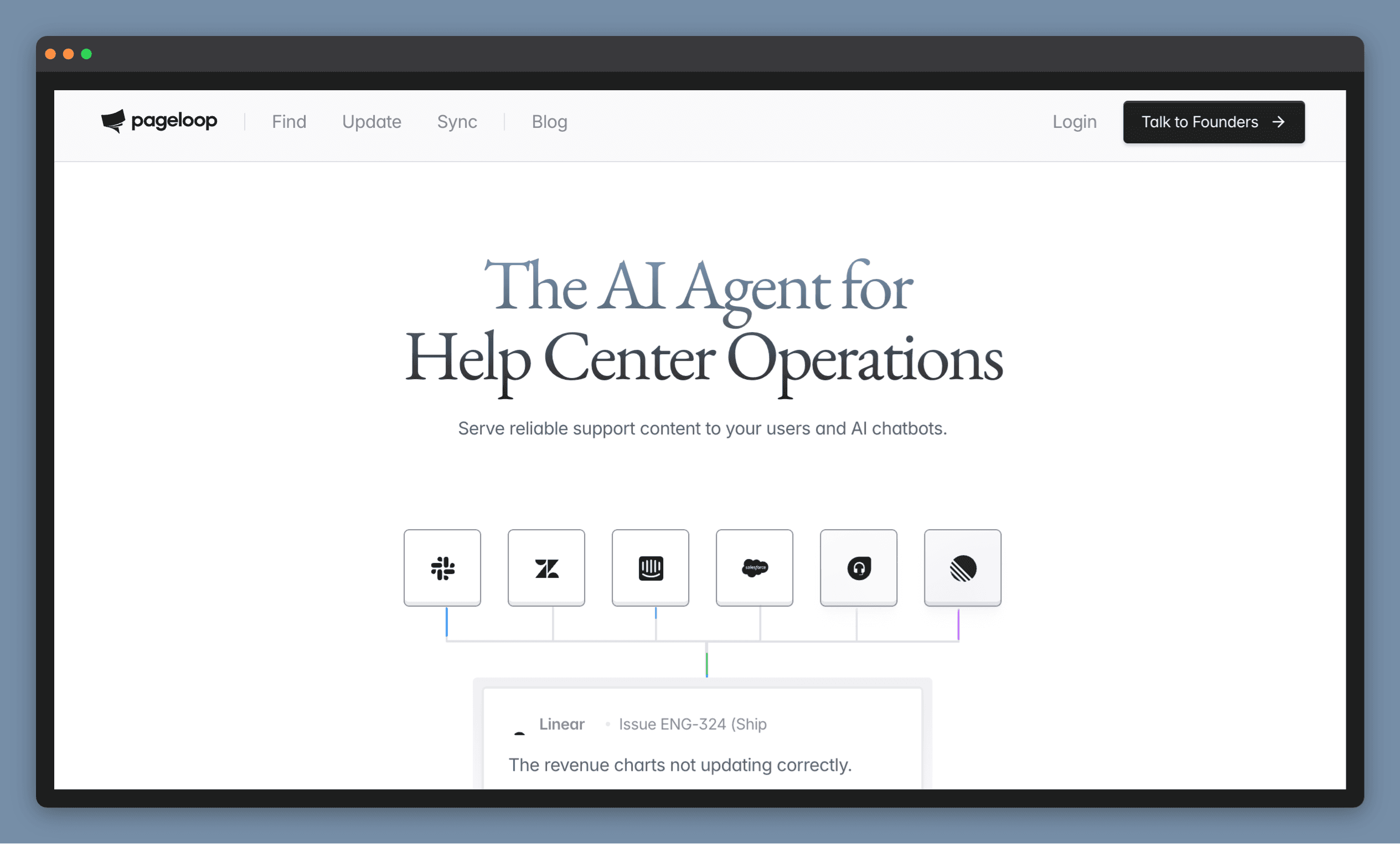
Best for: product teams whose docs change with every release.
Pageloop is a docs-as-code platform that hosts and publishes product docs from a GitHub or GitLab repository. Docs go live on your custom domain, and every change is reviewed before it ships.
The difference is what happens after you publish. Pageloop's agent watches signals across code, project management, team chat and the support inbox, finds the pages a product change made wrong, and drafts the fix for your team to approve.
Pageloop was built to prevent documentation drift, the gap that opens between a product and its docs after each release.
Key features:
The agent: drafts a change set across every affected page and sends it to the Pageloop Inbox, where AI Reasoning explains each flag. Reviewers accept or ignore each suggestion, or tell the agent what to change.
Automated Screenshots: Pageloop identifies outdated interface screenshots, captures the new screens autonomously, and suggests the replacements.
Web editor: switches between a visual view and Markdown source, so contributors without Git access can write too.
Create with AI: describe a change in plain words and Pageloop drafts the pages. Tagging @Pageloop in Slack, Jira or Linear does the same from a thread.
Support connections: Intercom and Zendesk plug in, and support conversations reach the agent the same way.
For readers: every docs site ships with search, an AI Assistant, llms.txt and an MCP server.
Moving from GitBook to Pageloop runs through a guided migration. Pageloop reads your GitBook structure, converts the docs and opens a pull request on your repository, and Pageloop's migration services, managed onboarding and priority support back the move.
2. Mintlify
Best for: engineering-led teams that want a polished docs-as-code site.
Mintlify turns MDX files and an OpenAPI spec into a hosted developer documentation site, with navigation in a config file and layouts built from Mintlify's own components. Every plan gets a web editor with a visual mode, an API playground, Git sync and an MCP server. The assistant, the agent and Automations start on the Pro plan, which meters the assistant and Automations in AI credits.
Mintlify Automations run the agent on a push to the docs repository, a merged pull request in a code repository, a schedule or a webhook. The agent then opens a pull request or merges changes directly. Moving from GitBook to Mintlify uses Mintlify's own GitBook migration guide.
3. ReadMe
Best for: API-first companies that want an interactive API reference and a developer dashboard.
ReadMe generates its API reference from an OpenAPI spec and syncs docs both ways with GitHub or GitLab. ReadMe offers:
A "Try It!" API panel on every plan
On Pro, a GitHub AI Writer that reads the diff when a pull request opens and drafts doc updates on a review branch
Ask AI Lite on Pro, with the full Ask AI assistant for readers sold as an add-on
Single sign-on is Enterprise only.
4. Fern
Best for: API-first companies that want client SDKs and API reference generated from the same spec.
Postman acquired Fern on January 8, 2026, and Postman's announcement says Fern's product, brand and roadmap stay the same. Fern builds both the docs and the SDKs from one API definition and supports OpenAPI, AsyncAPI, gRPC, GraphQL and OpenRPC. Docs are MDX pages in Git, and the Fern Editor gives contributors without Git access a WYSIWYG view where every edit creates a pull request.
Fern's Enterprise plan adds:
Custom CSS, JavaScript and React components
Single sign-on and SCIM
Self-hosting, where the self-hosted deployment runs without Ask Fern or analytics
Structured knowledge bases
5. Archbee
Best for: product and support teams that write in a block editor while engineers keep the repository.
Archbee covers three ways of working:
A block editor with Markdown shortcuts for writers
Two-way GitHub sync, where GitHub stays the source of truth and edits made in Archbee arrive as pull requests
OpenAPI and Swagger imports with an "API Try It!" panel
Archbee can import docs from GitBook directly. Archbee has no free plan and offers a 14-day trial, AI is a paid add-on, and Intercom and Zendesk integrations are Enterprise only.
6. Document360
Best for: teams running a large, structured knowledge base for internal and public audiences.
Document360 is a knowledge base platform with an Advanced WYSIWYG editor and a Markdown editor. Eddy AI drafts articles from prompts, recordings or files, and Ask Eddy AI answers readers from the knowledge base. API documentation generates from an uploaded OpenAPI spec, with a command-line tool that syncs it from a CI/CD pipeline.
Document360 keeps a large knowledge base in order with:
A workflow designer that moves each article through review stages
Review reminders
A migration team that imports existing knowledge bases from platforms including Confluence, Zendesk and ReadMe
Team wikis
7. Confluence
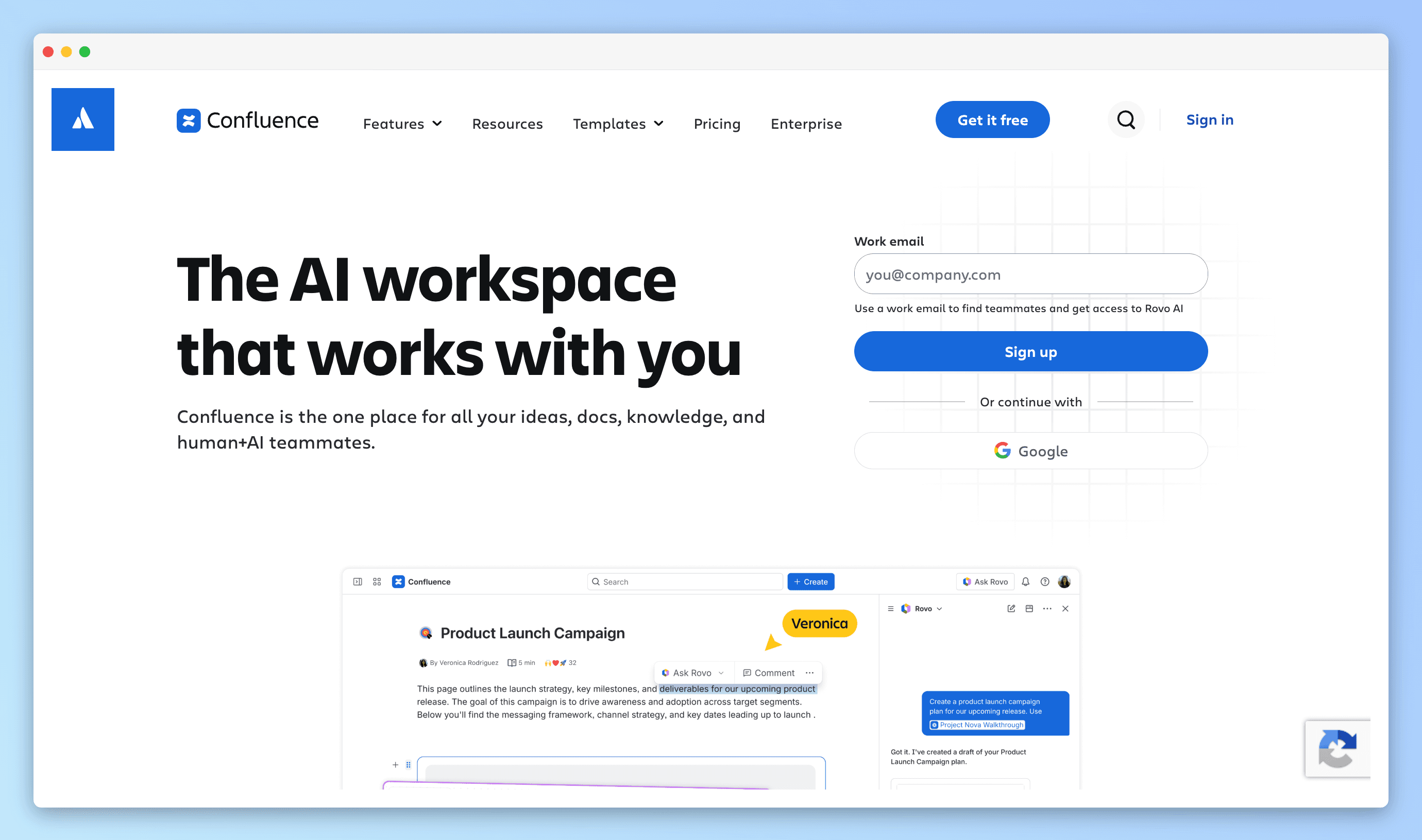
Best for: teams already running Jira that want docs in the same Atlassian workspace.
Confluence is Atlassian's workspace for team documentation, with a visual editor that accepts Markdown shortcuts. Rovo, Atlassian's AI, drafts and polishes writing on the Standard plan and above. Confluence Automation runs on a schedule or on page events, with a ready-made rule that archives inactive pages.
Confluence shares pages publicly one link at a time on paid plans, and a public help center runs through Jira Service Management. Self-hosting is winding down:
Confluence edition | Status |
|---|---|
Confluence Cloud | Current, with Rovo and Automation |
Confluence Data Center | No new customers since March 30, 2026; end of life in March 2029 |
8. Notion
Best for: teams that keep documentation next to their projects in one workspace.
Notion combines a block editor, databases and project tracking, and Notion Sites publishes any page to the web. Verified pages expire on a date the owner sets, and the owner gets an email when it passes. Notion Agent drafts and edits pages, and Custom Agents run on schedules or database events on the Business and Enterprise plans. Notion imports Markdown files, so GitBook pages exported as Markdown can move across.
9. Outline
Best for: an open-source team wiki with real-time editing.
Outline is an open-source knowledge base and team wiki with a Markdown editor, slash commands and real-time collaboration. Outline runs as a cloud-hosted service or self-hosted on your own server, and documents publish with your own domain and branding. Outline also answers questions about your documents with AI, and a Slack integration searches and shares documents from chat. Outline’s open API and 20-plus integrations connect it to the rest of the stack.
Free and open-source options
10. Docusaurus
Best for: developer teams that want free, self-hosted docs with full React control.
Docusaurus is Meta's open-source documentation framework, MIT-licensed and currently on version 3.10. Docs are MDX with embedded React components, and versioning and localization are built in. Docusaurus builds a static site, so hosting, search and deployment are the team's own work, and OpenAPI reference comes from community plugins.
Docusaurus and GitBook split on hosting: Docusaurus builds a static site your team hosts and maintains, and GitBook hosts the docs for you.
11. Material for MkDocs
Best for: teams already running an MkDocs site.
MkDocs is a static site generator geared toward project documentation, with pages written in Markdown and configured in a single YAML file. Material for MkDocs, the theme most teams pair with it, adds client-side search, theming through configuration and translations in more than 60 languages, all MIT-licensed. The project is scheduled to reach end of life on November 5, 2026, and until then gets only critical bug fixes and security updates. The same team now builds Zensical, a successor that reads existing MkDocs projects.
12. BookStack
Best for: the simplest self-hosted wiki for internal documentation.
BookStack is a free, MIT-licensed wiki that organizes content into books, chapters and pages. Writers use a WYSIWYG editor or an optional Markdown editor, and the whole site can be made public. BookStack is self-hosted, and it has its own REST API.
13. Wiki.js
Best for: a self-hosted wiki that keeps content in Git.
Wiki.js is an open-source wiki that offers:
Markdown, visual and HTML editors
A Git storage module that syncs both ways with GitHub, GitLab, Bitbucket or Azure DevOps every five minutes, using a repository of its own
Public, private or mixed access
Wiki.js 3.0 is in beta.
How to choose a GitBook alternative
A docs platform that keeps up with frequent releases: Pageloop, for docs hosted from GitHub or GitLab, with updates drafted from each release.
A polished developer docs site: Mintlify.
API reference as the main product: ReadMe for an interactive API reference, Fern for SDKs from the same spec.
A large knowledge base for support and customers: Document360 or Archbee.
An internal team wiki: Confluence for Jira teams, Notion for teams already working there, Outline for an open-source wiki.
Free and self-hosted: Docusaurus or Material for MkDocs for a developer site, BookStack or Wiki.js for a wiki.
Is Pageloop right for you?
Pageloop fits product teams that ship often, where product, engineering and support each own part of the documentation and every release touches some of it.
Book a demo to see how Pageloop fits your documentation.
Frequently asked questions
What is the best GitBook alternative?
The best GitBook alternative for docs that change with every release is Pageloop, a docs-as-code platform that hosts docs from GitHub or GitLab and drafts updates from product changes. Mintlify suits engineering-led teams, ReadMe and Fern suit API-first companies, and Docusaurus and BookStack are the free, self-hosted options.
Which GitBook alternative keeps documentation up to date?
Pageloop keeps documentation up to date from product changes beyond the codebase. Pageloop's agent drafts updates from merged pull requests and releases, Jira and Linear issues, Slack channels and support conversations. Your team accepts or ignores each suggestion before it publishes.
Can you move from GitBook without rebuilding your docs?
Moving from GitBook to Pageloop runs through a guided migration that reads your GitBook structure, converts the docs and opens a pull request on your repository. Pageloop's migration services and managed onboarding cover the move.
Is GitBook the same as GitHub?
GitBook is a documentation platform, and GitHub hosts the repositories that code and docs live in. Pageloop and GitBook both connect to GitHub, and Pageloop publishes docs straight from a GitHub or GitLab repository.
Which GitBook alternative works for non-technical writers?
Pageloop works for non-technical writers because its web editor switches between a visual view and Markdown source, and contributors without Git access can write and send changes for review. Pageloop's AI writing, grammar checks and style guide review help keep every contributor's pages consistent.
Is there a documentation platform that updates screenshots automatically?
Pageloop updates screenshots automatically with Automated Screenshots. Pageloop identifies outdated interface images in your docs, captures the new screens autonomously, and suggests the replacements for your team to approve.
Related reading
The 11 Best Mintlify Alternatives in 2026, Compared (the sister comparison to this one)
Photo by Birmingham Museums Trust on Unsplash
Junction of Bread Street and Church Street, Birmingham. By George Warren Blackham

Author
Fatema works across marketing and content at Pageloop. She has an academic background in Ecology, a side-life in fashion, and an irrational loyalty to milk coffee.
Other related content you might be interested in