The 6 Best Freshdesk Alternatives in 2026, Compared
Two different problems, two different shortlists.

Freshdesk works well as an all-in-one desk, with ticketing, automation and a knowledge base on one bill from $19 per agent per month. Teams look for alternatives for two reasons that lead to different shortlists: either the ticket queue itself needs replacing, or the queue is fine and the knowledge base is where the problem sits.
This guide compares six Freshdesk alternatives across what each one actually replaces, how features are gated by plan, what a migration costs you, and price. Zendesk is the closest like-for-like swap when the whole desk has to go. Pageloop is the strongest option for teams whose articles fall behind every release, and it works either way, connected to the Freshdesk help center you already have or hosting the docs itself.
What Freshdesk does well
Articles live next to tickets. An agent answering a question can attach a solution article without switching tools, and the same article is what the customer portal serves. For a team already running its queue in Freshdesk, that proximity is worth something real, and it is the main reason to keep what you have.
The entry plan also carries more than the pricing page suggests:
A public customer portal with searchable solution articles on Growth at $19 per agent per month, with no upgrade needed to make articles visible to customers
Categories and folders, so you are not starting with a flat list
Article suggestions surfaced to agents inside the ticket
That is a fair starting point for a team getting its first fifty articles online.
Where Freshdesk stops
The limits are set by plan tier, and the tiers are where the decision actually gets made. These are the knowledge base features by plan, taken from Freshworks' pricing page in August 2026, billed annually:
Freshdesk plan | Price | Knowledge base features |
|---|---|---|
Growth | $19/agent/mo | Knowledge base and customer portal |
Pro | $55/agent/mo | Adds multilingual translations, portal customization, article versioning, community forums, ticket templates |
Enterprise | $89/agent/mo | Adds approval workflow and a flexible hierarchy of categories with up to five nested folders |
Two lines in that table decide most of these evaluations.
Article versioning is a Pro feature. On Growth, when someone edits a published article there is no version history to compare against and no way to roll a bad edit back. If more than one person edits articles, budget for Pro at $55 per agent per month rather than the $19 headline.
Publishing approval is Enterprise only. The approval workflow that holds an article for review before it goes live sits on the $89 tier. Teams that need a second pair of eyes on customer-facing content either pay for Enterprise or run the review somewhere else, usually in a doc that nobody updates after the first month.
Freddy AI is priced separately from all of this. Freddy AI Copilot is a $29 per agent per month add-on available on Pro and Enterprise. Freddy AI Agent includes the first 500 sessions on every plan, then charges $49 per 100 sessions.
Are you replacing the help desk, or only the knowledge base?
Tell them apart by what your last three months of complaints were actually about.
Ticketing, routing, SLAs and reporting point at the help desk, and the knowledge base comes along with whatever you pick to replace it. Article accuracy, structure, and who is allowed to publish point at the knowledge base on its own, which you can change while leaving the ticketing where it is. The second path keeps your help center URLs, your category tree and your customers' bookmarks, and that is most of the migration cost avoided.
Freshdesk alternatives that keep your ticketing
1. Pageloop
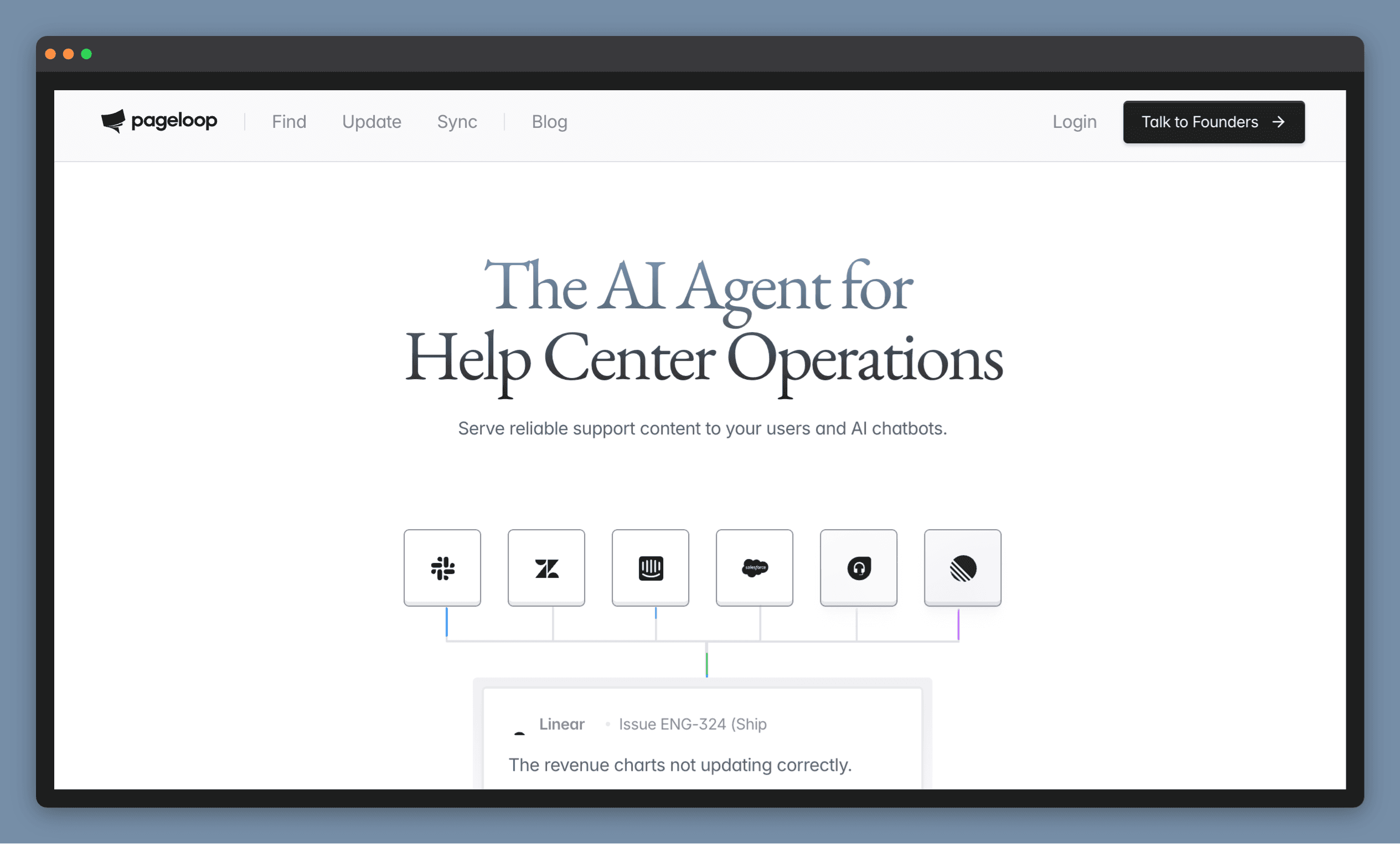
Pageloop keeps an existing help center accurate as the product ships, rather than waiting for a scheduled review to catch what changed.
Watches Slack, Linear, Jira, GitHub and your support tickets, and matches each shipped change to the articles it affects, with the reasoning attached
Proposes the text and screenshot edits, accepted or ignored one at a time, so nothing reaches customers unreviewed
Writes new articles from a release note, a recorded browser flow or an uploaded video, with screenshots placed and alt text written
Audits the whole help center for broken links, duplicates and articles that contradict each other
Keep Freshdesk and Pageloop connects with your subdomain and an API key, so your articles, URLs and bookmarks stay put. Or host the docs on Pageloop and skip Freshdesk's tiers entirely.
Best for: teams shipping often enough that the documentation is permanently one release behind.
Pricing: by knowledge base size rather than per seat, so adding an occasional editor costs nothing. Book a demo for a number against your article count.
2. Stonly
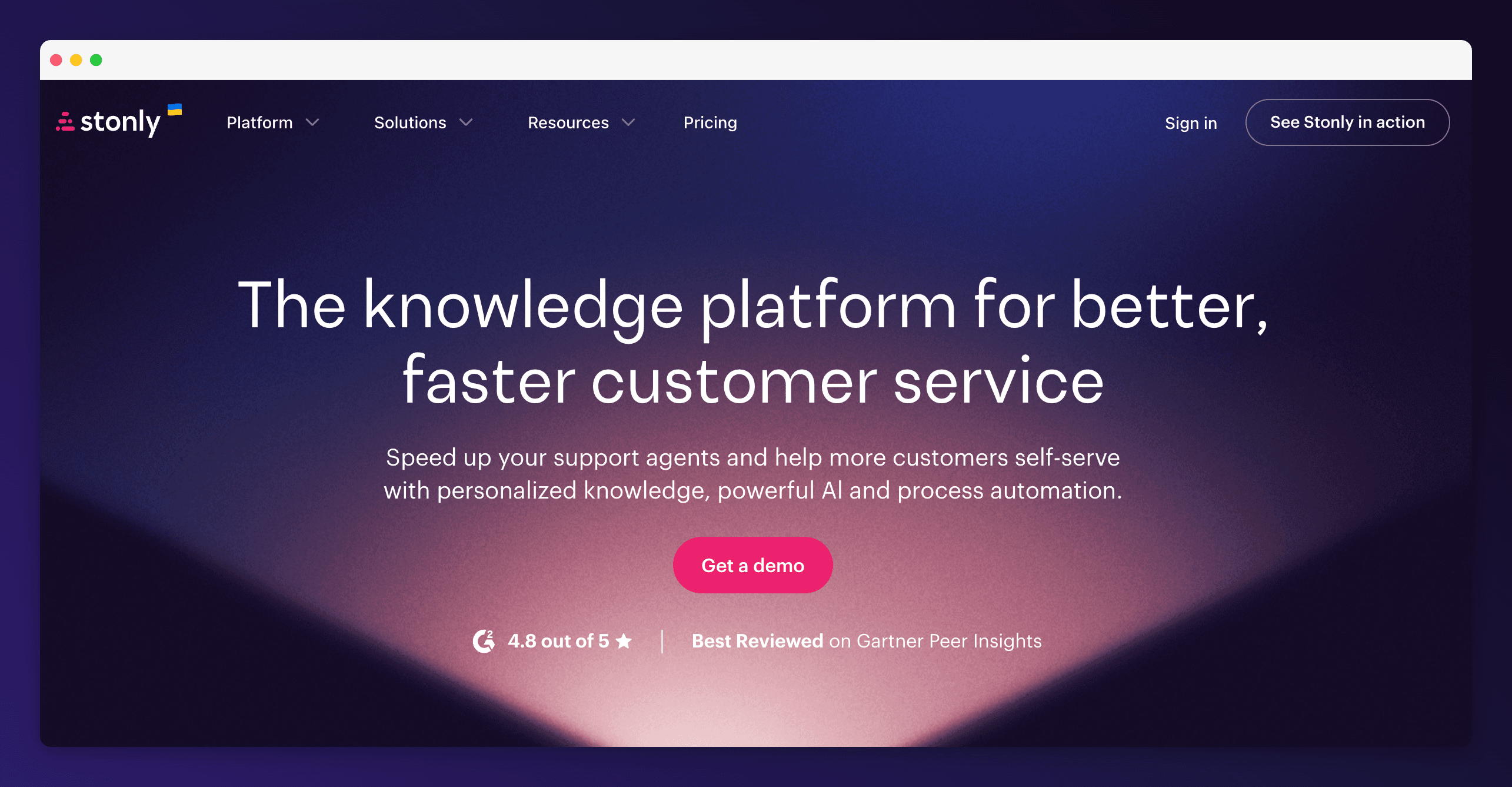
Stonly publishes step-by-step interactive guides instead of long articles, so the next instruction depends on the answer the customer just gave.
Decision-tree guides that branch on what the customer answers
Personalised knowledge surfaced to agents inside the tools they already work in, so the guide appears next to the ticket
Integrations with Salesforce, Zendesk, Freshdesk and Front, so it sits alongside your existing queue rather than replacing it, which is the whole reason it belongs in this group
Best for: teams whose top ticket drivers are multi-step processes.
Pricing: not published. Expect a sales conversation before you can compare it to your Freshdesk bill.
Freshdesk alternatives that replace the knowledge base only
3. Document360
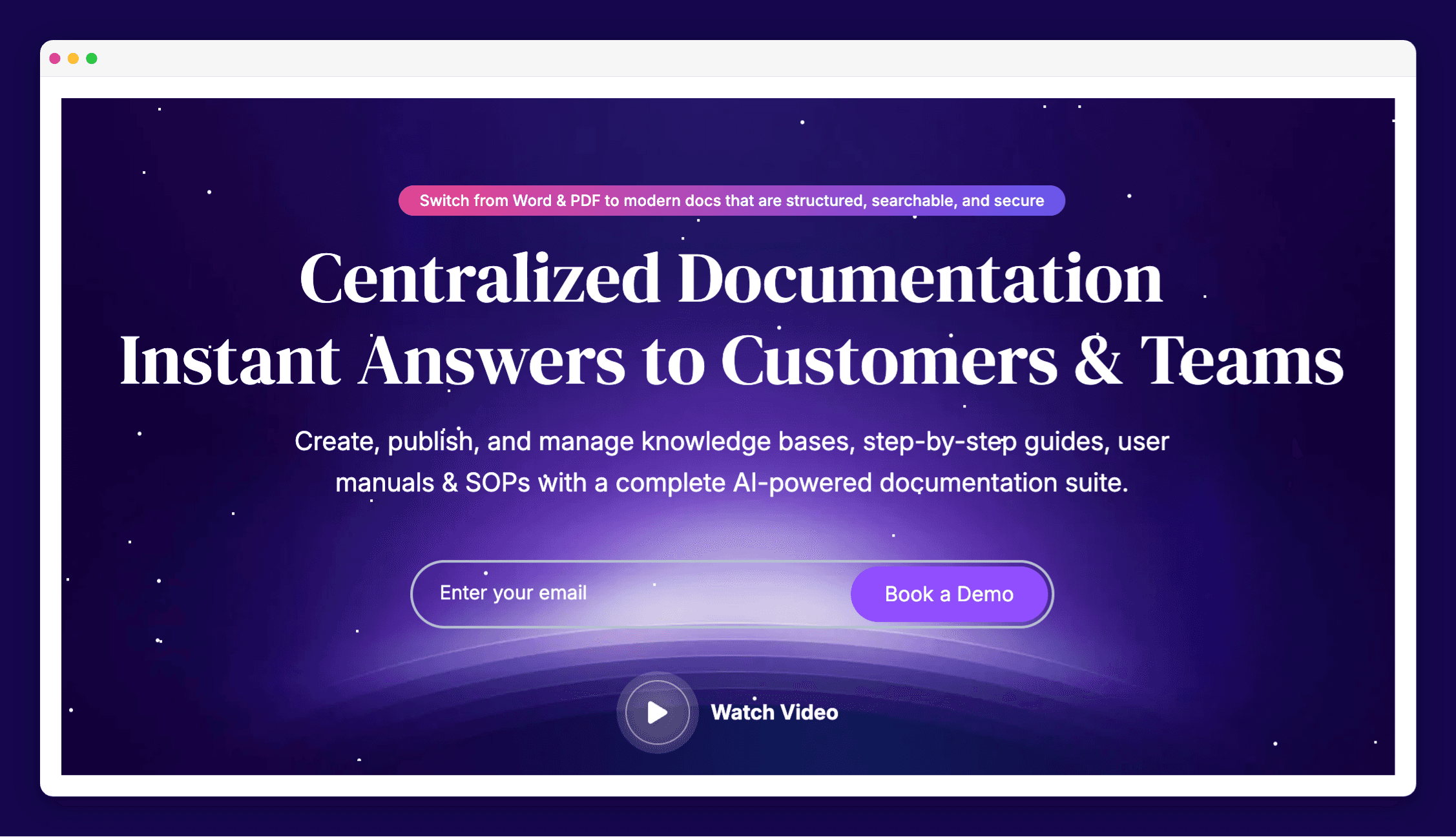
Document360 is a dedicated documentation platform built for teams with a real editorial process.
A custom workflow builder, so review and approval are core to the product rather than something you unlock by moving up two plan tiers
Interactive decision trees and a support ticket deflector that intercepts questions before the queue
Import from PDF and Word, export to PDF, SSO with SCIM
Article-level analytics on how individual pages perform
Best for: large article sets spanning customer docs, internal docs and API reference on one platform.
Pricing: not published. Plan on a sales conversation before you can put a number next to your Freshdesk spend.
4. Helpjuice
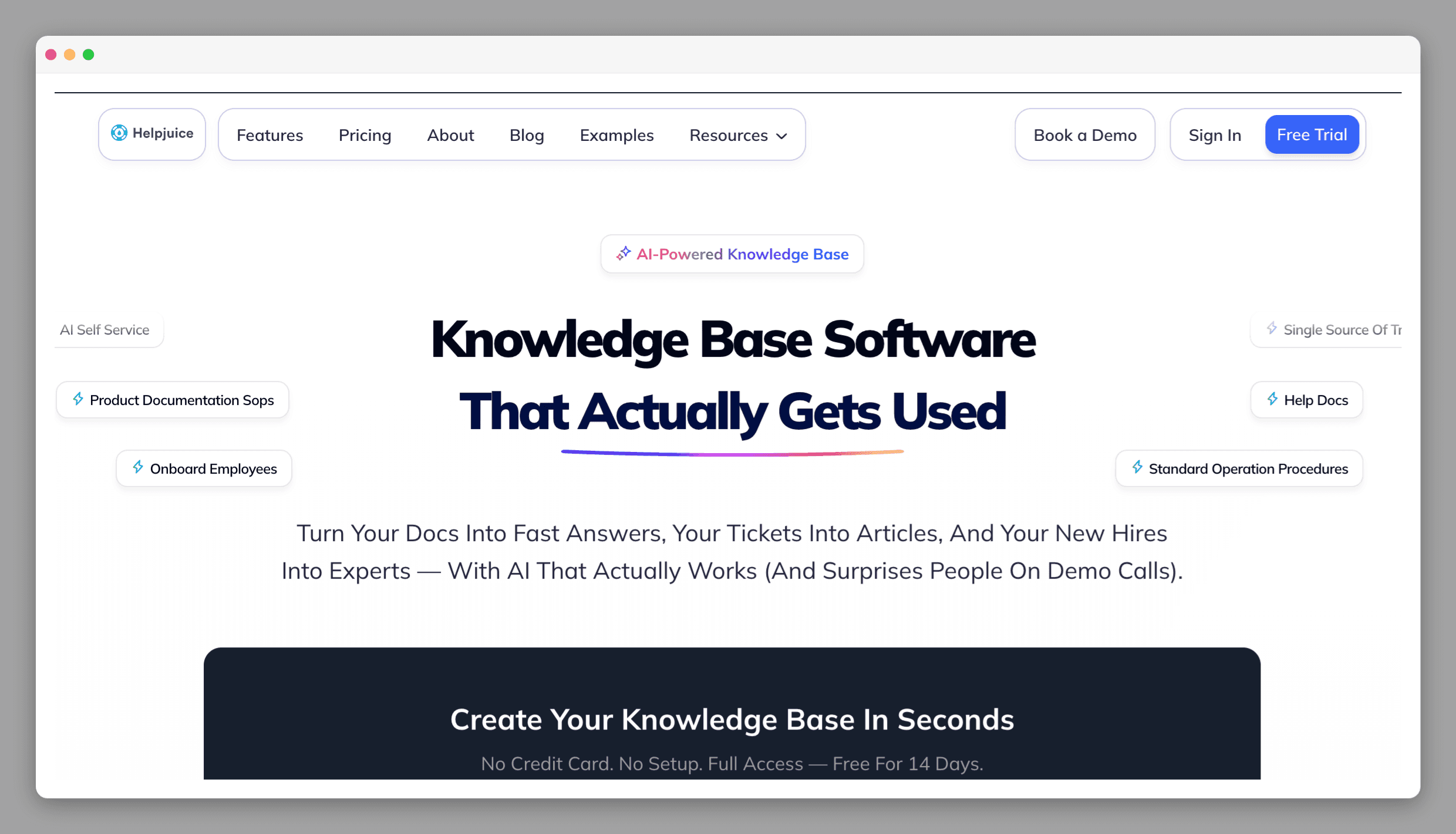
Helpjuice is built around editorial control, with the version and approval tooling Freshdesk puts behind Pro and Enterprise.
Revision history, version comparison and one-click restore
A content approval workflow with roles and permissions, plus real-time collaboration and inline comments, which together cover the two things Freshdesk gates at Pro and Enterprise
AI search and one-click translation into 40 or more languages
Analytics on search terms that returned nothing, which is where the missing articles are
Best for: teams with a wide pool of occasional contributors, where per-agent pricing punishes you for adding editors.
Pricing: $249 per month for 30 users, $449 for 100 users with the AI suite included. That entry price is more than a five-agent Freshdesk Growth plan costs in total, so it only makes sense when the knowledge base is the main event.
Freshdesk alternatives that replace the whole help desk
Replacing the queue is the more expensive path, and the price on the comparison page is the smaller half of it. Ticket history, macros, automation rules, SLA policies and every wired integration have to be rebuilt or migrated, and your help center URLs change underneath your customers. If you want to test that cheaply, Zoho Desk has a free edition with three user licenses and Help Scout has a free plan with one Docs site.
5. Zendesk
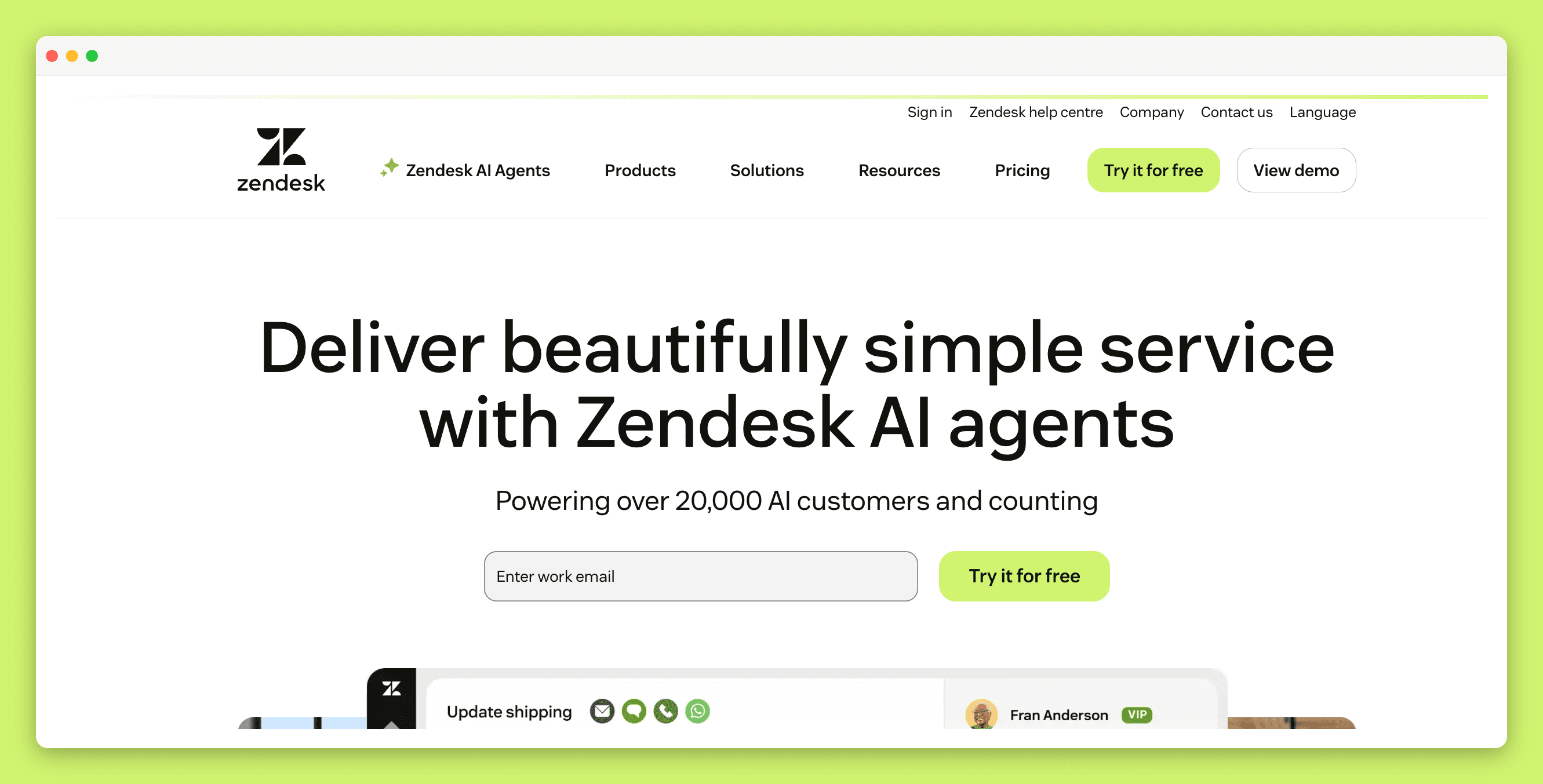
Zendesk Guide is the closest like-for-like swap, and it is the one competitor here with maintenance tooling built in.
Article verification: rules unverify articles automatically on filter and interval criteria, and email the article owner to review, though this sits on Enterprise and Enterprise Plus
Multi-brand help centers, each with its own theme and content
Article generation from historical ticket conversations
Search and content analytics showing which queries return nothing
Best for: teams outgrowing Freshdesk on ticketing volume and workflow complexity, not only on articles.
Pricing: Support Team is $19 per agent per month billed annually, but the knowledge base is not in that plan. Guide arrives with Suite Team at $55, and Suite Professional is $115. More on Zendesk knowledge base alternatives if that is the direction you are leaning.
6. Intercom
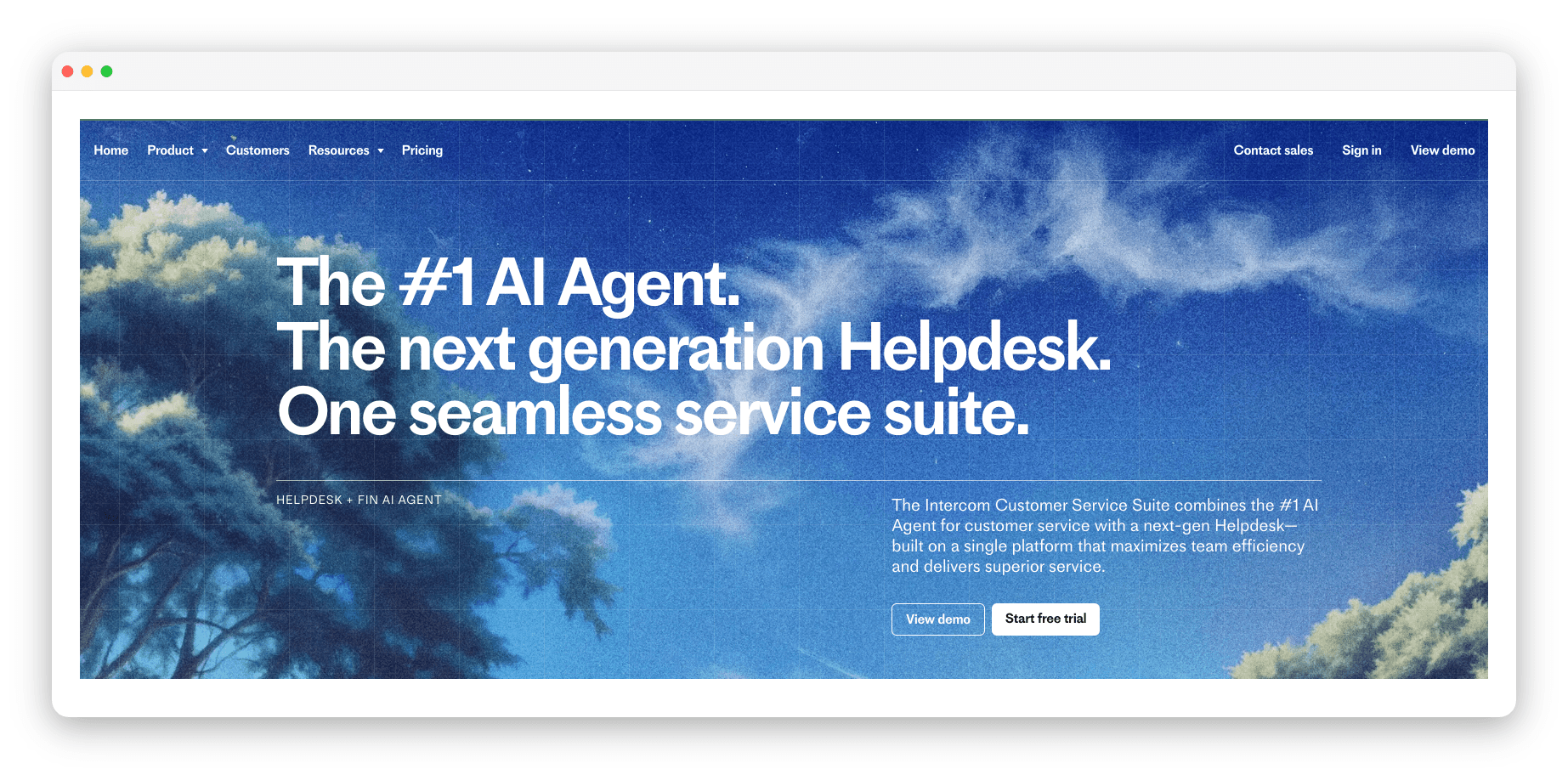
Intercom is the messaging-first option, built around Fin answering from the help center rather than agents answering from a queue.
Fin deployed across chat, email, phone and Slack, answering from your published articles
A centralised Knowledge Hub feeding the public help center and the agent-facing answers from one source
An AI-assisted inbox with live translation
In-product messages that head off the questions before they become tickets
Best for: product-led teams who support customers inside the product rather than over email.
Pricing: Essential at $29 per seat per month, Advanced at $85, Expert at $132, with Fin billed separately from $0.99 per resolution. Fin's answers are only as good as the articles it reads, which is the subject of our post on knowledge base tools for Intercom users.
What moves when your articles leave Freshdesk
Migration is usually quoted as "export your data", which covers the easy half. These are the parts that need a decision from you:
Article text and titles move cleanly. Every platform on this list imports articles in bulk, and Helpjuice advertises a one-click migration.
Category and folder structure often does not. Freshdesk organises content as categories containing folders containing articles, with up to five nested folders per category on Enterprise. A platform with a flatter model will make you rebuild that tree by hand, so count your categories before you commit. That count is the size of the job.
Images break more often than text. Screenshots hosted on your Freshdesk domain still point at Freshdesk after the move. Ask whether the new platform rewrites image URLs on import, because the alternative is re-uploading every screenshot in every article.
Article versions and translations rarely survive. Version history belongs to the platform that recorded it. Translated variants usually import as separate articles rather than as language versions of one article, which leaves you re-linking them by hand.
Old help center URLs need redirects. Customers and Google both hold the Freshdesk URLs. Build the redirect map as part of the migration rather than after it, while you still have the old structure in front of you.
Frequently asked questions
What are the best Freshdesk alternatives?
The best Freshdesk alternative depends on which half of Freshdesk is the problem. To keep Freshdesk ticketing and change how the articles are maintained: Pageloop and Stonly. To replace the knowledge base on its own: Pageloop, Document360 and Helpjuice. To replace the whole help desk: Zendesk and Intercom.
Do you have to replace Freshdesk to fix your help center?
No. A help center problem and a ticketing problem are separate, and only one of them requires a migration. Pageloop connects to the Freshdesk help center through the API and keeps the articles current while the queue stays in Freshdesk, and it can host the docs itself if you would rather leave Freshdesk's plan tiers behind.
Does the Freshdesk knowledge base require a paid plan?
The Freshdesk knowledge base and customer portal are included on Growth at $19 per agent per month. Article versioning and multilingual translations require Pro at $55, and the publishing approval workflow requires Enterprise at $89. Tools that connect to the Freshdesk help center, Pageloop among them, add a review step on every suggested change without moving up a tier.
Can you use a different knowledge base with Freshdesk ticketing?
Yes. Freshdesk exposes its help center through an API, so a tool can read and write your articles while the ticket queue stays in Freshdesk. Pageloop connects this way with your Freshdesk subdomain and an API key, and assigns Knowledge Base and Ticketing separately so it can also read tickets as signals for what to document.
How do you keep Freshdesk knowledge base articles up to date?
Freshdesk knowledge base articles stay current when every product change is matched against the articles it affects, rather than when someone remembers to check. Pageloop does that matching against your connected Freshdesk help center, suggests the text and screenshot edits each change requires, and publishes the ones you approve straight back into Freshdesk. Doing it manually means a scheduled review of the articles tied to each release.
Does Freshdesk have AI for its knowledge base?
Freshdesk has AI for its knowledge base through Freddy, priced separately from the plan. Freddy AI Agent includes the first 500 sessions on every tier and charges $49 per 100 sessions after that, and Freddy AI Copilot is a $29 per agent per month add-on on Pro and Enterprise. Freddy answers from your articles, so the accuracy ceiling is whatever the articles currently say.

Author
Fatema works across marketing and content at Pageloop. She has an academic background in Ecology, a side-life in fashion, and an irrational loyalty to milk coffee.
Other related content you might be interested in