Top Tools for Documentation Maintenance in 2026
Because your docs won't maintain themselves.

Updated September 2026
If your team has documentation, you naturally have a maintenance problem. The product keeps shipping features, and the documentation only reflects where it was the last time someone updated it. Docs go out of date between releases, not because anyone forgot, but because nothing connected the release to the article. This post is for teams that have reached the point where a manual quarterly review cycle is no longer enough and are looking for tools that automate part of the process of keeping documentation accurate.
The tools here address different parts of the maintenance gap. Some are general documentation platforms with built-in review workflows. Some are built specifically to monitor a codebase and flag affected articles after each commit. One hosts your docs from a Git repo and connects to the help center you already run, so the maintenance layer comes with the host.
How we evaluated these tools
Every tool below is scored on the same five criteria:
Staleness detection. Does the tool identify which articles have gone out of date on its own, or does it wait to be asked?
Product-change triggers. Does an update get triggered by something that actually shipped (a release, a merged PR, a resolved ticket), or only by a calendar?
Customer-facing publishing. Can it publish an external help center, or is it built for internal docs only?
Where your docs live. Does the tool host your documentation from a Git repo, connect to the help center you already run, or force you to move content into it first?
Human approval before publish. Does a person review every change before it goes live?
The comparison table further down scores all six tools against these five criteria.
What documentation maintenance automation actually means
Before evaluating any tool, let’s be specific about what “maintenance automation” covers, because the phrase is applied to features that solve very different problems. Documentation maintenance tools work on one of four detection models, and the model decides what the tool can catch.
Scheduled content review. The tool tracks when a page was last edited or verified and flags it after a set interval. A scheduled review records that someone looked at the page; whether the page still matches the product is a separate question the reviewer answers by hand.
Specification checks. The tool lints an OpenAPI or AsyncAPI file and reports where the reference pages disagree with it. Guides, tutorials and UI walkthroughs have no spec to check against, so specification checks never flag them.
Git-connected documentation. Docs live as Markdown or MDX in a repository, and an update ships in the same pull request as the code change. The repository gives you history and review, and it does not tell you which pages a given change made wrong.
Product-change-aware maintenance. The tool starts from the change itself, reads it from the sources a team already generates (a merged pull request, a resolved ticket, a Slack thread, a release note), and identifies which articles that change affects.
Product-change-aware maintenance is the model that matters for teams whose knowledge base feeds an AI support agent, because a stale article there becomes a wrong answer to a customer. Pageloop combines the last two models: it hosts documentation from your GitHub or GitLab repo and runs product-change detection across that repo, your issue tracker and your support inbox.
1. Pageloop, best for teams shipping weekly who can’t keep docs in sync manually
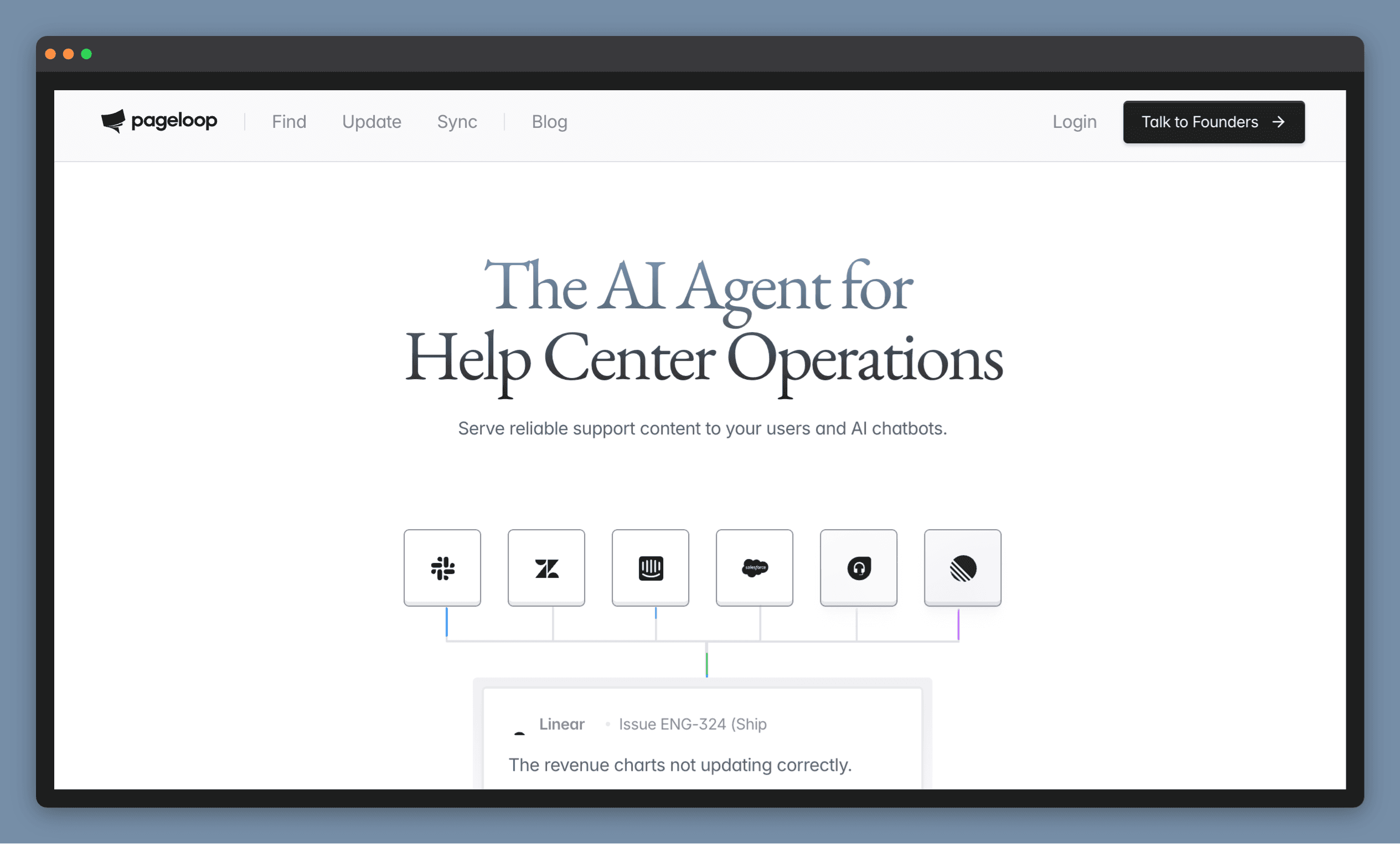
Pageloop hosts your documentation from a GitHub or GitLab repo and keeps it in sync with a product that keeps shipping.
Pageloop is a docs-as-code knowledge base with maintenance built into the host. Your docs live as Markdown in a repository you own. Pageloop pulls them from that repo, publishes them, and watches the signals your team already produces: merged pull requests and releases in GitHub, resolved Linear or Jira issues, Slack threads, and support tickets. When something ships, Pageloop identifies which articles that change affects and drafts the update. Each suggestion shows the evidence it came from, so a reviewer sees the pull request or ticket behind the change before accepting it.
Pageloop also writes new articles. Record a product flow with the Chrome extension, upload a walkthrough video, or paste release notes, and Pageloop produces a complete draft with screenshots placed where they belong. When a draft needs more context, Pageloop asks before generating.
Screenshots get the same treatment as text. Grant Pageloop permission and it captures the updated screens on its own, then proposes the replacements article by article. More on that in automated screenshot updates for documentation.
Teams that already run a help center connect it instead of migrating. Pageloop pushes reviewed updates to Intercom, Zendesk, Freshdesk and Salesforce with formatting preserved, and reads support conversations from the same connection to find gaps. Nothing publishes without a person: every update arrives as colour-coded inline suggestions, reviewed change by change with Accept or Ignore, and related signals merge into one suggestion instead of five duplicates.
Where it focuses
Pageloop handles the documentation layer, alongside whichever help desk you already run.
Best for
Product and documentation teams that ship frequently and want the knowledge base to live in Git without an engineer on maintenance duty. We offer a free trial if you’d like to explore the product for yourself. Try us out.
2. Confluence — best for enterprise teams already running Jira and Confluence
Atlassian’s documentation platform with time-based automation and an AI layer for teams already running on the Atlassian stack.
Confluence handles enterprise documentation at scale, with permissions, page hierarchies, and version history built in. For maintenance, it offers two distinct mechanisms. Confluence Automation handles time-based rules: archiving pages that have not been touched in a defined period, sending reminders when content is overdue for review, or triggering approval workflows when pages are updated. Atlassian Rovo, the company’s AI layer, extends this with natural language rule creation. Describing a maintenance rule generates the automation without configuring logic manually. Rovo can also draft content updates, translate pages, and summarize feedback across a Confluence space.
Where it falls short: The maintenance triggers in Confluence are time-based. Automation archives based on inactivity and sends reminders based on schedules, but neither Confluence nor Rovo knows when a product release has made a specific article wrong. Atlassian’s own community notes this risk: when obsolete content lingers in the knowledge base, Rovo “blends fact with fiction” because it has no mechanism to distinguish what changed from what stayed the same. Teams with frequent release cycles still need a human to connect what shipped to what needs updating.
Best for: Enterprise teams already running Jira alongside Confluence who want time-based content governance without leaving the Atlassian stack.
3. Notion — best for mid-size teams using Notion as their internal wiki
A flexible all-in-one workspace with lightweight documentation governance through verified properties and expiry dates.
Notion is used by teams that want documentation, project management, and AI in a single workspace. For knowledge maintenance, its approach is governance-first: content owners assign verified properties with optional expiration dates to pages, and subject matter experts receive notifications when content is approaching expiry. Teamspace owners act as curators and set the overall review cadence. Notion AI Agent can execute tasks within the workspace rather than just suggesting them, which includes drafting and updating documentation pages when instructed. They recently added AI access on mobile and additional model options.
Where it falls short: Notion’s verification model is as reliable as the person who set it up. Expiry dates are configured by content owners, which means a page can carry a valid expiry date that was set before the last several sprints shipped. There is no connection between a product release and the documentation pages that cover that feature. Notion also works best as an internal wiki; customer-facing docs require additional integrations that add complexity.
Best for: Smaller or mid-size teams that use Notion as their primary internal workspace and want a structured content review process without adopting a separate documentation platform.
4. GitBook — best for developer docs teams working in Git
A documentation platform for developer teams, with an AI agent that assists with editing and an active roadmap toward proactive maintenance.
GitBook is built around a Git-based publishing workflow, making it a natural fit for engineering teams that want documentation versioning to mirror code versioning. GitBook Agent, available on Pro and Enterprise plans, can scan connected sources (Intercom conversations, GitHub Issues) and compose suggested changes based on what it finds. The Improve function is available on any page: clicking the icon surfaces GitBook Agent actions that can rewrite, expand, or restructure content on demand.
Where it falls short: GitBook describes the current agent as reactive. It responds to instructions rather than independently identifying gaps or flagging content that has gone stale. The proactive features (monitoring support conversations at scale, spotting patterns across GitHub Issues to surface documentation gaps) are on the roadmap rather than available today. Teams expecting the agent to surface maintenance needs automatically will find it operates closer to an AI writing assistant than a maintenance automation layer. Agent access also requires a paid plan, with no AI features on the Basic tier.
Best for: Developer-facing documentation teams that work in Git and want a structured platform with AI editing support rather than a fully automated maintenance layer.
5. Mintlify — best for API reference and SDK docs that map to code
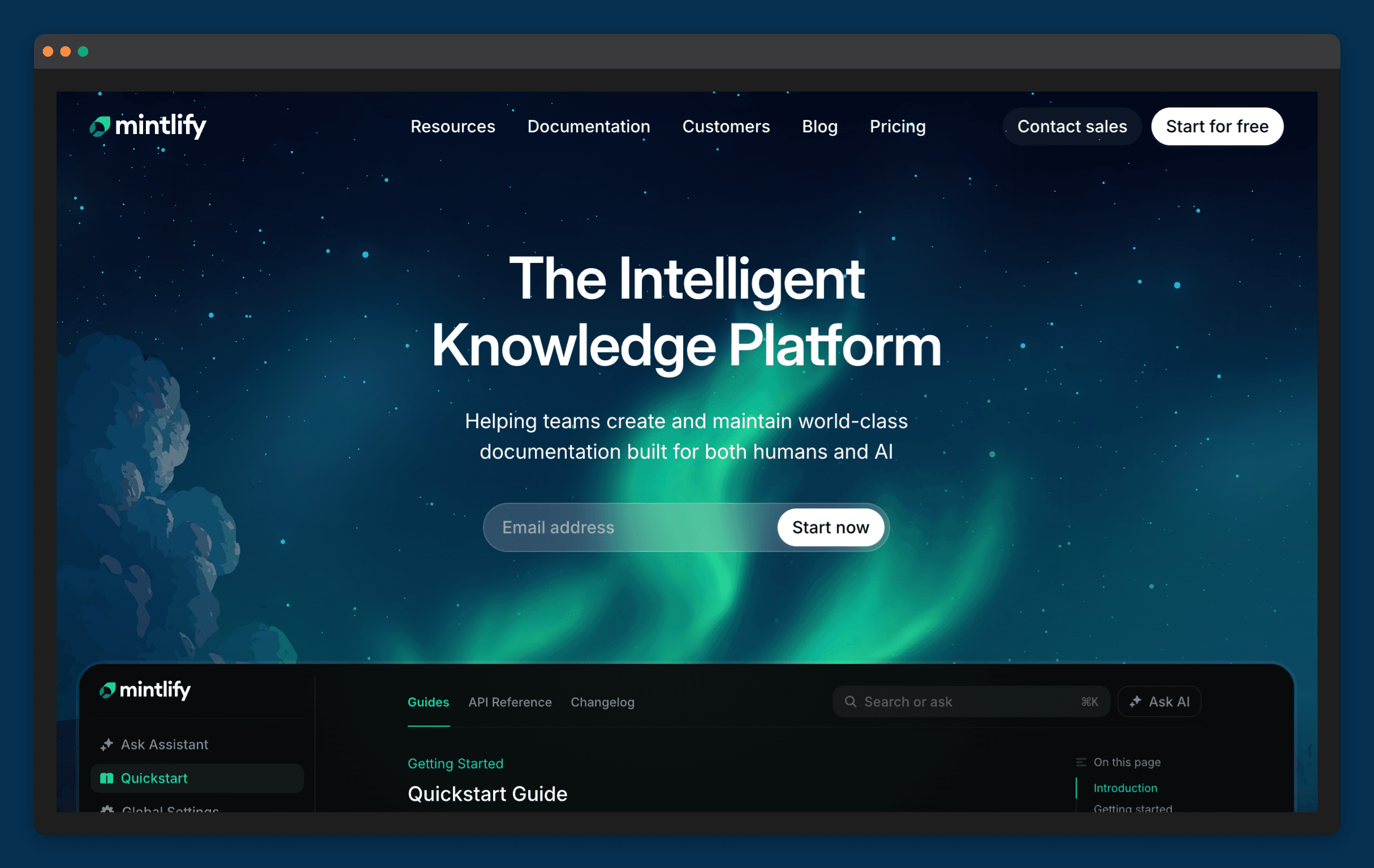
A documentation platform built for code-first teams, with automated update workflows triggered by code repository changes.
Mintlify positions around tight code-to-docs synchronization. Its Automations feature monitors a code repository and opens a pull request in the documentation repository when a PR merges to the main branch. The agent reviews the code diff, identifies new features or APIs that require documentation updates, and creates the PR with proposed changes for a human to review. Agent Suggestions analyses questions from the docs assistant to identify confusion patterns and surface update recommendations.
Where it falls short: Mintlify’s maintenance automation reads code changes. If the product ships something visible to users but not clearly reflected in the code diff (a flow change, a removed UI element, an updated screenshot), the automation may not surface it. For teams whose documentation covers more than API reference, SDK guides, and OpenAPI-generated endpoints (how-to guides, troubleshooting content, product UI walkthroughs), the code-first trigger has gaps. The Agent creates suggestions, not finished updates.
Best for: Engineering or developer relations teams publishing technical reference documentation that maps directly to code (API reference, SDK guides, developer how-to content) who want documentation updates to happen in the same pull request workflow as code.
6. Guru — best for support and sales agents who need verified internal knowledge
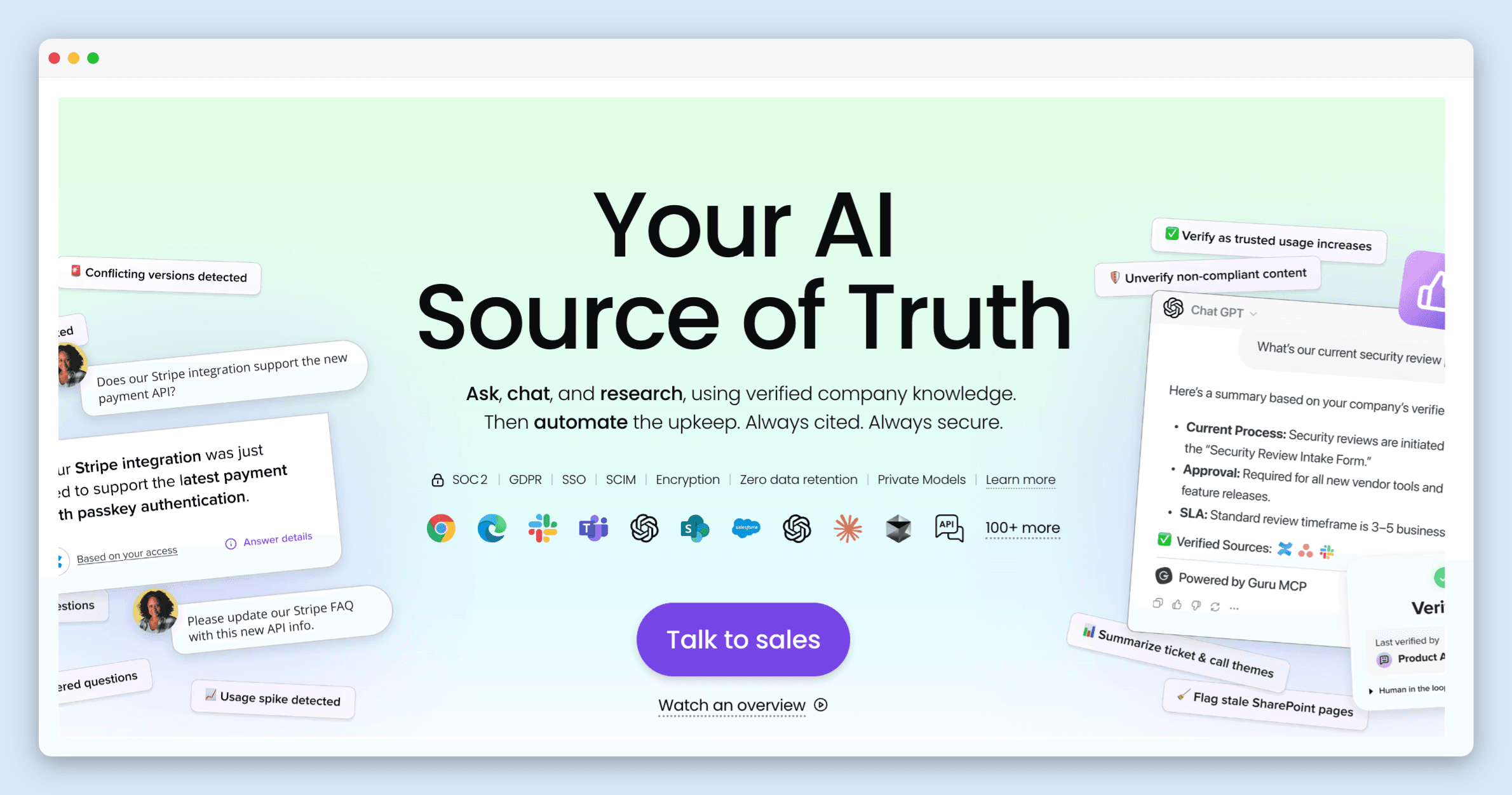
An internal knowledge platform that surfaces verified information directly inside the tools support and sales teams already work in.
Guru is built for agent-facing knowledge rather than customer-facing help centers. Its core maintenance mechanism is Knowledge Agents, which monitor usage signals, engagement patterns, and AI analysis to automatically verify and un-verify content. A Quality Log in the Agent Center tracks all verification activity: which content was verified, which was flagged, and what triggered each decision. Guru Knowledge Agents now support the Model Context Protocol, allowing them to connect to external tools from within Guru’s interface.
Where it falls short: Guru’s verification mechanism responds to usage signals: content accessed infrequently or with low engagement gets flagged for review. Usage signals approximate staleness but do not capture product change directly. An article covering a deprecated feature that still gets regular traffic can remain verified long after it should have been updated. Guru is also built for internal docs, agent-facing by design. Teams that need to publish customer-facing docs will find the card-based structure limiting for that use case.
Best for: Support and sales teams that want agents to access verified internal knowledge directly inside Zendesk, Intercom, or Slack, without building a separate customer-facing help center.
Documentation maintenance tools compared: staleness detection, product-change triggers, and publishing
Tool | Staleness detection | Product-change triggers | Customer-facing publishing | Where your docs live | Human approval before publish |
|---|---|---|---|---|---|
Pageloop | ✅ After every release | ✅ PRs, releases, tickets, Slack, Jira, Linear | ✅ Yes | ✅ Hosted from your Git repo, or connected to your help center | ✅ Yes |
Confluence | ⚠️ Timestamp-based only | ❌ No | ⚠️ With additional configuration | ✅ In Confluence | ✅ Yes |
Notion | ⚠️ Usage signals only | ❌ No | ❌ Not purpose-built for external docs | ✅ In Notion | ✅ Yes |
GitBook | ⚠️ On request via Agent | ⚠️ Agent can scan connected sources | ✅ Yes | ✅ Hosted from Git | ✅ Yes |
Mintlify | ✅ Monitors codebase automatically | ✅ Code-commit triggered | ❌ Developer documentation only | ✅ Hosted from Git | ✅ Via pull requests |
Guru | ✅ Usage-signal verified | ❌ No | ❌ Internal docs only | ✅ In Guru | ✅ Yes |
The gap every tool on this list shares
Most documentation maintenance tools frame the problem as a content governance challenge: who owns which page, when it was last reviewed, whether it has been verified. The workflows built around this model (expiry dates, inactivity alerts, review reminders) are useful for managing a large content library at a steady state.
All of these tools share a common gap: none of them know when a specific article became wrong. A page can be fully verified, recently reviewed, and still inaccurate if the product shipped a change after the last review date. The maintenance schedule and the release cadence are separate systems, and documentation falls in the gap between them.
How to pick based on your release cadence
Teams that feel this most acutely are usually the ones shipping the most. A quarterly release cycle gives documentation teams a defined window to audit and update. Weekly or biweekly cadences do not offer that window. By the time the scheduled review runs, the product has moved again. That’s the gap Pageloop is built for - syncing your docs to what actually shipped, not just when someone last opened them.
Teams evaluating release cadence fit may also find the comparison of knowledge base maintenance tools useful for a different angle on the same category.
Documentation maintenance FAQs
What is the difference between documentation maintenance and documentation creation?
Creation is writing articles from scratch. Maintenance is keeping them accurate after the product changes. Most platforms are built for creation: they give you an editor, templates, and publishing tools. Fewer tools handle what happens after publish day. Pageloop is built for the maintenance side. It monitors your product signals and generates proactive suggestions when articles need attention.
How do I know when my documentation has gone stale?
There are a few signals: support tickets that reference incorrect instructions, AI chatbot answers that contradict your current product, screenshots that show a UI that no longer exists. But the discovery usually comes too late, after a customer hits the problem. Pageloop detects staleness proactively by connecting to your engineering and support signals and flagging articles when the product changes underneath them. For a walkthrough, see 10 Help Center Problems That Get Worse Before Anyone Notices.
Can I automate documentation maintenance?
Parts of it. Detecting which articles are affected by a product change can be automated. Generating suggested updates can be automated. But publishing should not be. Pageloop generates proactive suggestions and drafts, but you review and approve everything before it goes live. The goal is to remove the manual work of finding what is broken, not to remove the human judgment of what gets published. For more on closing the gap between engineering and documentation, see How to Get Engineers to Contribute to Documentation.
How do you keep internal docs and customer-facing docs in sync?
They go out of date at different rates. Internal docs usually drift first because nobody outside the team notices, while customer-facing docs get corrected only once a customer complains. The fix is to trigger both off the same event. If a release, a merged PR, or a resolved ticket is what flags the article, internal and customer-facing docs stay on the same clock instead of on two separate review schedules.
Image Courtesy National Gallery of Art
Picking flowers, Auguste Renoir (French, 1841 - 1919)

Author
Fatema works across marketing and content at Pageloop. She has an academic background in Ecology, a side-life in fashion, and an irrational loyalty to milk coffee.
Other related content you might be interested in