The 6 best developer documentation tools with AI-assisted maintenance
(and what they still can't do)

Updated June 2026
If you run a help center, you already know this problem. A release ships, articles go stale, and nobody finds out until a customer flags it, or your AI chatbot confidently gives someone the wrong answer. We don’t want that.
Developer documentation has the exact same problem, just on a different surface. Instead of a Zendesk help center or an Intercom knowledge base, it’s a GitBook space or a collection of Markdown files in a GitHub repo. The docs fall behind for the same reason: something changed in the product, but the update didn’t make it into the docs in time. Suddenly, every developer reading that page is working from outdated information.
We looked at six of the most widely used platforms through that specific lens: What actually happens to your developer docs six months after you set everything up?
What to look for
What matters for maintenance is whether a tool has any mechanism for catching documentation drift: monitoring pull requests for changes that should trigger updates, indexing developer questions to surface missing content, or listening to support signals for patterns pointing to outdated articles.
Good developer documentation tools should also support knowledge management across the surfaces your team actually uses: GitHub, Slack, Jira, Linear, not just the docs platform itself. The more signals a tool can read, the earlier it catches drift before it becomes a developer experience problem.
No tool on this list will automatically know your product shipped a change last week. They all work reactively to some degree. The question is whether their approach matches how your team actually works.
Here are our picks!
6 best developer documentation tools with AI-assisted maintenance
1. Pageloop
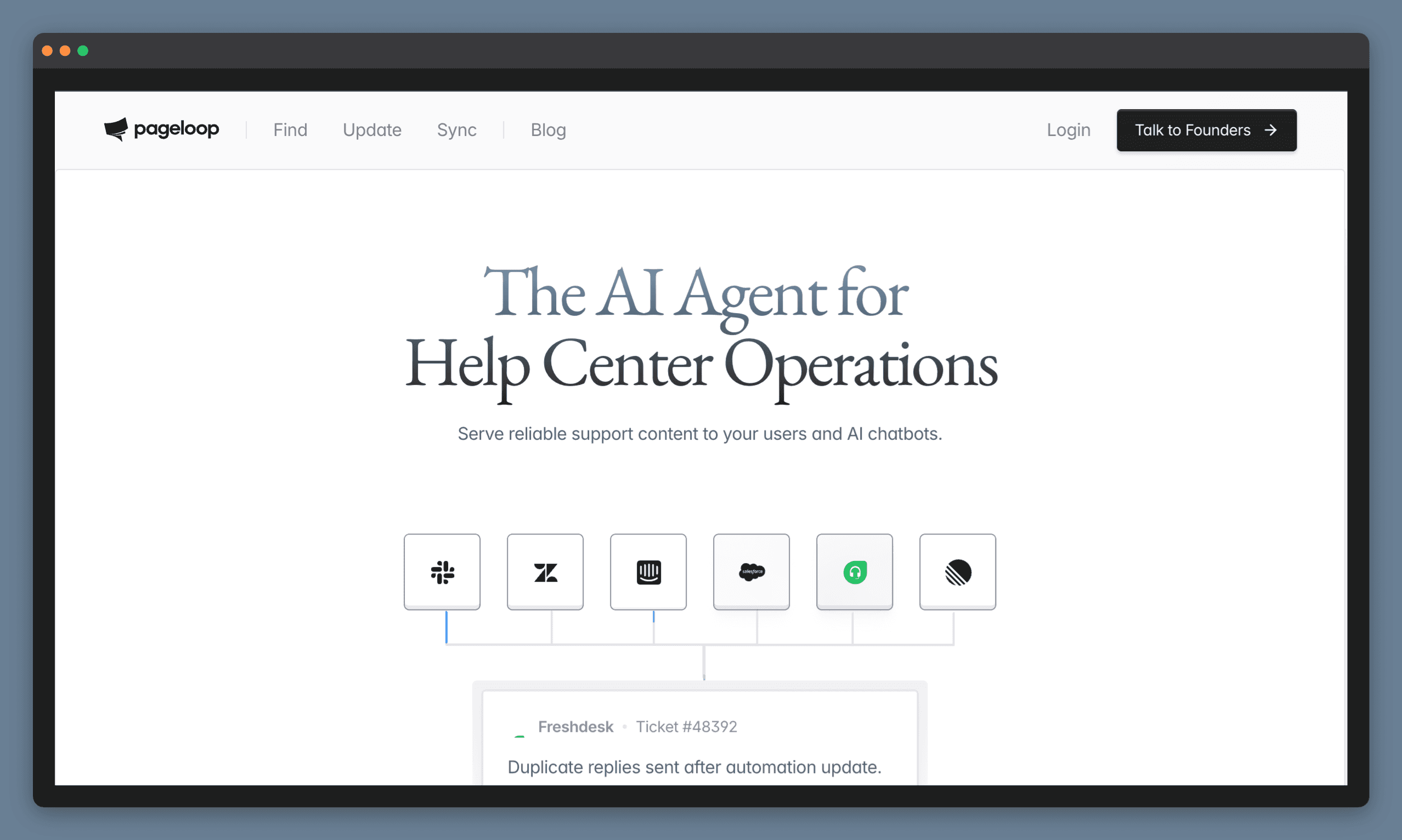
Monitors your product changes and tells you what to fix in your docs.
Pageloop does two things most tools on this list do not: it monitors your engineering signals and generates proactive suggestions when your documentation needs to change.
It connects to the sources your engineering team already uses. GitHub activity, Linear or Jira tasks, Slack conversations. When something changes, Pageloop identifies which articles are affected and suggests what needs updating. You review the suggestion, refine it, and publish when you are ready. Nothing goes live without you choosing to publish it.
Pageloop also generates new articles. Record a product flow with the Chrome extension or upload a video, and it produces a complete draft with screenshots embedded in the right places. If Pageloop needs more context to get something right, it will ask before generating, so the output matches what you actually meant. The same workflow applies to updates: record the new flow, or grant Pageloop permission and it captures the updated screens on its own. Either way, it identifies which existing docs need to change.
It hosts your docs directly: connect the GitHub or GitLab repo behind them and Pageloop takes over the publishing, with the proactive maintenance that none of the platforms in this article do built in from the start. Help centers like Zendesk, Intercom, and Freshdesk connect in place, so support content stays where it is. Pricing is based on knowledge base size, not seats, so your whole team can use it. We offer a free trial if you’d like to explore the product for yourself. Try us out.
2. Mintlify
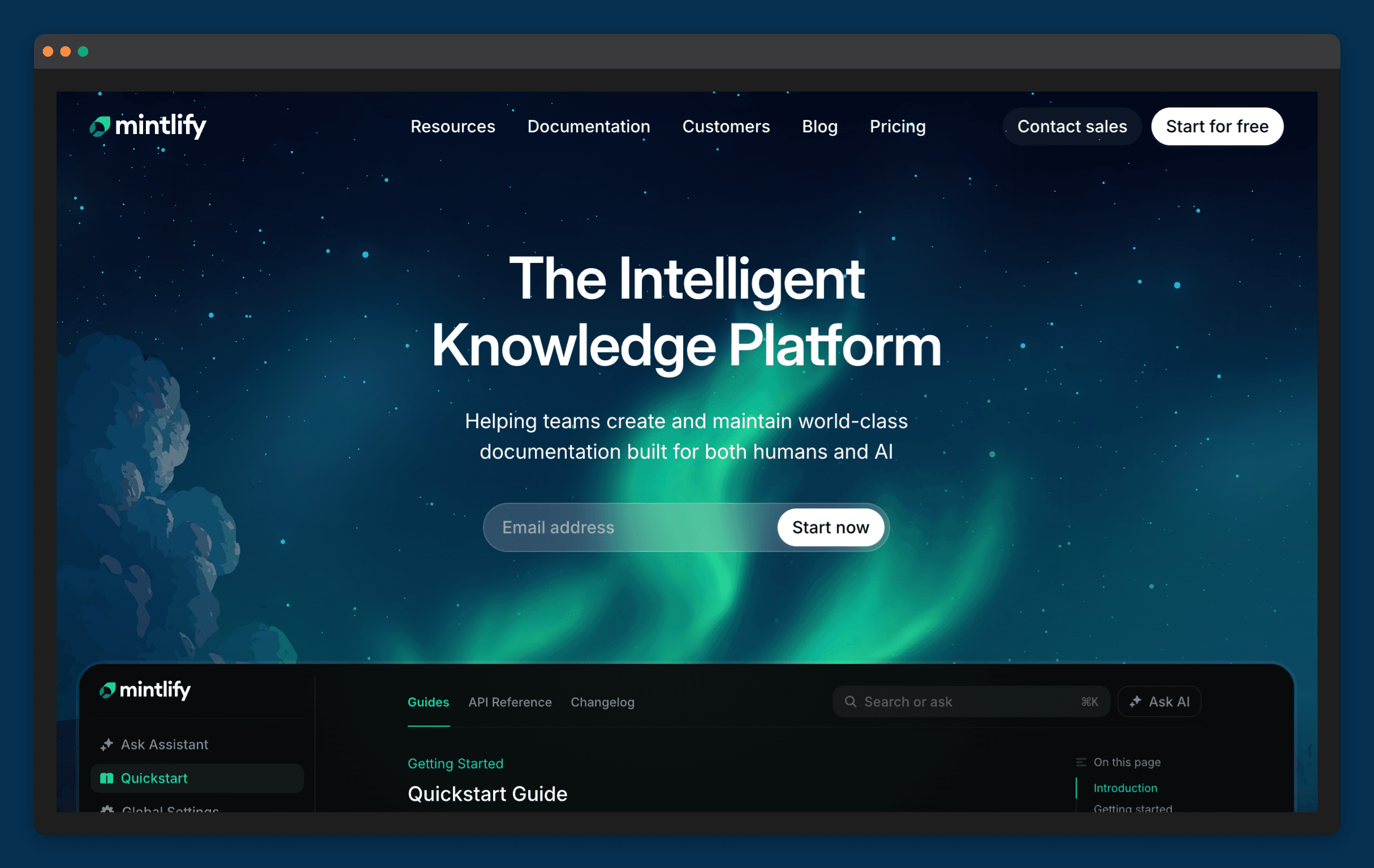
Mintlify has become the go-to developer documentation platform for API-first companies who want their docs to feel like a product. The design is clean, the developer experience is strong, and it’s grown quickly among teams that treat documentation as a core part of what they ship.
What it does for doc maintenance
The Mintlify Agent watches your connected GitHub or GitLab repos and your Slack channels. When a PR merges, it analyzes the difference and either comments on the PR with links to documentation that might need updating, or opens a draft PR with suggested edits. It also surfaces gaps from Slack threads, so if the same developer question keeps coming up, the Agent flags it as a documentation problem worth addressing.
Where it falls short
The Agent creates suggestions, not finished updates. Every draft PR it opens still needs a human to review and merge. That’s the right call for accuracy, but the maintenance burden doesn’t disappear.
The bigger limitation is scope. Because it works by watching PR activity, it only catches drift that’s connected to recent code changes. Older guides, conceptual content, onboarding docs, or anything that hasn’t been touched by a recent PR won’t get flagged, even if it’s quietly become inaccurate. Most of the automation also requires an Enterprise plan.
Best for: API-first teams on GitHub and Slack who want polished developer docs.
3. Fern (now a part of Postman)
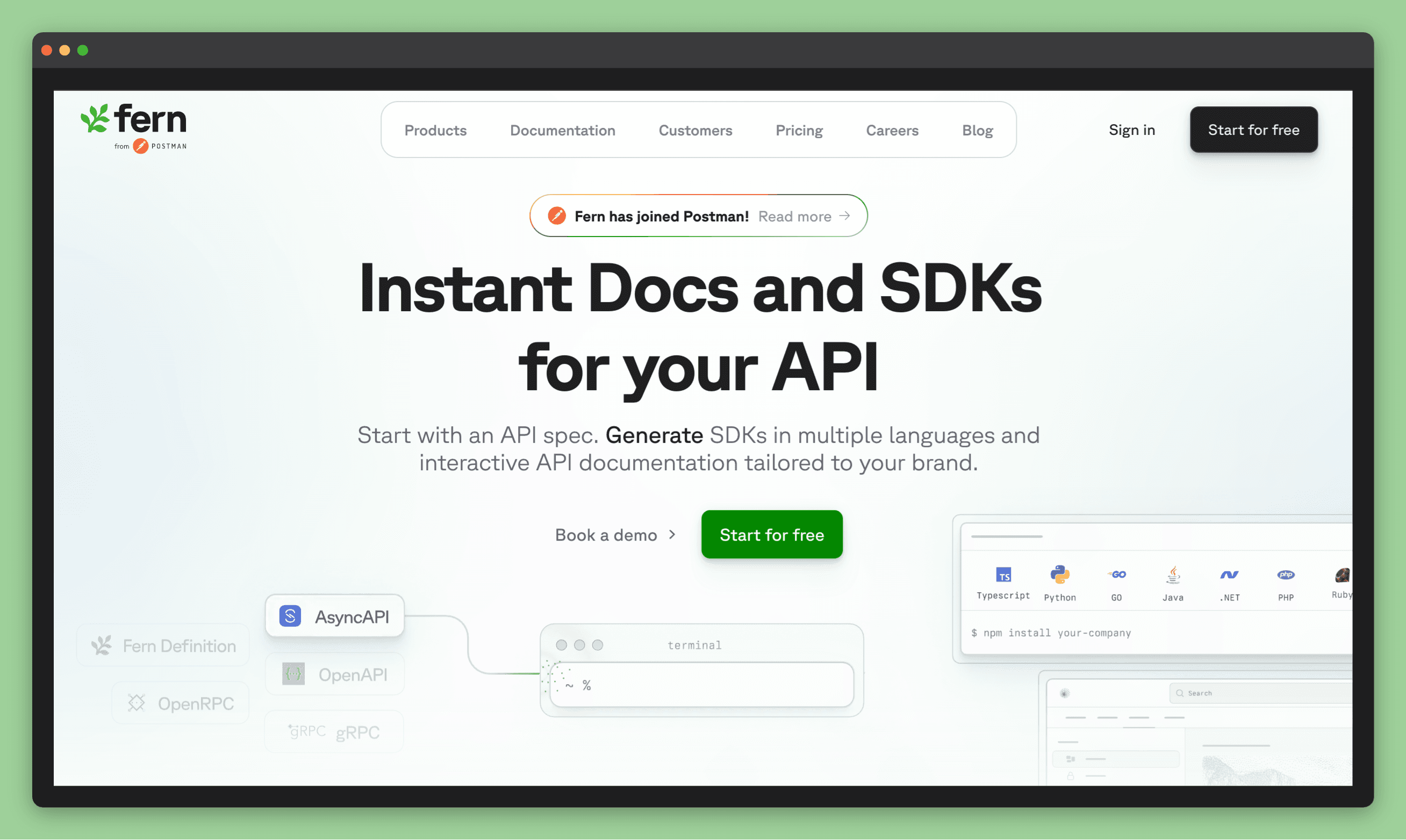
Fern is built specifically for API-first teams and sits at the intersection of documentation and developer experience. Its Writer feature is a Slack-native AI agent that creates documentation on demand. All you do is mention Fern Writer in a Slack channel, describe what you need, and it opens a GitHub PR with the draft.
What it does for doc maintenance
Fern writer uses Cognition AI to generate and update documentation directly from Slack prompts. For teams that already live in Slack, this is a low-friction way to get docs updated without switching context. It auto-generates API reference examples directly from OpenAPI specifications, which removes one of the most tedious parts of keeping API docs current. Ask Fern provides AI-powered search across your documentation, giving developers answers without leaving their workflow.
Where it falls short
Fern Writer is a user-prompted feature, which means that nothing happens unless someone asks it to. There’s no passive detection, gap surfacing, or monitoring for signals that indicate that something has gone stale. The tool is excellent at executing documentation tasks quickly, but just requires someone to notice the problem first and know to ask.
Auto-triggers from code changes are listed as “coming soon, which would change this calculus considerably. For now, Fern is a fast execution layer, not a detection layer. If your team is disciplined about flagging doc updates as part of the release process, that’s enough. If documentation updates tend to fall through the cracks, Fern won’t catch them.
Best for: API-first teams who are disciplined about flagging documentation work and want a fast, Slack-native way to act on it without leaving their existing workflow.
4. Kapa.ai
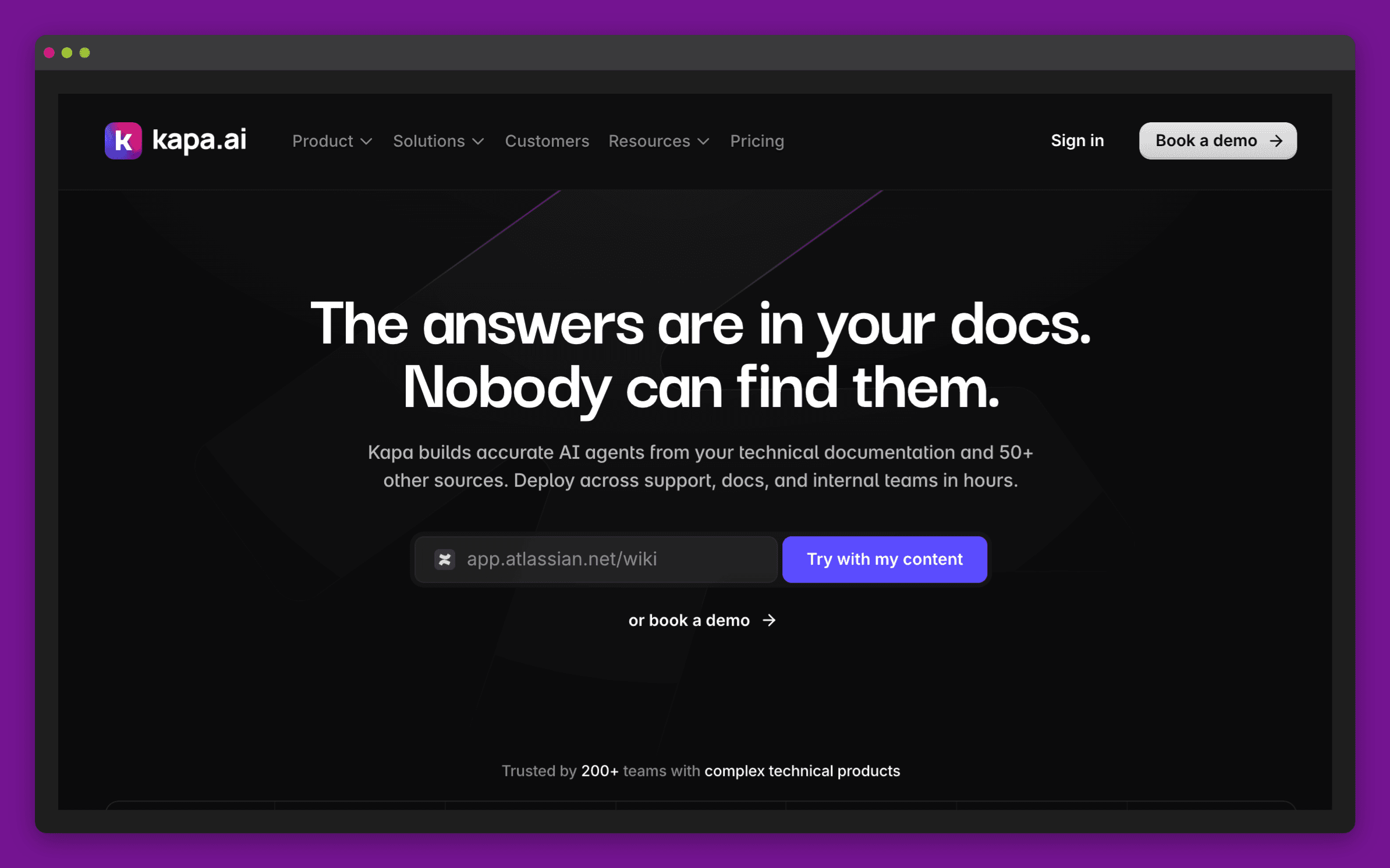
Kapa doesn’t write or edit your documentation. What it does show you is exactly where your docs are failing developers.
What it does for doc maintenance
Kapa indexes everything, from your docs site, GitHub discussions, Slack channels, Zendesk tickets, Jira, Notion, Linear to wherever developer knowledge actually lives. The integration breadth is one of its best strengths. It then builds an AI assistant that answers questions from all of it. When it can’t answer a question confidently, that’s a signal. Kapa tracks those signals, groups them by topic, and generates gap reports your team can act on. If your developer knowledge is fragmented across a dozen surfaces, Kapa is one of the few tools that can pull it together coherently.
Where it falls short
Kapa surfaces gaps, but doesn’t fill them. The gap reports are useful, but they land on a team that still has to find the time, ownership, and bandwidth to act on said gaps. For teams where documentation is already someone’s second job, a detailed list of what’s wrong can feel more overwhelming than actionable.
It also catches problems after they’ve already affected developers. By the time enough questions accumulate to surface a pattern, the damage of the abandoned integration or the support ticket has already happened.
Best for: Developer relations or engineering teams with large, fragmented knowledge bases who want data-driven visibility into where docs are falling short.
5. ReadMe
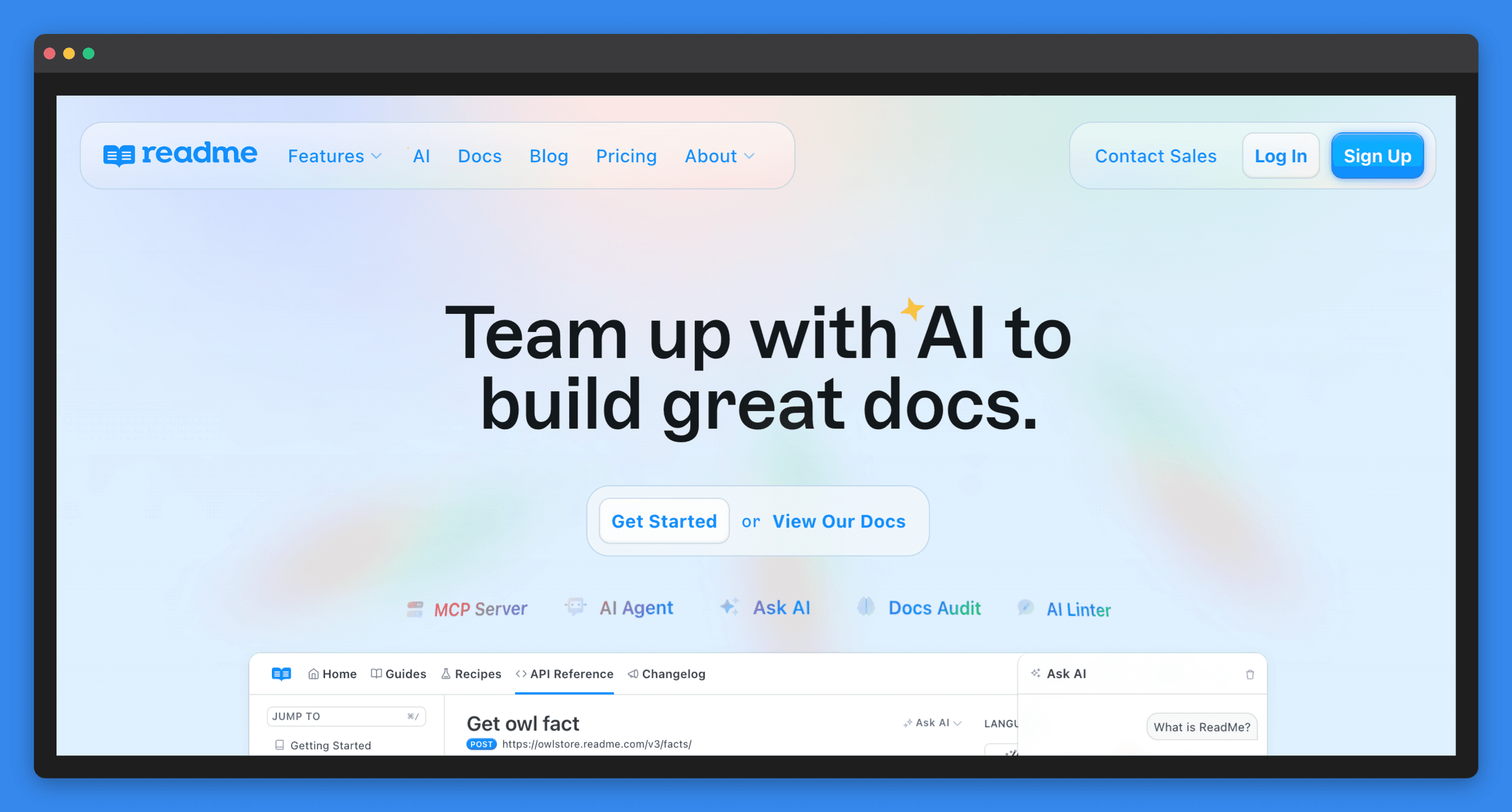
ReadMe is the most established developer hub in this list. It’s been around long enough to have strong opinions about what a developer portal should look like, and the core product, which includes interactive API docs, a polished portal and strong version control is genuinely good.
What it does for doc maintenance
ReadMe offers bidirectional GitHub and GitLab sync, so changes in your repo and in ReadMe’s editor flow both ways. There’s a Docs Linter that checks pages against your style rules and catches broken links automatically. Their Docs Audit feature (available on Enterprise plans) runs across all your pages and flags inconsistencies or gaps.
Usage metrics and community Q&A also provide maintenance signals. Low-rated pages and unanswered questions are early indicators that something’s not working for developers. They require someone to be paying attention, but the data is there. For teams that want a single place to manage API documentation, community feedback, and usage analytics, it’s one of the more complete products available without stitching together separate tools.
Where it falls short
ReadMe is a well-built platform with good editorial tooling, but most of the maintenance work stays manual. ReadMe detects issues rather than resolving them. And like every other tool here, it has no direct connection to your release cycle, and it finds out about documentation problems the same way you do, eventually. Additionally, the AI features that matter most for maintenance (Agent endpoint and the Docs Audit) are Enterprise-only, which might be something to note.
Best for: API-driven products that need a polished, interactive developer portal with strong version control and editorial governance.
6. GitBook
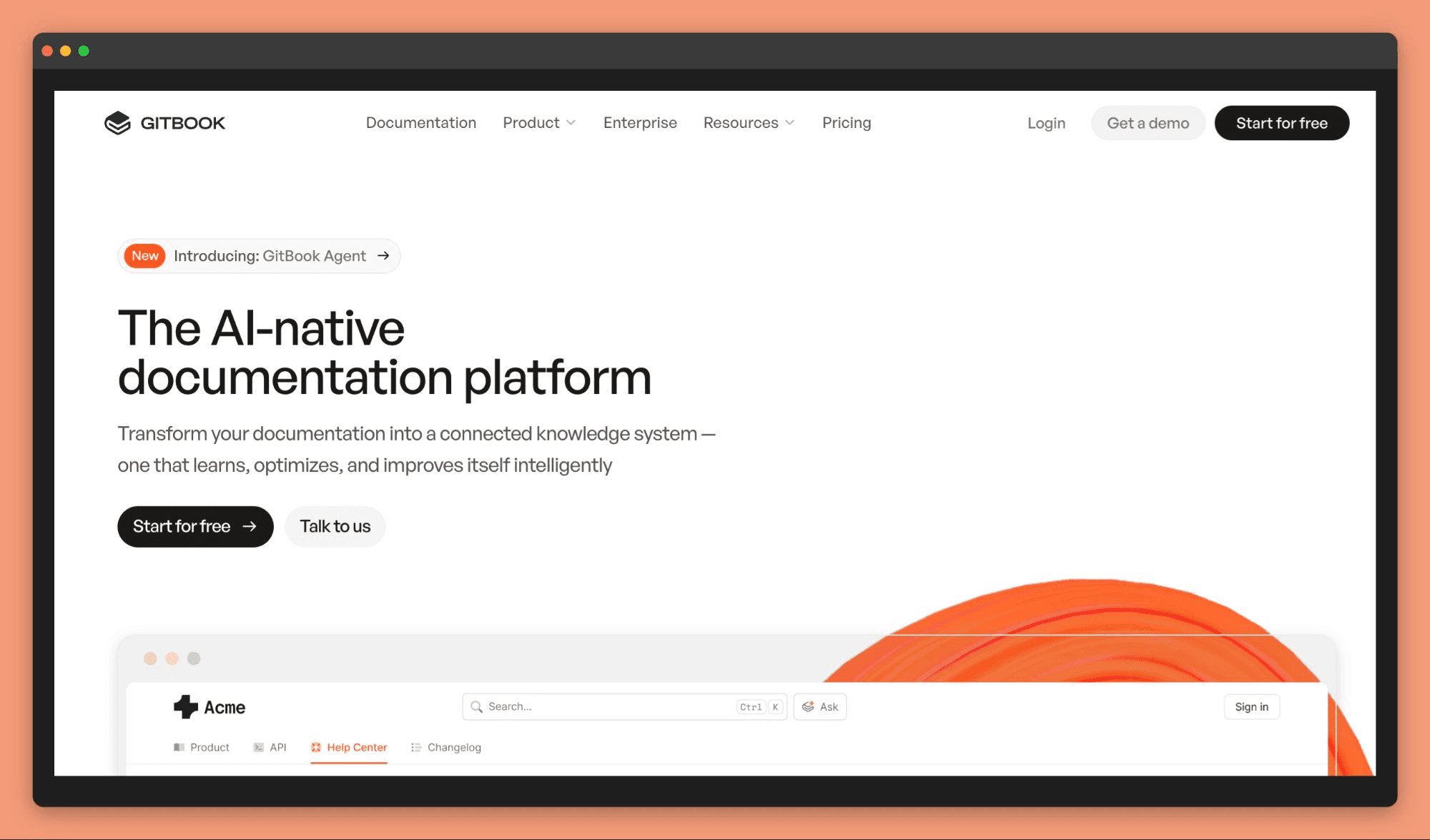
GitBook has been a staple for developer documentation for years, and its recent investment in AI features makes it worth a closer look for teams thinking about doc maintenance.
What it does for doc maintenance
The GitBook Agent is an AI writing assistant built into the platform. You can ask it to rewrite pages, generate new content, or restructure sections. It works by using your existing documentation as context, which keeps the output consistent. For teams spending significant time on manual edits, this helps speed up the work.
Another maintenance feature is still in early access: Automatic documentation suggestions, where the Agent monitors connected sources and automatically opens change requests when it spots content that likely needs updating..
Where it falls short
The automatic suggestions feature is early access, which makes it hard to evaluate reliably yet. The Git sync is solid and the Agent is useful for writing, but it’s still listening for signals after the fact. By the time something shows up in a Slack thread or GitHub issue, developers have already hit the problem.
Best for: Teams already using GitBook who want AI-assisted writing and are willing to invest in a platform as its maintenance features mature.
What about Docusaurus, MkDocs and Sphinx?
Docusaurus, MkDocs and Sphinx are static site generators, and they cover a different half of the job than the six tools above. A static site generator takes Markdown or reStructuredText files out of your Git repository and builds them into a documentation site you host yourself. Docusaurus is built on React and maintained by Meta. MkDocs is a Python project, usually paired with the Material for MkDocs theme. Sphinx has been the default for Python projects for years, because it handles deeply cross-referenced reference manuals better than anything else in the category. Docusaurus, MkDocs and Sphinx are all free, and all three give you version control over documentation by default, since every page is a file in a repo.
What a static site generator will not do is tell you a page has gone stale. The generator builds whatever sits in the repo, so an article describing an endpoint you removed last month builds cleanly and publishes without complaint. Git history tells you when a file last changed, and it cannot tell you that the thing which changed was the product. Generate your API reference from an OpenAPI specification, formerly known as Swagger, and that section stays accurate on its own while every hand-written page around it drifts at the usual rate.
Choose a generator when your documentation lives beside your code and your writers are engineers. Budget for a maintenance layer separately, because the generator will not supply one.
The common thread
Every tool here is better at finding what’s missing than catching what’s gone wrong. Kapa surfaces unanswered questions. Mintlify notices PR activity. Fern executes fast when you ask. ReadMe flags style inconsistencies. GitBook is working on it.
None of them have a direct line to your release cycle, and this isn’t just a developer documentation problem, we see the same pattern with help documentation as well. When a release ships, every place your product is documented falls a little further behind.
Most teams manage it with review schedules, Slack reminders, and the occasional all-hands documentation sprint. It works until it doesn’t.
Here’s a quick comparison of all the tools:
Tool | Best For | Finds gaps? | Flags outdated content? |
|---|---|---|---|
Mintlify | API-first teams on GitHub + Slack | ⚠️ From Slack threads + failed Q&A | ⚠️ Only when tied to a PR |
Fern | API-first teams wanting AI writing in Slack | ❌ No passive detection | ❌ No |
Kapa.ai | Large fragmented knowledge bases | ✅ From failed AI answers + query logs | ❌ No |
ReadMe | API developer portals | ⚠️ Low-rated pages + unanswered Q&A | ⚠️ Style/link checks only (Enterprise) |
GitBook | Teams using docs-as-code with Git | ⚠️ Early access: Slack + GitHub signals | ❌ Not automatically |
Docusaurus, MkDocs, Sphinx | Docs-as-code teams hosting their own site | ❌ No | ❌ No |
Pageloop | Teams shipping frequently on any platform | ✅ From tickets, Slack, Linear, Jira, GitHub | ✅ After every release |
If there’s a pattern across all five, it’s this: most tools are good at telling you what’s missing. Fewer are good at telling you what’s wrong with what you already have. And almost none of them know a release just shipped. That gap is worth knowing about before you pick one.
Frequently asked questions
How do I keep developer documentation in sync with code changes?
Most developer documentation platforms give you a good place to write and publish, but they do not connect to your release process. When your team merges a PR that changes an API endpoint or deprecates a feature, nothing tells your docs to catch up. Pageloop monitors your GitHub activity, Linear or Jira tasks, and Slack conversations, and generates proactive suggestions when documentation falls out of sync. For more on this, see How to Write Documentation for Humans and AI.
What is the difference between a documentation platform and a documentation maintenance tool?
A documentation platform is where you write and publish: Mintlify, GitBook, ReadMe, Fern, or a static site generator such as Docusaurus, MkDocs or Sphinx. A maintenance tool is what keeps those docs accurate after the first publish. Most platforms have basic review reminders or search analytics, but none of them proactively detect that your product changed and tell you which docs are affected. Pageloop is a documentation platform with the maintenance built in: it hosts the docs and keeps them accurate as the product ships.
Do I need to migrate my docs to use a maintenance tool?
For Pageloop, the move is smaller than a migration usually is: developer docs already live in a git repository, so you connect that repo and the content comes across with its history. Help-center content on Zendesk, Intercom, or Freshdesk needs no move at all, since Pageloop connects to those and maintains articles in place. With other platforms like GitBook and ReadMe, there are built-in maintenance features like broken link detection and docs auditing that work without adding anything new at all.
Image Courtesy Art Institute Chicago
Woman Reading, Édouard Manet (French, 1832–1883)

Author
Fatema works across marketing and content at Pageloop. She has an academic background in Ecology, a side-life in fashion, and an irrational loyalty to milk coffee.
Other related content you might be interested in


