The top 8 best tools to keep your knowledge base up to date
Not all of them are worth your time

Updated June 2026
Updating docs is hard. So hard that it’s easy to keep putting off - until your chatbot confidently tells customers about a button that no longer exists. That’s the thing about AI: it won’t know what it doesn’t know, and stale documentation makes it worse. Help docs are the backbone of any product experience, and letting them slip creates unnecessary friction for customers and quietly erodes trust in your brand. This post covers eight tools that actually help, from built-in options inside platforms you already use, to standalone solutions built specifically for the “maintenance problem”. Whatever your setup, there’s something on this list for you.
What to actually look for in a knowledge base tool
Not all knowledge base tools are built for the same problem, so before you go down the list, here’s what’s actually worth paying attention to.
Does it tell you what needs updating? Not just letting you edit, but also surfacing your docs to identify what’s gone stale.
Does it work with how your product ships? If your tool is not able to keep up with your pace, your docs will always be one step behind.
Does it fit your team size? Some tools are suited for fewer members, and some can fit better into larger teams.
Does it integrate with your existing stack? Do you need to migrate to use their software? The best ones are those that integrate with what you already have.
Can a human stay in control? Very important, but not talked about enough. Do you rely entirely on AI, or are you allowed to make the final call?
The 8 best tools to keep your knowledge base up to date
1. Pageloop
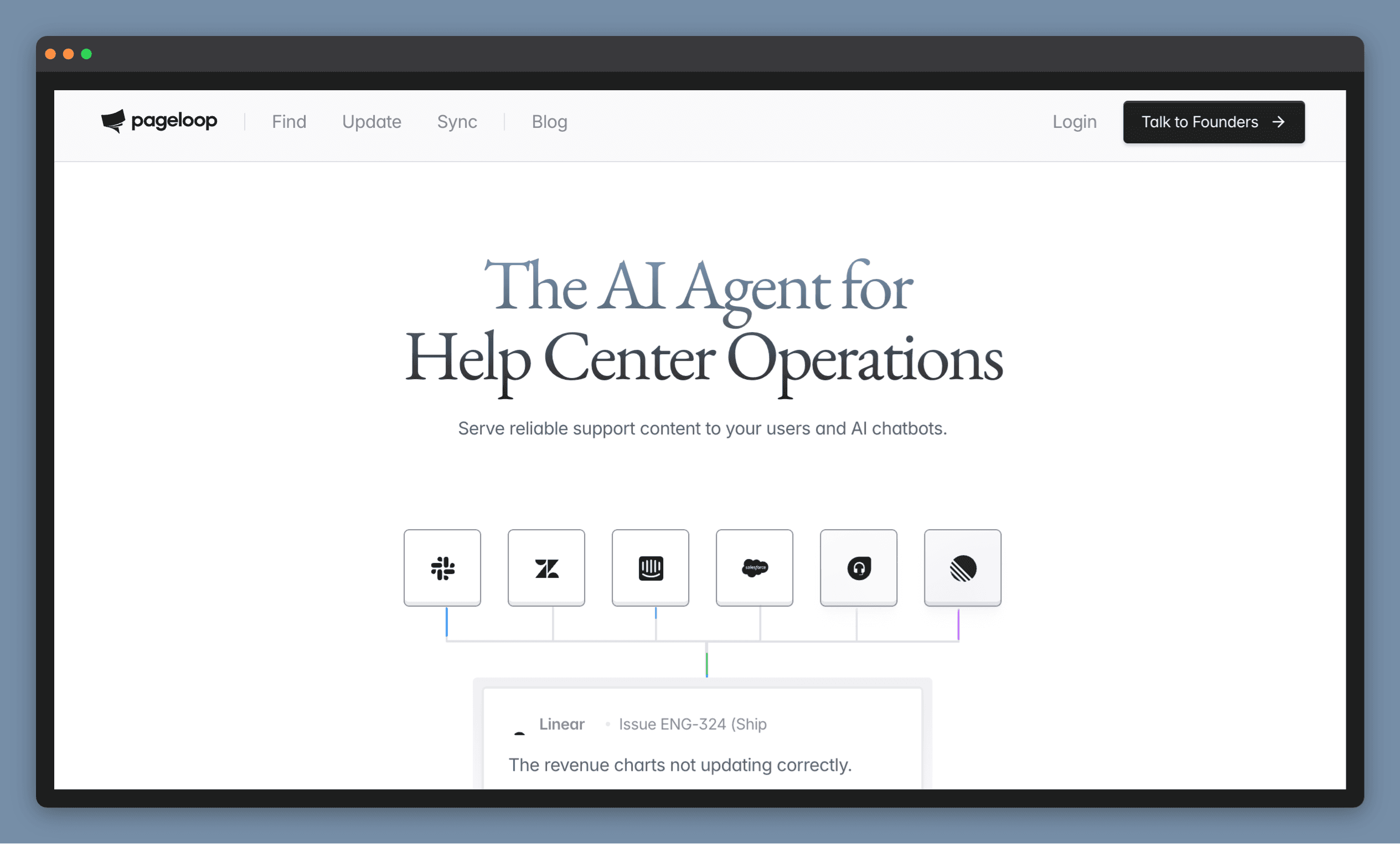
Monitors your product changes and tells you what to fix. Works on top of your existing help center, or hosts your docs directly.
Pageloop does two things most tools on this list do not: it monitors your engineering and support signals and generates proactive suggestions when your documentation needs to change.
It connects to the sources your team already uses. Resolved support tickets, Slack conversations, Linear or Jira tasks, GitHub activity. When something changes, Pageloop identifies which articles are affected and suggests what needs updating. You review the suggestion, refine it, and publish when you are ready. Nothing goes live without you choosing to publish it.
Pageloop also generates new articles. Record a product flow with the Chrome extension or upload a video, and it produces a complete draft with screenshots embedded in the right places. If Pageloop needs more context to get something right, it will ask before generating, so the output matches what you actually meant. The same workflow applies to updates: record the new flow, or grant Pageloop permission and it captures the updated screens on its own. Either way, it identifies which existing articles need to change.
It connects directly with Zendesk, Intercom, Freshdesk, and Help Scout. Your existing help center stays where it is. Or you can host your docs on Pageloop directly and get documentation maintenance built in from the start. Pricing is based on knowledge base size, not seats, so your whole team can use it. We offer a free trial if you’d like to explore the product for yourself. Try us out.
Where it falls short
Pageloop is purpose-built for documentation maintenance. It is not a customer service suite, a ticketing system, or a live chat tool. It handles the knowledge base, not the support desk.
Best for
Teams that ship frequently and cannot keep documentation in sync manually, across any help center platform.
2. Zendesk Guide
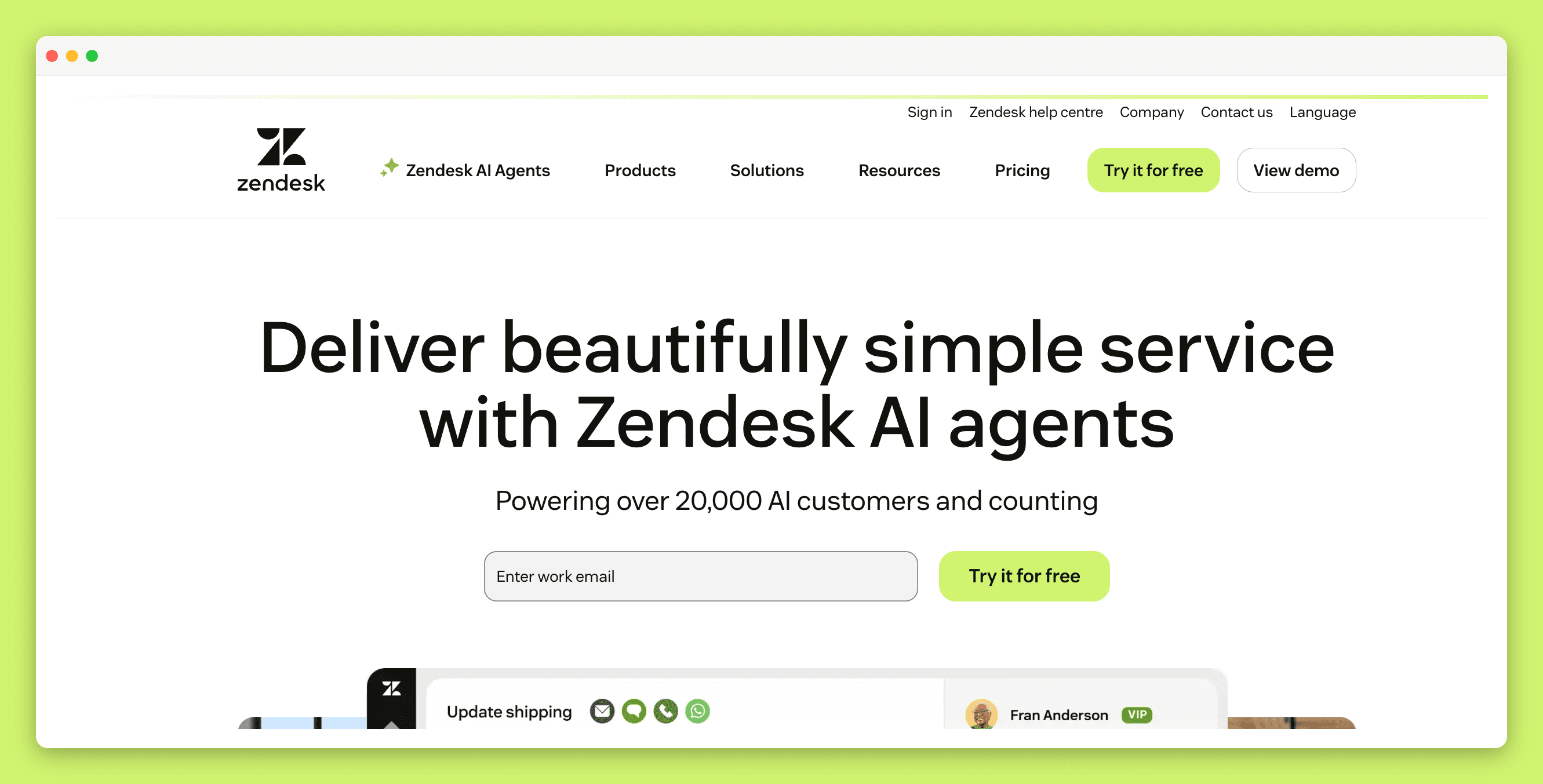
The default choice for Zendesk users. It’s functional, familiar, and built in.
If your support team already lives in Zendesk, Guide is the path of least resistance. There’s no integration to set up, and agents can pull articles while responding to tickets. The main maintenance feature is Article Verification where you can set rules that automatically flag articles as “outdated” based on age or tags, and then notify the owner to review them.
A new AI tool called Knowledge Builder is in early access and generates article outlines from past tickets, but it’s not generally available yet.
Where it falls short
The recently deprecated Content Cues feature which scanned tickets for knowledge gaps leaves a hole that hasn’t been fully filled. The editor is basic, bulk updates require third-party add-ons and teams managing hundreds of articles with frequent releases will hit the ceiling quickly.
Best for
Teams already on Zendesk who don’t ship frequently, want everything in one place, and don’t need advanced maintenance features.
3. Intercom (now Fin)
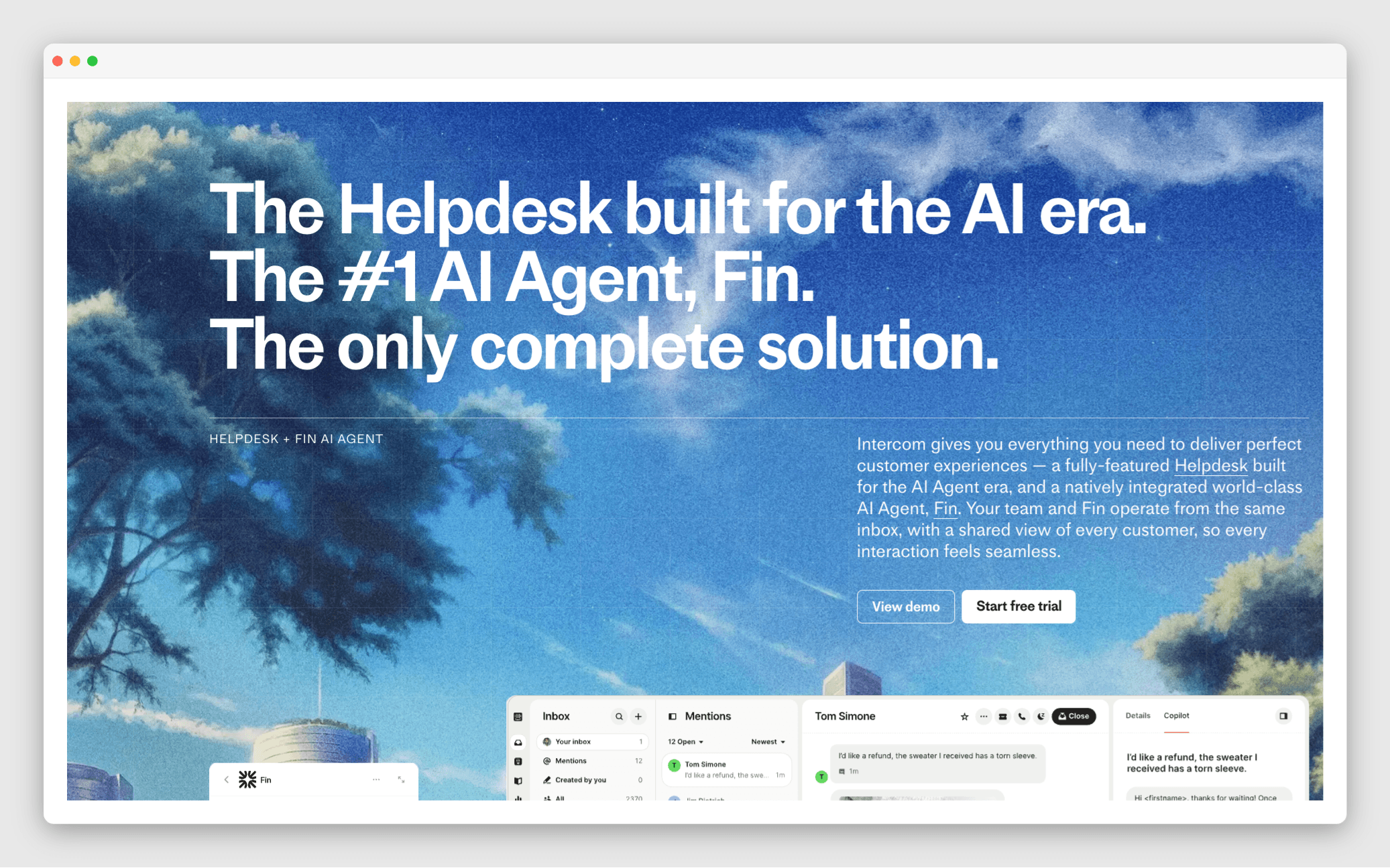
Intercom’s AI agent - useful for teams who want AI to flag what’s missing and fix it.
Fin is Intercom’s AI support agent, and is one of the few tools that uses real customer conversations to tell you where your documentation is failing. The Content Gap Suggestions feature scans conversations Fin couldn’t resolve and compares them to how human agents responded. It flags where articles are missing or unclear. Each suggestion is ranked by likely impact, making it easy to focus on the highest-value edits. You review, edit, and approve before anything goes live.
Where it falls short
This is a Fin feature, not a standalone knowledge base tool, so it only makes sense if you’re already using Fin as your AI agent inside Intercom. Content Gap Suggestions are also still in open beta, so access isn’t universal yet. Additionally, suggestions only appear for conversations that Fin successfully groups into an AI Topic (also in beta), so anything that is not auto-tagged will be skipped.
One significant limitation is that it won’t help you get ahead of product changes. It reacts to where Fin has already failed, rather than flagging what’s about to go stale, which still leaves a gap in the process.
Best for
Teams who want to improve Fin’s response and use Intercom already. Features may be accessible if you have US/EU/AU-hosted workspaces.
4. Guru
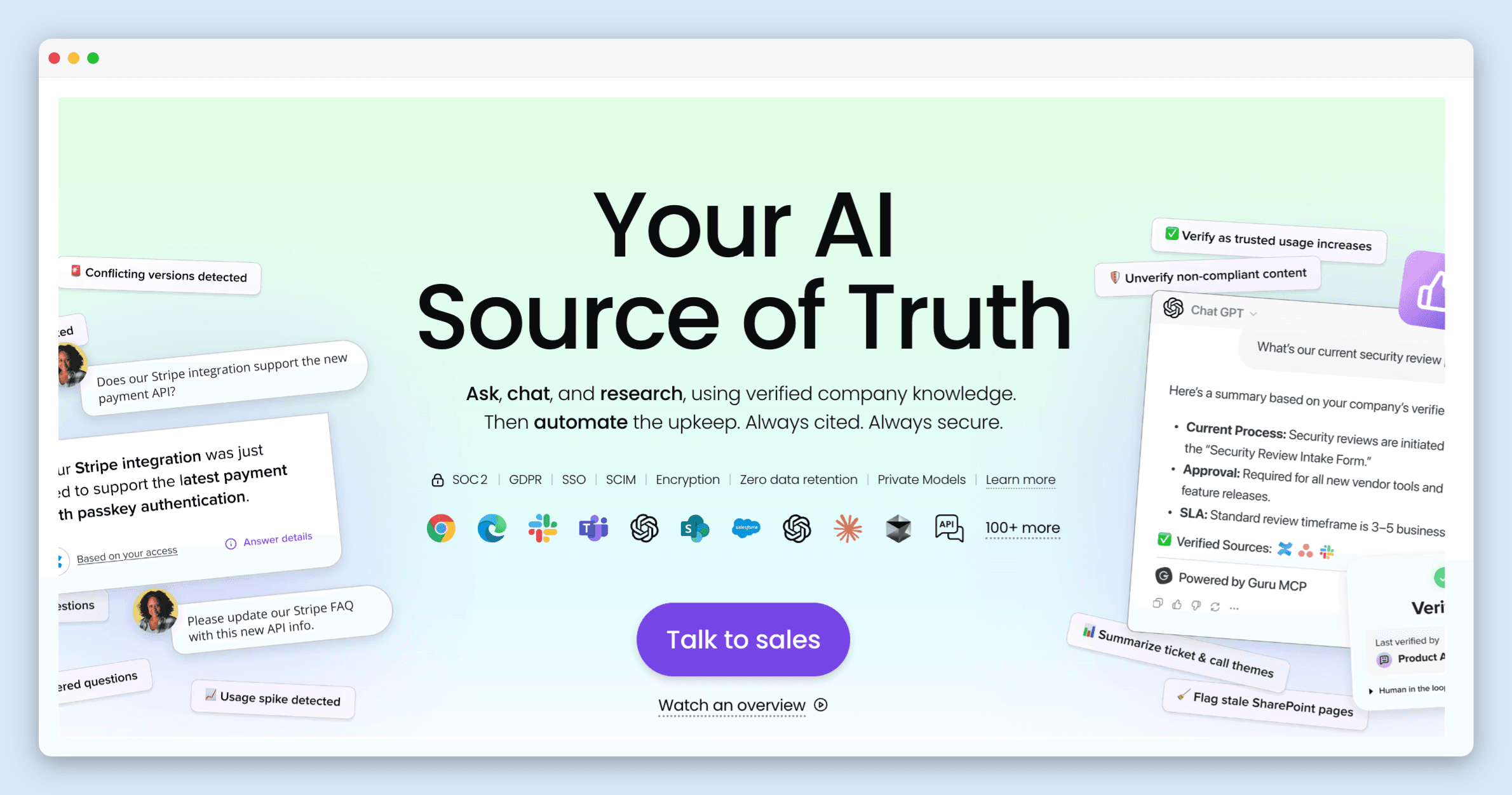
Knowledge management for teams who need one verified source of truth.
Guru’s standout feature is automated knowledge quality which is synced to the company’s knowledge. Knowledge Agents continuously evaluate your content and automatically un-verify anything that looks outdated, deprioritizing it in search and chat until someone confirms it’s still accurate. Cards that are actively used and clearly current get verified automatically. You get an audit trail for every decision and can override it if needed.
Where it falls short
The verification workflow adds overhead that smaller teams can find cumbersome. The card-based structure works well when the knowledge base is lean, but users consistently report that search becomes unreliable as content grows. It’s also primarily built for internal knowledge management, so if you need a polished customer-facing help center, Guru wasn’t really designed for that experience.
Best for
Teams managing internal knowledge who want AI to continuously vet content and surface only what’s verified.
5. Document360
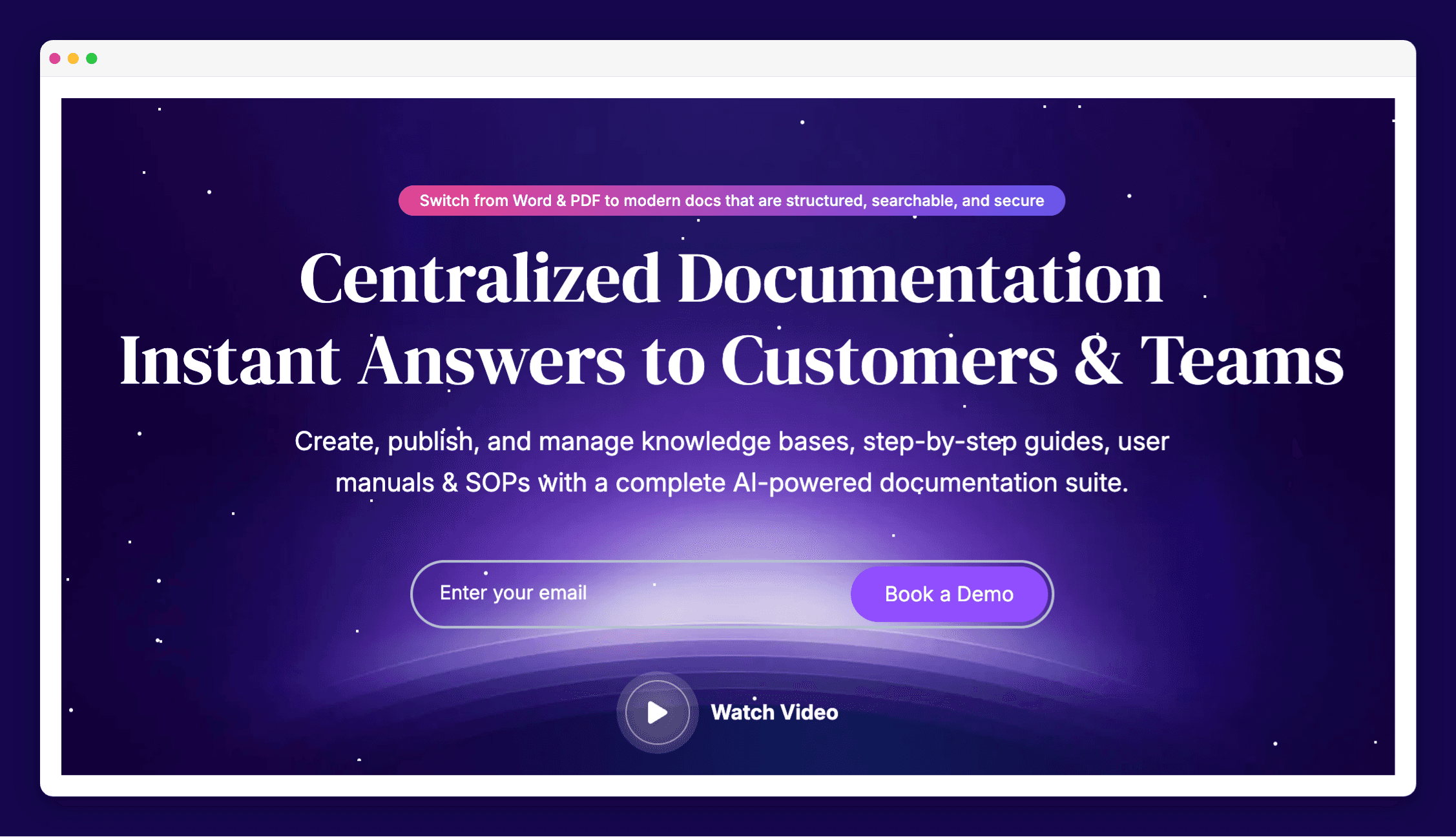
A dedicated knowledge base platform without the platform lock-in.
Document360 is one of the more fully-featured standalone knowledge base tools. For maintenance, it offers Article Review Reminders (schedule articles for review and flag them as stale when the date arrives) and Duplicate Content Detection (scans for identical or very similar text and suggests consolidating it into shared snippets). The analytics show which articles get traffic, which searches return no results, and which articles are linked most often with practical data for deciding what to fix first.
Where it falls short
Both the Review Reminders and Duplicate Content Detection require you to take action first, since there’s no proactive flagging. The reminders are only as useful as the review schedule you set up, and the duplicate scan has to be run manually. If nobody’s minding the cadence, things still go stale.
Best for
Teams who want a purpose-built help center with solid content governance and aren’t tied to a specific ticketing platform.
6. Helpjuice
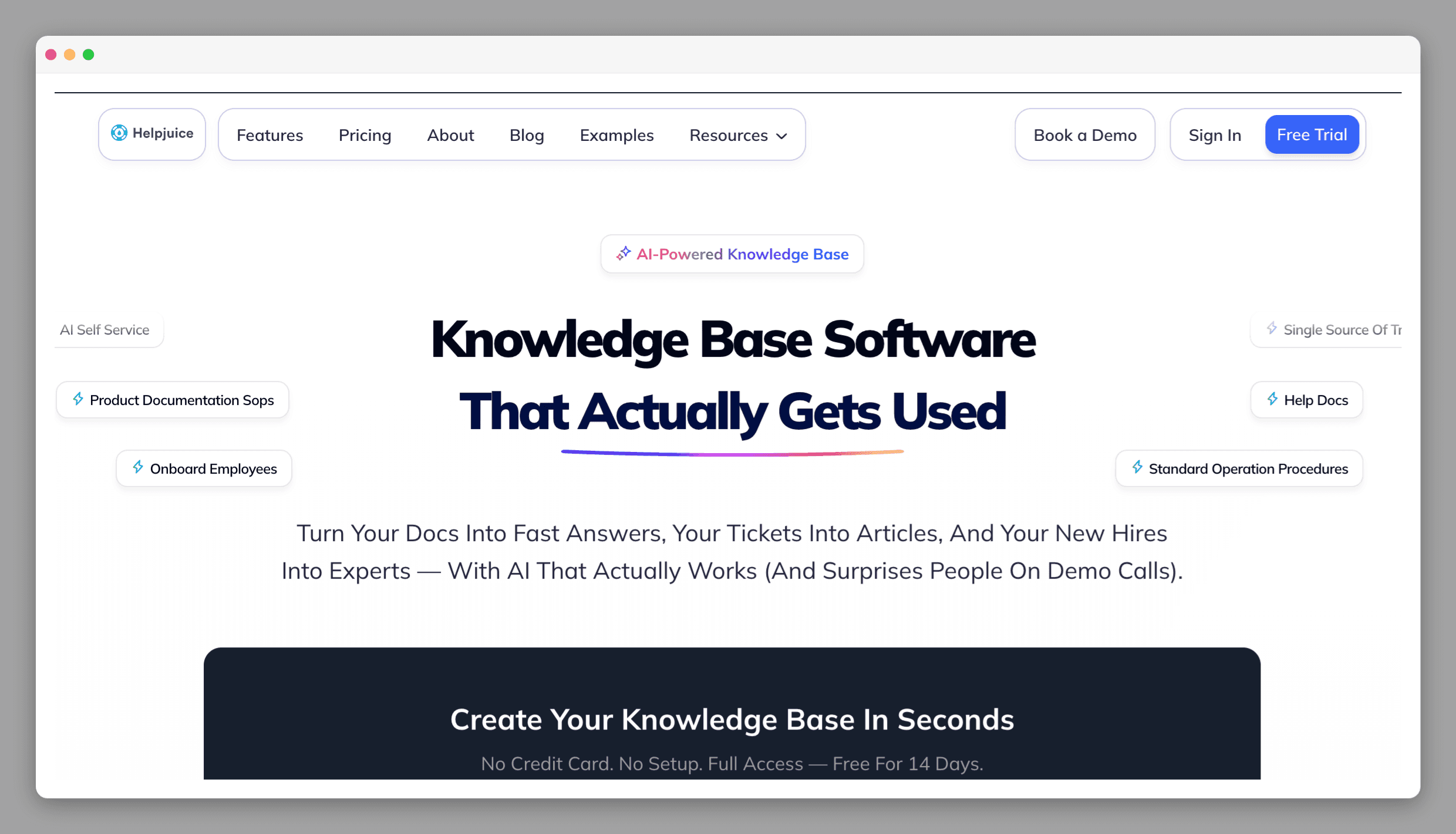
AI-assisted article creation for teams who want to close content gaps faster.
Helpjuice’s AI Article Request system lets team members flag missing content directly from a dashboard or Chrome extension, submit a question, assign someone with the answer, and the AI composes a draft from whatever that person provides, whether text, voice, or an uploaded document. The more interesting part is that Swifty AI doesn’t just wait to be asked: when searches come up empty, it automatically creates article requests and flags them as “Requested by Swifty AI.” Those land in the Article Planner for the team to action.
Where it falls short
Helpjuice is built for filling gaps, not maintaining what you already have. It’s good at finding what’s missing, but it won’t tell you which existing articles are outdated or out of sync with your product. The review workflow exists, but it’s manual, since someone has to initiate it. If your problem is existing articles becoming inaccurate over time rather than missing topics, Helpjuice won’t catch it.
Best for
Teams who want an internal request system where AI flags content gaps and helps write the new articles.
7. Tettra
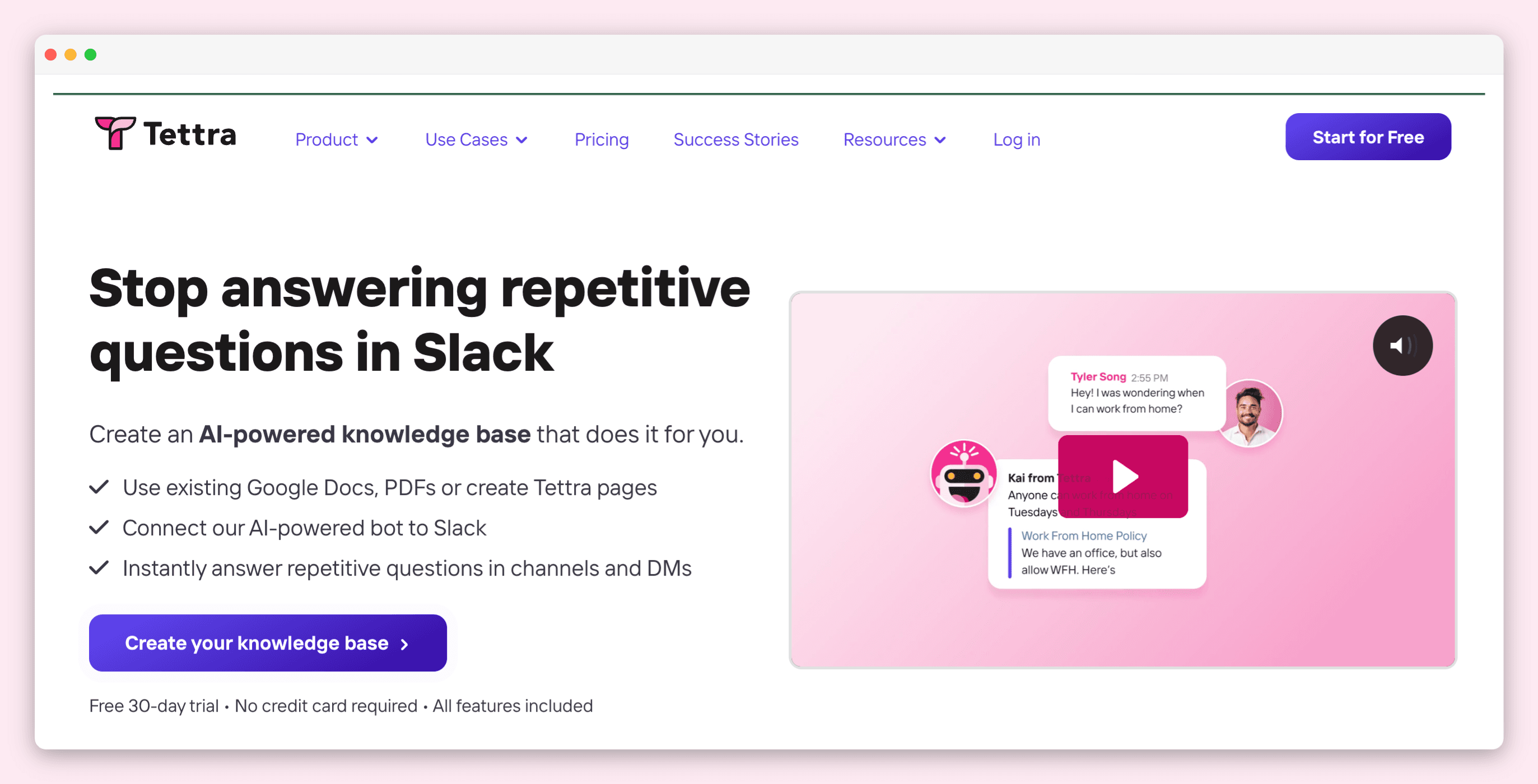
Reminder-based knowledge management built for teams already living in Slack.
Tettra keeps things simple. The Page Update Request feature lets anyone flag an article, describe what needs to change, assign a teammate, and schedule a review. That request goes into a queue with Slack or email notifications to keep it moving. For teams with existing tooling, there’s also an API endpoint that lets engineers trigger update requests programmatically, which is useful if you want product spec changes or release notes to automatically surface as Tettra update requests. It’s not doing AI gap analysis, it’s doing structured reminders and accountability. For some teams, that’s exactly enough.
Where it falls short
Everything in Tettra depends on a human noticing that something needs updating and flagging it. There’s no proactive detection of stale content, no AI scanning for gaps. Tettra does surface “unowned” and “stale” content in its Content Suggestions feature, but that’s based on ownership and activity signals, not on whether the content still reflects your product. If your team is stretched thin and things are slipping through unnoticed, Tettra won’t catch what nobody’s flagged.
Best for
Teams using Slack who want a simple, reminder-based process for flagging and assigning content updates.
8. KnowledgeOwl
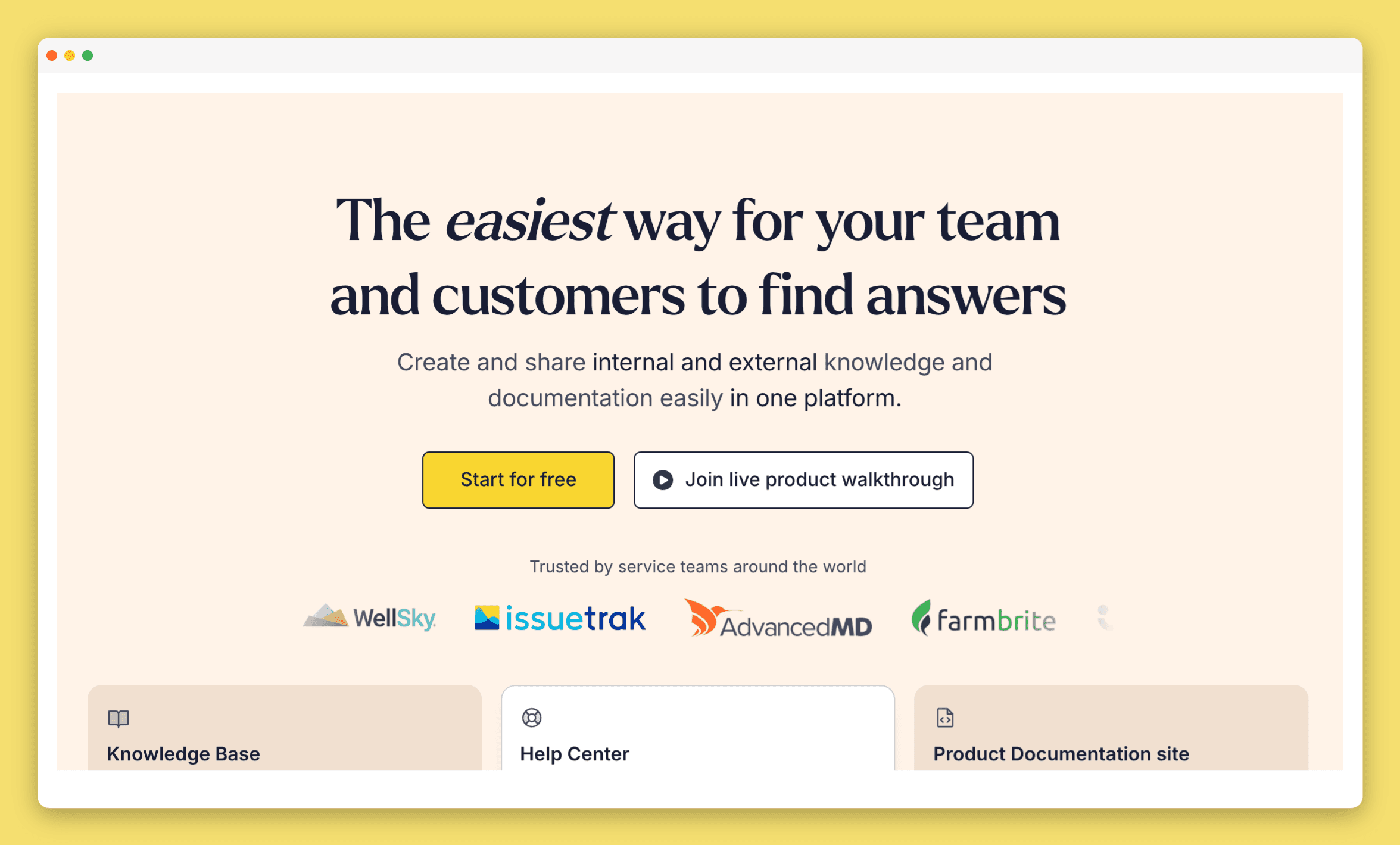
A straightforward knowledge base with on-demand AI writing help.
KnowledgeOwl doesn’t try to automatically detect what’s outdated. What it does offer is Owl Intelligence, an AI writing assistant that generates article drafts, outlines, and meta descriptions on demand, and can evaluate your articles against a loaded style guide to flag inconsistencies. It also provides scheduling and versioning tools, Slack and email notifications on content changes. They also include an AI chatbot that answers user queries from your knowledge base. It’s a clean, capable platform for teams who want editorial control and occasional AI assistance without a complex maintenance layer on top.
Where it falls short
KnowledgeOwl doesn’t have scheduled review reminders, staleness flagging, or any mechanism for detecting when content has fallen behind your product. The analytics show you views and search activity, and the AI chatbot will surface confidence gaps in what it can answer, but none of that proactively tells you which articles need updating. You’re relying on your team to notice drift and act on it manually.
Best for
Teams that need basic editorial controls scheduling, version history, notifications plus optional AI help when drafting.
Here is how these tools stack up against each other:
Tool | Best for | Finds Content Gaps | Flags outdated articles |
|---|---|---|---|
Zendesk Suite | Teams already on Zendesk | ❌ No | ✅ Rule-based Article Verification |
Intercom (Fin) | Teams using Fin as their AI agent | ✅ From unresolved Fin conversations | ⚠️ Content Gap Suggestions flags outdated/contradictory articles reactively |
Guru | Internal knowledge management | ⚠️ Usage signals only | ✅ Automated un-verification + scheduled expert reminders |
Document360 | Standalone help centers | ⚠️ Failed searches only | ⚠️ “Needs review” status via automated reminders (rule-based) |
Helpjuice | Closing content gaps fast | ✅ Failed searches trigger requests | ❌ No |
Tettra | Slack-first teams | ❌ No | ⚠️ Ownership signals + scheduled page verification |
KnowledgeOwl | Editorial control + AI drafting | ❌ No | ❌ No |
Pageloop | Teams shipping frequently | ✅ From tickets, Slack, Jira, GitHub, Linear | ✅ After every release |
If there’s a pattern across all these, it’s this: most tools are good at telling you what’s missing. Fewer are good at telling you what’s wrong with what you already have. And almost none of them know a release just shipped. That gap is worth knowing about before you pick one.
Your chatbot still thinks that button exists, by the way!
Frequently asked questions
What is the best way to keep a knowledge base up to date?
Most teams rely on periodic manual reviews, which means articles go stale between review cycles. The more effective approach is to connect your documentation workflow to the signals that indicate something changed: product releases, support tickets, engineering tasks, Slack conversations. Pageloop does this by monitoring those sources and generating proactive suggestions when articles need attention. For more on finding what has gone stale, see How to Find Stale Content in Your Knowledge Base.
Can AI help maintain a knowledge base?
Yes, but the specifics matter. Some tools use AI to draft new articles from ticket data or search queries. Fewer use AI to detect when existing articles have gone out of sync with your product. Pageloop does both: it generates proactive suggestions for updates when your product changes, and it generates new article drafts when documentation gaps appear. You review everything before it goes live. We wrote about where AI helps and where it still falls short in How to Use AI to Keep Your Help Center Updated.
Do I need to switch platforms to get better documentation maintenance?
No. Most maintenance tools work on top of your existing help center. Pageloop connects directly to Zendesk, Intercom, Freshdesk, and Help Scout. You do not need to migrate your content or retrain your team. If you do want a fresh start, Pageloop also hosts help centers directly with maintenance built in.
Image Courtesy Art Institute of Chicago
On a Balcony, Mary Cassatt (American, 1844–1926)

Author
Fatema works across marketing and content at Pageloop. She has an academic background in Ecology, a side-life in fashion, and an irrational loyalty to milk coffee.
Other related content you might be interested in


